
Jetbrains IDE Plugin
Automate code analysis, speed up coding with intuitive interface, and expand coding knowledge effortlessly.
- Freemium
- JetBrains IDEs (IntelliJ IDEA, PyCharm, WebStorm, GoLand, CLion, and others)
- Data & AnalyticsDesignCode
- Free plan available
- No credit card
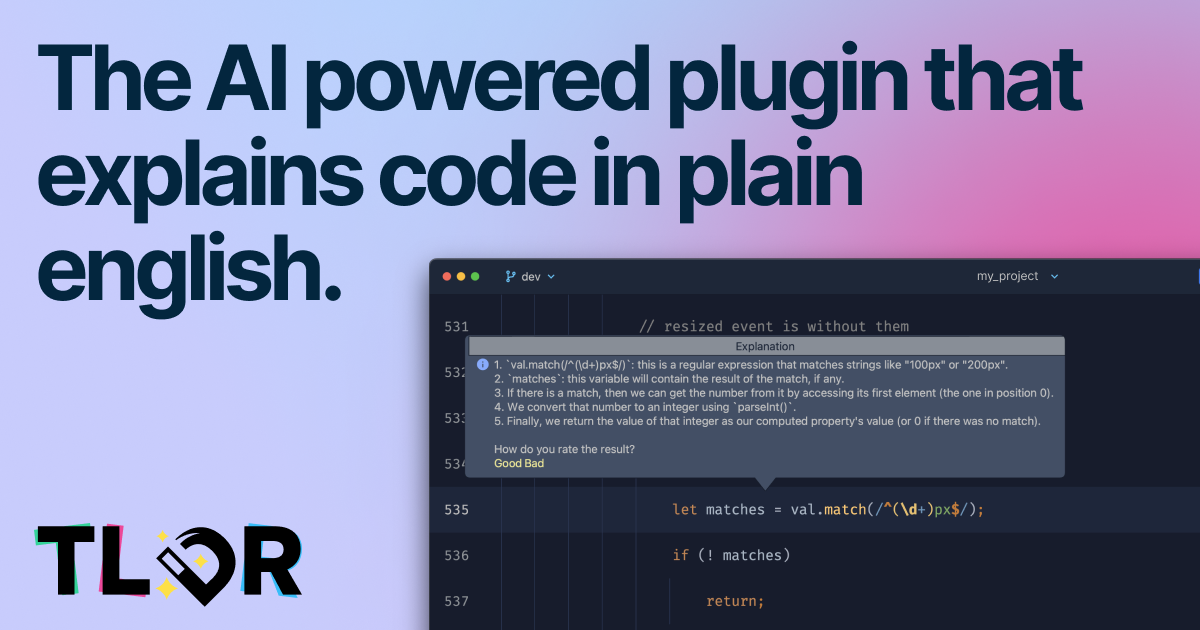
What is Jetbrains IDE Plugin?
Key features
Real-time code analysis
identifies errors, code smells, and potential issues as you write
Code explanations
plain-language summaries of what your code does and why issues might occur
Contextual suggestions
recommends fixes and improvements based on your specific code
IDE integration
runs within JetBrains editors so you don't need to switch tools
Multi-language support
works with languages supported by your JetBrains IDE
Usage limits
free tier includes a set number of analyses per month
Pros & cons
Advantages
- Integrated directly into your IDE so feedback appears where you're already working
- Helps junior developers learn by explaining code patterns and common mistakes
- Catches bugs and style issues before code review
- Free tier is genuinely useful for individual developers and small teams
Limitations
- Free tier has monthly usage limits that might restrict heavy users
- Quality of suggestions depends on the complexity of your codebase
- Only works with JetBrains IDEs, not other popular editors like VS Code
Use cases
Learning to write better code by understanding feedback on your own projects
Speeding up code review by catching common issues automatically
Onboarding new developers by providing explanations of existing code patterns
Maintaining code quality in larger projects with minimal manual review effort
Working in languages where you're less experienced and want guidance
Ready to try Jetbrains IDE Plugin?
Pricing
Get started with Jetbrains IDE Plugin
Click through to Jetbrains IDE Plugin and start using it now.
- Free plan available
- No credit card