
Jinna.ai
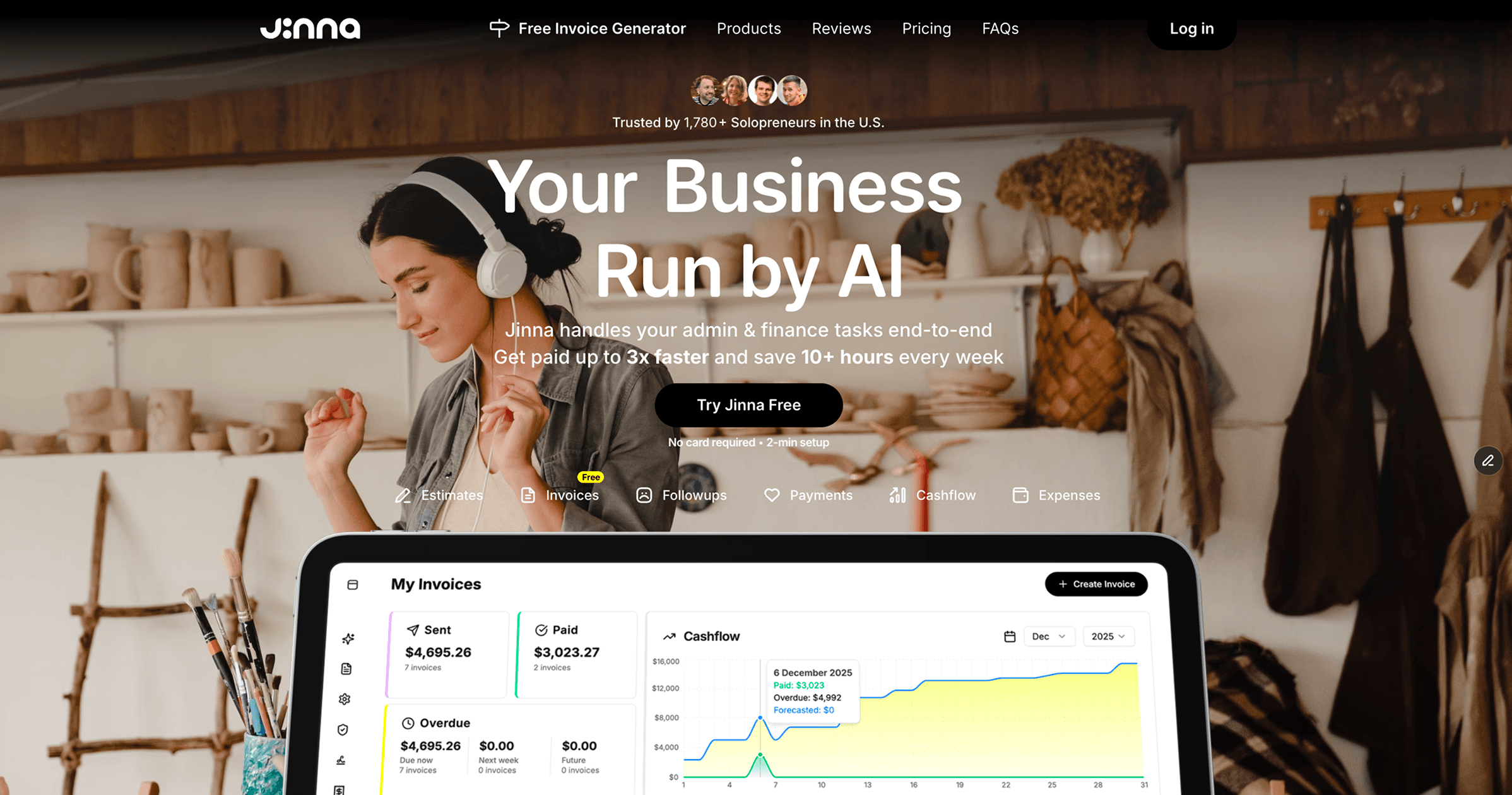
Automates invoicing and follow-ups for small businesses.
- Free plan available
- No credit card
What is Jinna.ai?
Key features
Automated invoice generation
creates and sends invoices based on your business details and client information
Payment reminders
automatically sends follow-up messages to clients with outstanding invoices
Invoice tracking
shows which invoices have been paid, viewed, or remain outstanding
Customisable templates
adjust invoice appearance to match your branding
Client management
stores client details and payment history for easy reference
Pros & cons
Advantages
- Reduces time spent on manual invoicing and payment chasing
- Freemium model means you can try it without upfront cost
- Straightforward setup for small teams without accounting expertise
- Automated reminders increase the chance of getting paid on time
Limitations
- Limited integration options with other business tools compared to larger accounting platforms
- Free tier likely has restrictions on invoice volume or client numbers
- Does not handle full bookkeeping, tax reporting, or financial analysis
Use cases
Freelancers invoicing multiple clients each month
Small creative agencies tracking project-based payments
Service businesses needing automated payment reminders
Solo entrepreneurs wanting to reduce administrative overhead
Startups managing cash flow without a dedicated finance person
Ready to try Jinna.ai?
Pricing
Free
Free
Basic invoicing and limited automated reminders; suitable for trying the tool with a small number of clients
Paid plans
Contact for details
Likely include higher invoice limits, advanced customisation, priority support, and additional automation features
Get started with Jinna.ai
Click through to Jinna.ai and start using it now.
- Free plan available
- No credit card