Jobflow
- Freemium
- Web, iOS, Android
- Free plan available
- No credit card
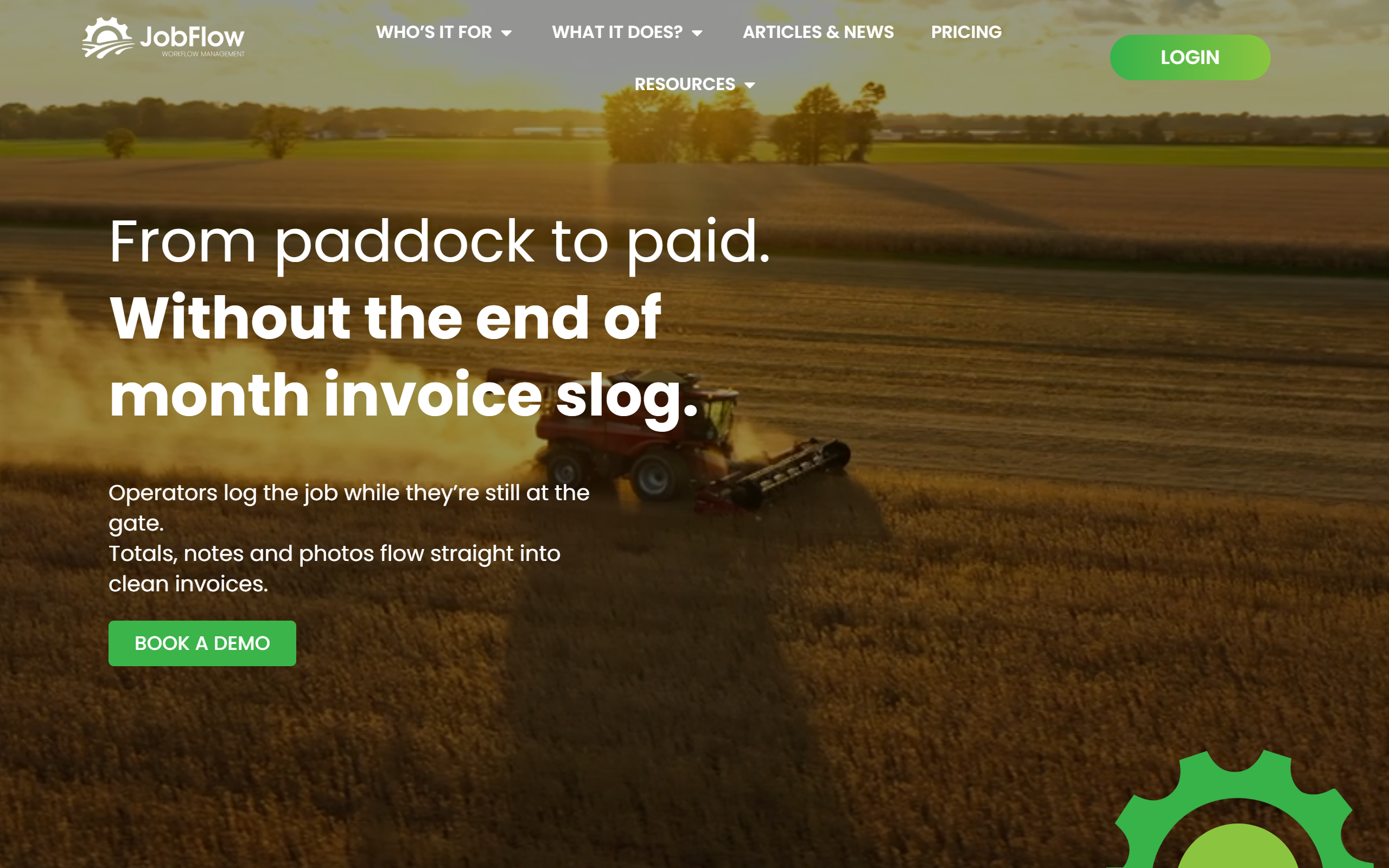
What is Jobflow?
Key features
Job scheduling
Create and assign jobs to crew members with dates, locations, and task details
Crew management
Track team members, their availability, and work assignments across multiple jobs
Work tracking
Log hours worked, tasks completed, and job progress in real time
Invoicing
Generate invoices from completed work and tracked hours for faster billing
Mobile access
View and manage jobs on site using mobile devices
Pros & cons
Advantages
- Built for Australian agricultural businesses, so understands local compliance and operational patterns
- Frees you from paper-based or spreadsheet job management, which is error-prone and time-consuming
- Freemium model lets you try the core features at no cost before committing to paid tiers
- Integrates job tracking with invoicing, reducing administrative back-and-forth
Limitations
- Limited to Australian businesses, so it may not suit contractors working across borders
- If you need detailed financial reporting or accounting integration beyond basic invoicing, you may need separate tools
- Feature set is narrower than general-purpose project management software, which may feel limiting for complex multi-site operations
Use cases
Agricultural contractors scheduling and billing seasonal work across multiple paddocks or clients
Rural maintenance crews tracking daily tasks, hours worked, and invoicing clients on a job basis
Small farm businesses managing regular maintenance teams and charging for labour and services
Contractors coordinating multiple crews on different jobs and needing quick crew deployment
Sole traders moving from paper job sheets to digital scheduling and automated invoicing
Ready to try Jobflow?
Pricing
Paid tiers
Pricing not publicly listed
Advanced invoicing, reporting, and additional crew or job capacity; specific pricing available on request
Get started with Jobflow
Click through to Jobflow and start using it now.
- Free plan available
- No credit card