
Jott
Capture quick written or voice notes from your Mac's notch
- Free plan available
- No credit card
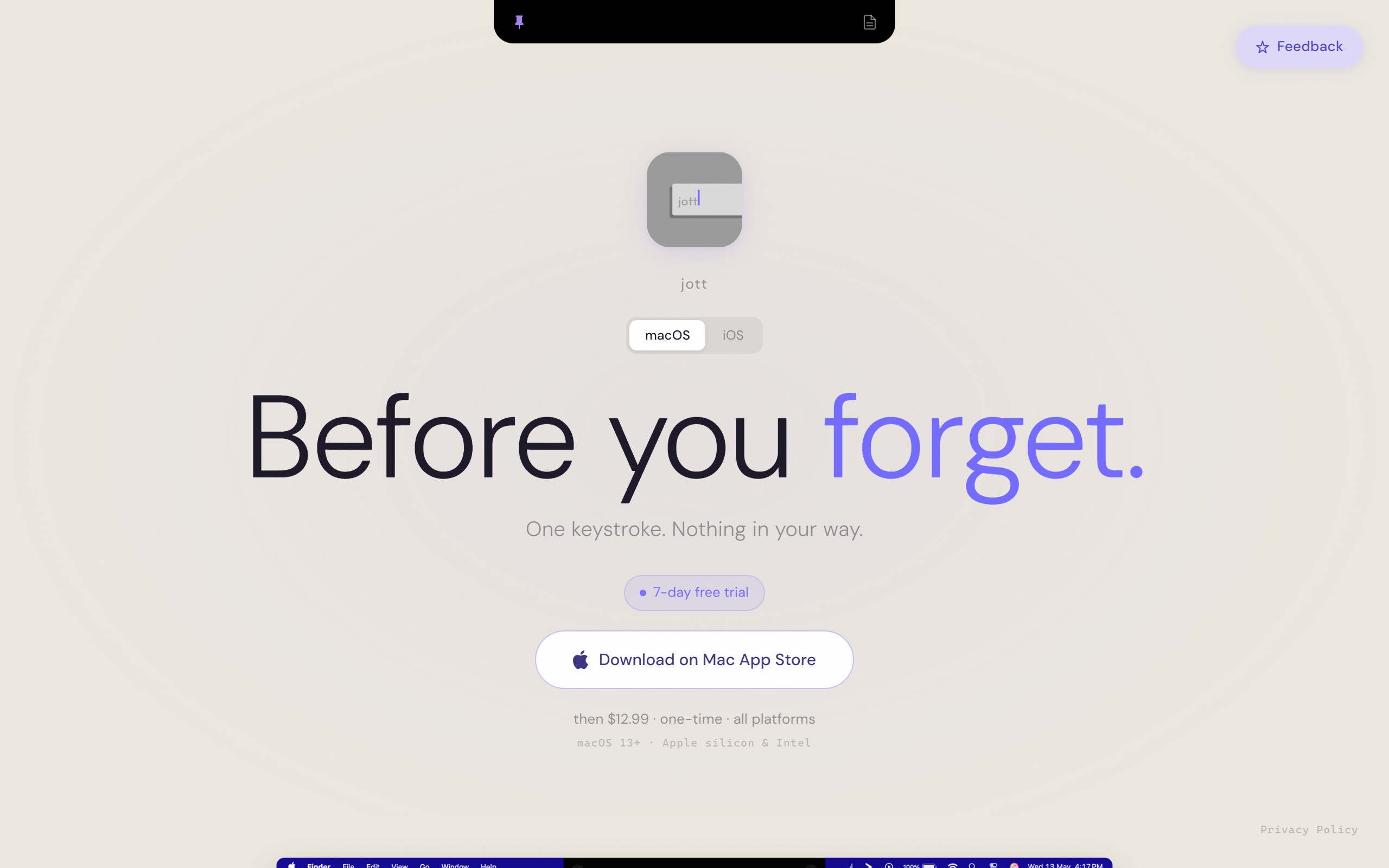
What is Jott?
Key features
Quick capture interface
Access note-taking directly from the Mac notch area without opening a separate app
Voice note recording
Speak your notes aloud and have them captured as audio memos
Text notes
Type quick written notes for thoughts, tasks, or reminders
Minimal interface
Unobtrusive design that doesn't interrupt your current work
Notch integration
Makes functional use of the MacBook Pro notch space
Pros & cons
Advantages
- Clever use of notch space that would otherwise go unused
- Very quick access for capturing thoughts without app switching
- Supports both voice and text input methods
- Minimal, non-intrusive interface design
- Built specifically for Mac hardware integration
Limitations
- Only works on MacBook Pro models with a notch (2021 and later)
- Mac-only, no cross-platform support
- Limited to quick capture rather than full note organisation
- Smaller user base due to hardware requirements
Use cases
Capturing quick thoughts during video calls or meetings without opening Notes
Recording voice memos whilst coding or working with hands on keyboard
Jotting down task reminders or ideas that pop up during focused work
Quick brainstorming capture without disrupting current workflow
Temporary note parking before organising into a proper note-taking system
Ready to try Jott?
Pricing
Get started with Jott
Click through to Jott and start using it now.
- Free plan available
- No credit card