
Kamara
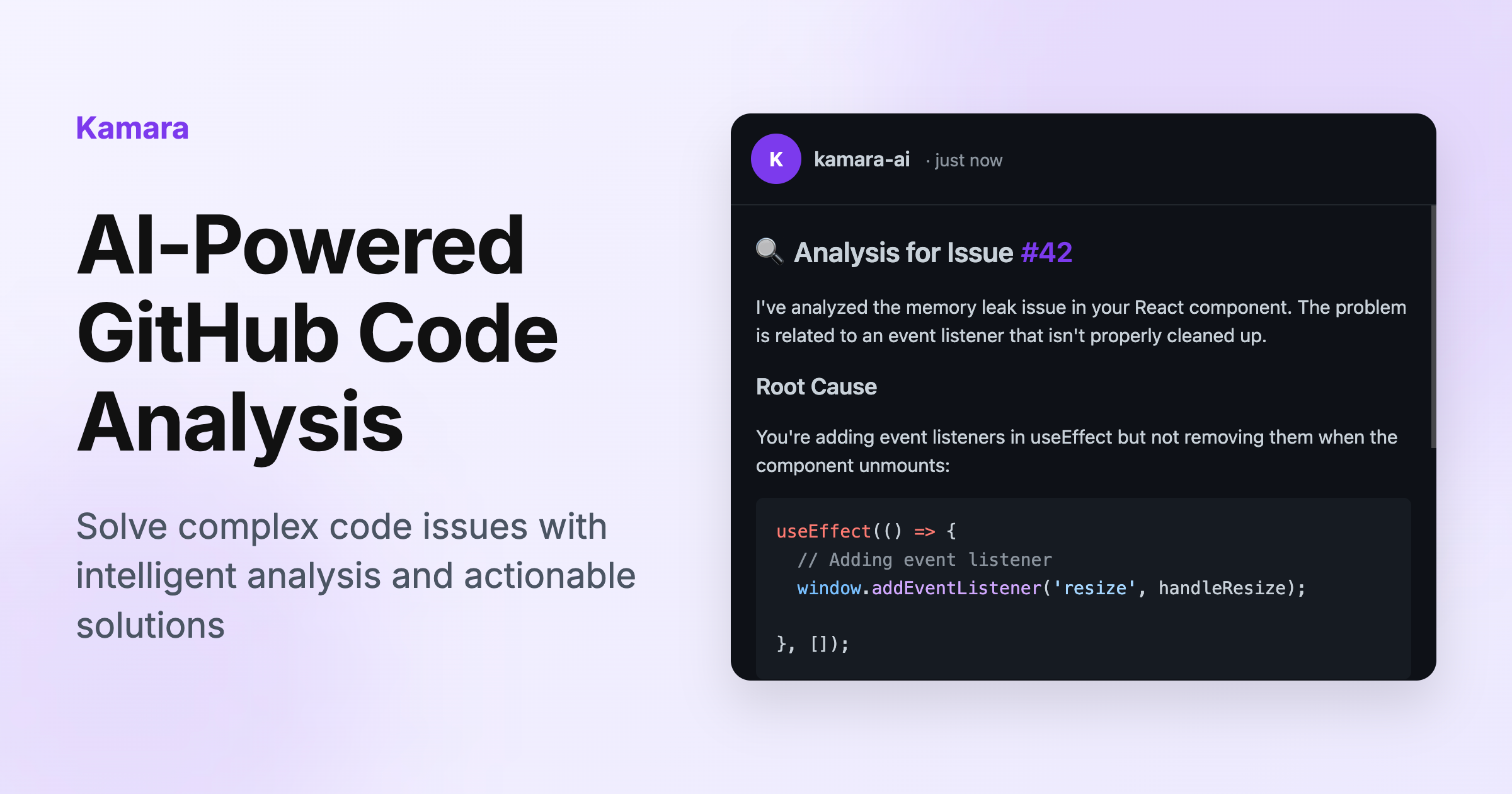
Write code with precision, speed, and AI-powered suggestions, along with debugging and optimization tools.
- Freemium
- Web
- AI Tools for ProgrammingDeveloper ToolsCode
- Free plan available
- No credit card
What is Kamara?
Key features
AI-powered code suggestions
Real-time recommendations for code completion and improvement as you write
Debugging tools
Built-in debugging assistance to identify and resolve errors in your code
Code optimisation
Suggestions for improving performance and efficiency of existing code
Multi-language support
Works across various programming languages with contextual awareness
Freemium access
Core features available without payment, with premium options for advanced functionality
Pros & cons
Advantages
- Reduces development time through intelligent code suggestions and automation of repetitive tasks
- Helps catch bugs and inefficiencies early rather than waiting for testing phases
- Available on a freemium model, so you can try the core features without upfront cost
- Works across multiple programming languages without needing separate tools
Limitations
- AI suggestions may occasionally require manual review or refinement to match your specific requirements
- Effectiveness depends on having clear, well-structured code context for the AI to work with
Use cases
Speeding up development of routine functions and boilerplate code
Learning new programming languages with AI suggestions guiding syntax and best practices
Debugging complex code by getting AI-assisted analysis of potential issues
Optimising existing codebases for better performance
Reducing context-switching when working across multiple programming languages
Ready to try Kamara?
Pricing
Premium
Pricing not publicly specified
Advanced AI features, priority processing, and additional optimisation tools
Get started with Kamara
Click through to Kamara and start using it now.
- Free plan available
- No credit card