
Kan
Manage projects on an open-source kanban with self-hosting, board imports, and team access controls
- Freemium
- Web, API
- Other
- Free plan available
- No credit card
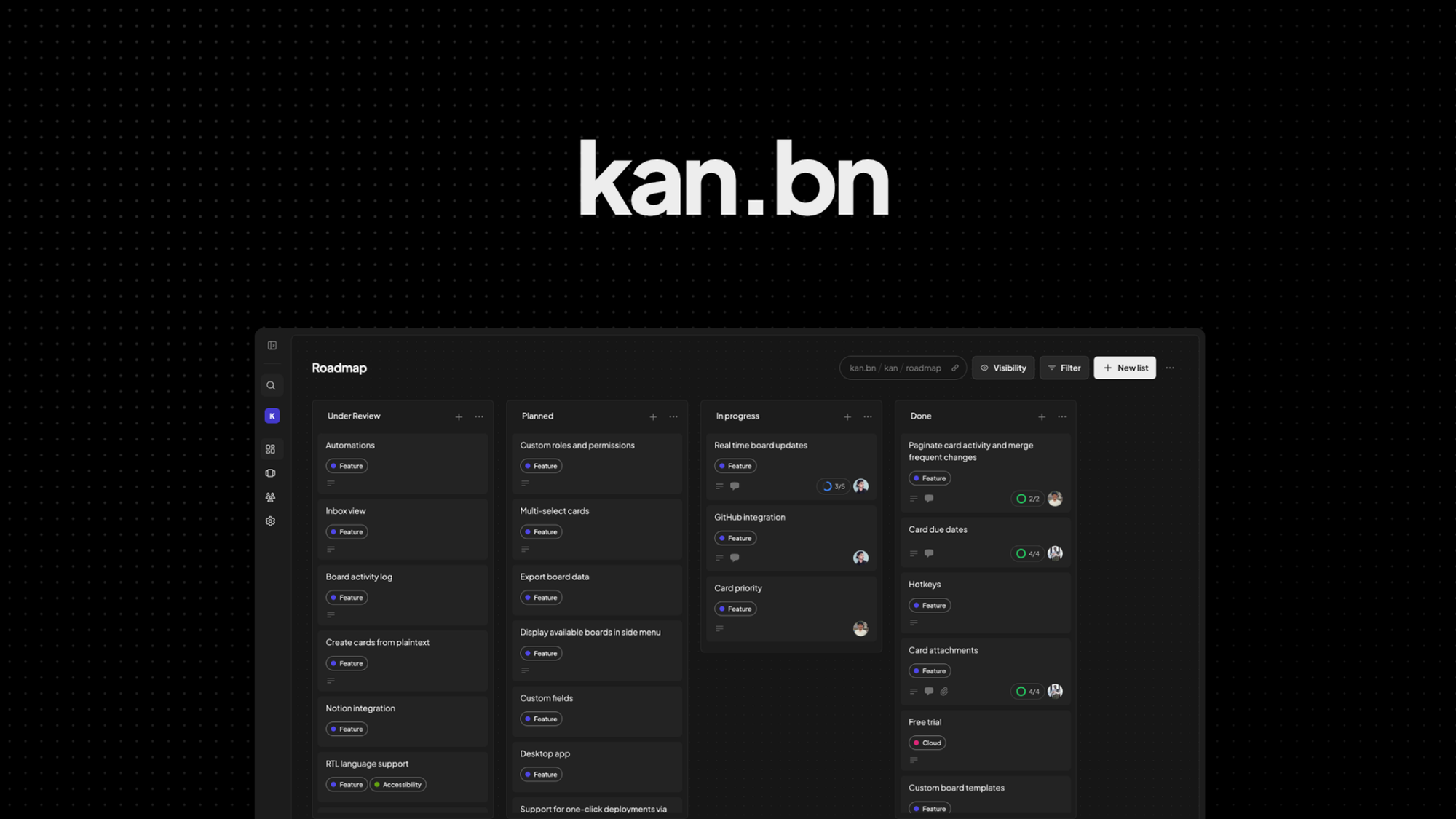
What is Kan?
Key features
Open-source codebase
transparent code you can audit and modify
Self-hosted deployment
run Kan on your own servers or infrastructure
Board imports
migrate existing kanban boards from other tools
Team access controls
manage user permissions and collaboration
Customisable workflows
adjust processes to match your team's needs
API access
integrate with your existing toolchain
Pros & cons
Advantages
- Complete data ownership and privacy through self-hosting
- No recurring subscription fees once deployed
- Transparent, auditable codebase you can modify
- Active open-source community contributing improvements
- Full control over infrastructure and deployment
- Can integrate with your existing tools via API
Limitations
- Requires technical knowledge to deploy and maintain
- Smaller ecosystem of third-party integrations than commercial tools
- Community support rather than dedicated customer support
- Self-hosted instances require ongoing maintenance and updates
- Limited number of pre-built extensions and templates
- Setup and configuration demands initial time investment
Use cases
Teams migrating from expensive subscription kanban tools
Organisations with strict data residency or compliance requirements
Companies wanting to self-host all their software tools
Development teams needing customisable workflow management
Remote teams wanting to avoid recurring SaaS costs
Businesses requiring full transparency of their project management system
Ready to try Kan?
Pricing
Professional
Contact sales
Managed hosting with priority support and customisation assistance
Enterprise
Contact sales
Custom deployment, dedicated support, and integration assistance
Get started with Kan
Click through to Kan and start using it now.
- Free plan available
- No credit card