
Kesem AI
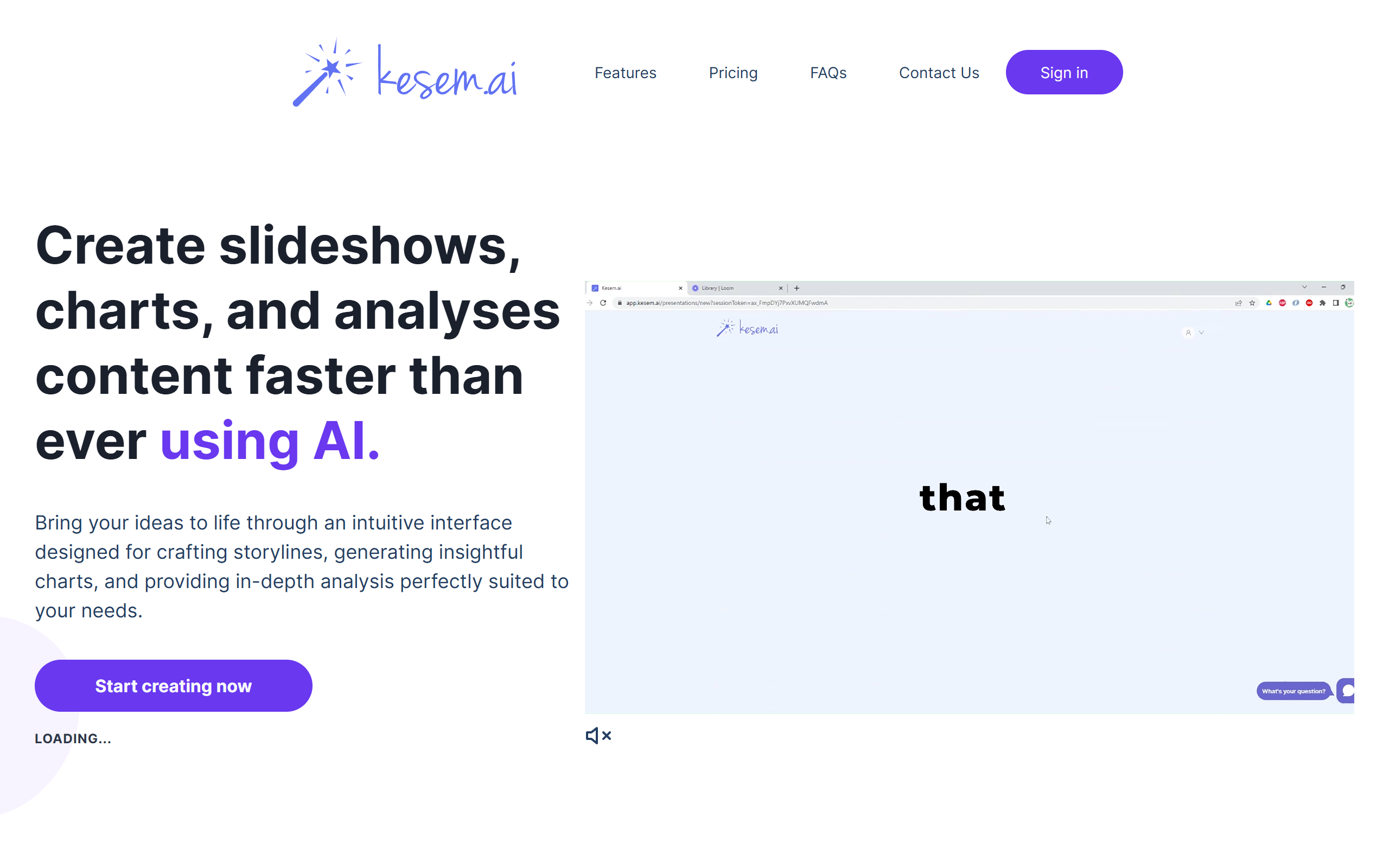
Create slideshows, charts and data analyses from your topics and files, with AI-generated storylines and PowerPoint or PDF export.
- Freemium
- Web
- Data & AnalyticsDesignImage Generation
- Free plan available
- No credit card
What is Kesem AI?
Key features
Automated Storyline
Kesem AI suggests a narrative structure to help you build coherent slideshows tailored to your audience.
AI-powered Charts
You prompt the tool and provide data, and it generates charts and visualisations to communicate the figures.
In-depth Analysis
Upload one or more files with a prompt and the tool returns a full analysis with questions, charts, insights and action items.
File Uploads
Upload various file formats so the tool can use your existing content and context when creating slides.
Visuals Generation
Automatically generates and links images into your slideshows.
Multi-language Functionality
Builds presentations in multiple languages for global audiences.
Export
Download finished slideshows in formats including PowerPoint (.pptx) and PDF for use in other presentation tools.
Pros & cons
Advantages
- It turns a single topic or set of uploaded files into a structured slideshow, which removes much of the manual outlining work.
- The combination of slide creation, chart generation and file-based data analysis covers several presentation tasks in one tool.
- It can export to standard formats such as PowerPoint and PDF, so output fits existing workflows.
- Multi-language support makes it usable for presentations aimed at audiences in different regions.
- A free entry level lets you try slide and chart creation before committing to a paid subscription.
Limitations
- The product runs entirely as a client-side web app with no public marketing detail outside the app, so it is hard to assess before signing up.
- Free use is capped by a charts limit and prompts to subscribe once you reach it.
- The cheaper tier limits you to three files uploaded per query, which may be restrictive for larger data analyses.
- There is no native desktop, mobile or offline option; it depends on the browser app and an account.
Use cases
Professionals who need to turn a topic into a structured slide deck quickly without building the outline by hand.
Analysts who want to upload data files and get charts, insights and action items generated automatically.
Teams preparing presentations for international audiences who need the same deck produced in multiple languages.
Anyone who wants AI-generated charts and visuals dropped into a slideshow rather than created manually.
Users who need to export AI-built decks to PowerPoint or PDF for editing and sharing in standard tools.
Ready to try Kesem AI?
Pricing
Basic
Free tier available
Entry-level access to slide and chart creation with a charts limit, basic assistance and up to 3 files uploaded per query before prompting to subscribe.
Professional
Paid (see in-app Stripe pricing table)
Unlimited slides and slideshows, unlimited charts and analysis, unlimited files uploaded per query, access to full analysis and premium support.
Enterprise
Contact for pricing
Higher-tier plan for organisations, building on the Professional feature set with additional support.
Get started with Kesem AI
Click through to Kesem AI and start using it now.
- Free plan available
- No credit card