
Kimi Work
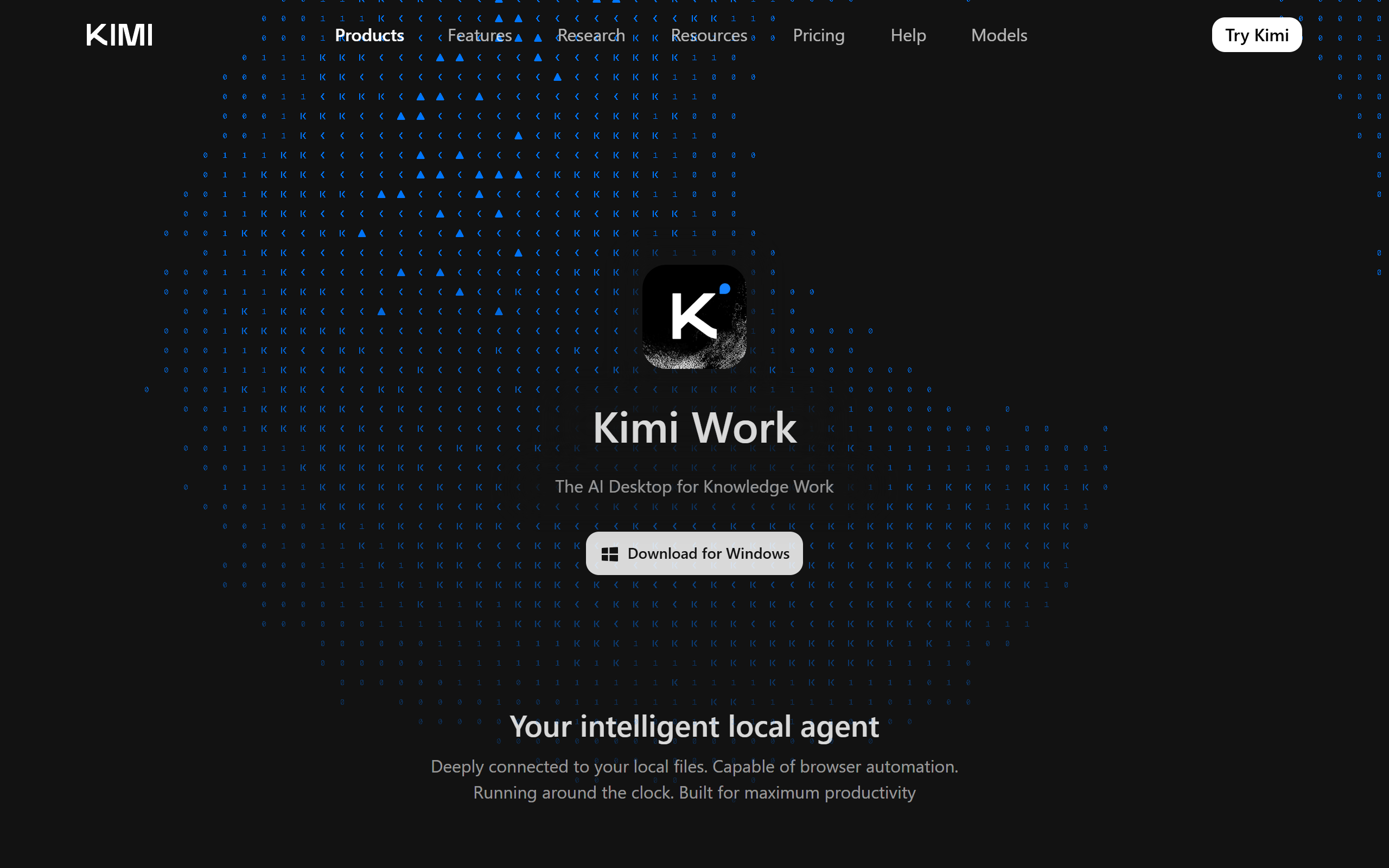
A local AI desktop agent for knowledge work that reads your files, automates browser tasks and runs scheduled jobs.
- Freemium
- Windows, macOS, Web, API
- Research
- Free plan available
- No credit card
What is Kimi Work?
Key features
Local file integration
Reads and manages files in your local workspace folders and PDFs, asking for explicit authorisation before making changes.
WebBridge browser automation
Navigates across multiple browser tabs to extract data, fill forms and complete multi-step web tasks autonomously.
Cron scheduling engine
Runs tasks on an hourly or daily schedule so repetitive workflows execute without manual triggering.
Agent Swarm
Coordinates multiple specialised sub-agents in parallel to break down and complete complex assignments.
Background Python execution
Runs Python code in the background for data processing and analysis tasks.
Financial market data
Built-in access to global stock market data including A-shares, Hong Kong stocks and US equities.
Document generation
Produces PowerPoint slides and Excel spreadsheets directly from agent output.
Pros & cons
Advantages
- It runs locally on your own machine with direct access to your file system, which suits document-heavy workflows.
- The Cron scheduling engine lets you automate recurring tasks such as report generation without keeping a session open.
- Agent Swarm allows several sub-agents to work in parallel on larger, multi-step jobs.
- A free Adagio tier lets users try the agent before committing to a paid plan.
- Pricing scales clearly across five tiers, so usage can grow with need rather than a single fixed cost.
Limitations
- It is a desktop install limited to macOS (Apple Silicon) and Windows, so there is no general mobile or Linux client.
- Usage is metered by a credit and quota system, so heavy agent or Agent Swarm use can require an upper tier.
- Granting an agent access to local files and the browser raises practical security and trust considerations.
- Pricing is shown only in USD with no other currency options on the public page.
Use cases
Knowledge workers who need to find, summarise and reorganise documents spread across many local folders.
Analysts pulling stock market data and drafting financial briefings or reports automatically.
Researchers running web data collection and deep research across multiple sources.
Operations teams scheduling recurring tasks such as daily reports or briefings via the Cron engine.
Users who want to generate slide decks and spreadsheets from raw data without manual formatting.
Developers and power users delegating multi-step automation to coordinated sub-agents through Agent Swarm.
Ready to try Kimi Work?
Pricing
Adagio (Free)
Free
6 agent uses per month, 1 concurrent task, 200 Pro Data requests, basic Word/Excel/Slides tools.
Moderato
19 per month (15 per month billed annually)
60 agent uses, 2 concurrent tasks, 4x priority speed, 1x Kimi Code quota, 2,000 Pro Data requests, Deep Research.
Allegretto
39 per month (31 per month billed annually)
150 agent uses, Agent Swarm (50 uses/month), 5x Kimi Code quota, 5,000 Pro Data requests, Kimi Claw access.
Allegro
99 per month (79 per month billed annually)
360 agent uses, 4 concurrent tasks, Agent Swarm (120 uses/month), 15x Kimi Code quota, 12,000 Pro Data requests.
Vivace
199 per month (159 per month billed annually)
720 agent uses, Agent Swarm (240 uses/month, 8 concurrent subtasks), 30x Kimi Code quota, 24,000 Pro Data requests.
Get started with Kimi Work
Click through to Kimi Work and start using it now.
- Free plan available
- No credit card