Kome
Kome AI is an all-in-one browser extension that leverages artificial intelligence to enhance your online experience. It offers a powerful bookmark manager and an AI-powered summarizer that can instant
- Freemium
- Chrome Extension, Firefox Extension, Edge Extension, Opera Extension, Brave Extension, Web
- AI Browser ExtensionsVideoWriting
- Free plan available
- No credit card
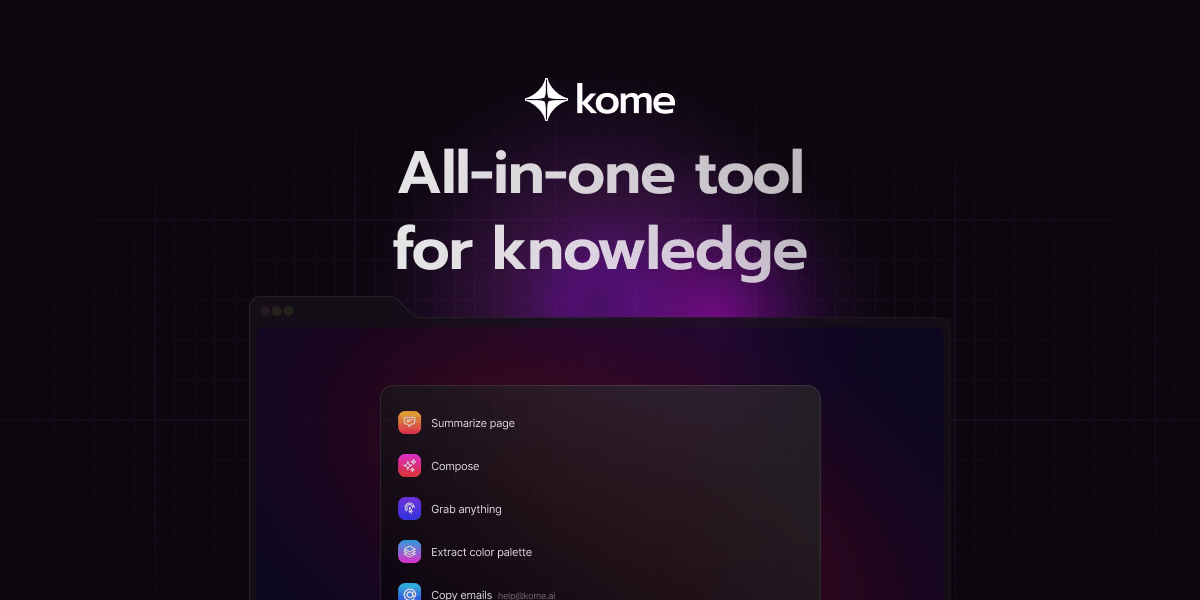
What is Kome?
Key features
Bookmark manager
save and organise web pages, articles, and videos in a searchable library
AI summariser
automatically generate summaries of articles, YouTube videos, and news content
Writing tools
AI-assisted features to help you write and edit text while browsing
Multi-browser support
works on Chrome, Firefox, Edge, Opera, and Brave
Cross-device access
sync bookmarks and saved content across devices
Pros & cons
Advantages
- Saves time by summarising long articles and videos instead of reading or watching the full content
- Single extension handles both bookmarking and AI tools, reducing browser clutter
- Free version available so you can try before committing to paid features
- Works across all major browsers, giving you flexibility in your choice
Limitations
- Summary quality depends on the AI model used; complex or detailed content may not always summarise well
- Freemium model may limit the number of summaries or bookmarks you can create without paying
Use cases
Research: quickly summarise multiple sources to compare information without reading each one fully
News consumption: get summaries of articles from your news feed to stay informed faster
Video research: extract key points from YouTube videos without watching the entire video
Content curation: build a personal knowledge base of bookmarked articles and summaries for reference
Writing assistance: use AI writing tools to draft emails or messages whilst browsing reference material
Ready to try Kome?
Pricing
Premium
Pricing not publicly specified
Unlimited summaries, advanced bookmark organisation, enhanced writing features, priority support
Get started with Kome
Click through to Kome and start using it now.
- Free plan available
- No credit card