
Komodo
Komodo Decks is a comprehensive tool for screencasting, designed to enhance communication and collaboration through HD video creation and sharing. Key features include high-definition screen recording
- Free plan available
- No credit card
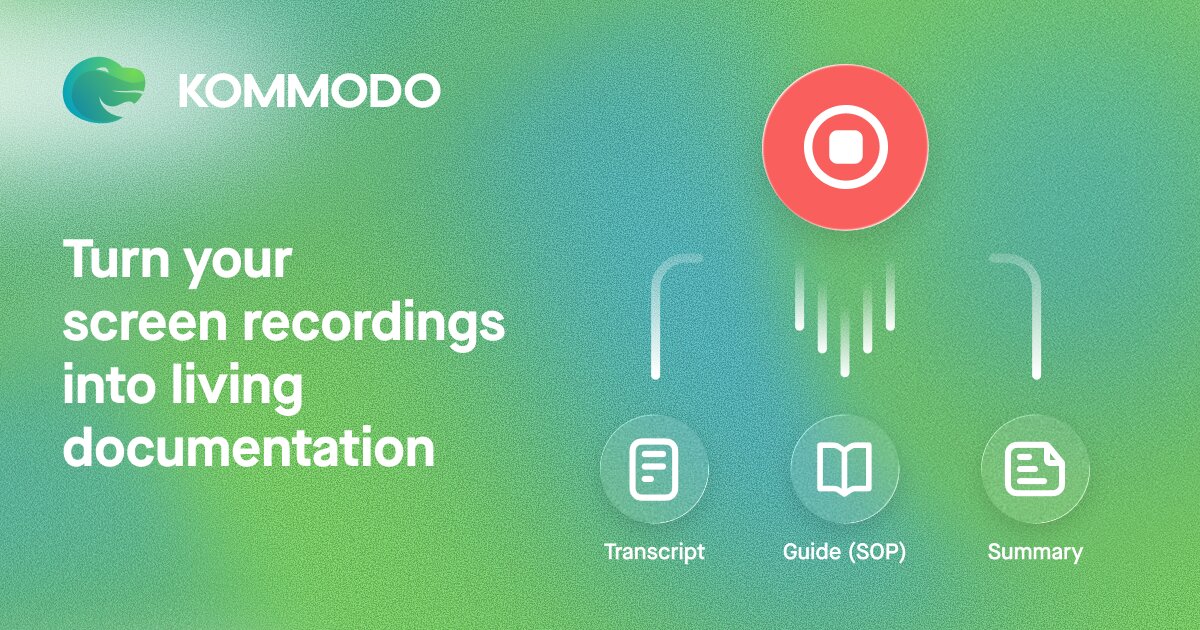
What is Komodo?
Key features
Screen and webcam recording
Capture your screen, webcam, or both together in HD quality
AI transcription and editing
Automatic speech-to-text conversion and AI tools to trim, cut, and reorganise your video
Timeline comments
Add and reply to comments at specific points in videos for feedback and discussion
Embeddable sharing
Generate links to share recordings and embed them in websites, emails, or documents
Integration with common tools
Connect with Gmail, Jira, Notion, and similar apps for easier workflows
Analytics
Track who watches your videos and how much of each one they view
Pros & cons
Advantages
- Free tier with no limits on recording length or number of videos
- Quick to learn; recording and sharing is straightforward without complex settings
- Useful for distributed teams since everything is shareable and asynchronous
- AI editing features save time on manual video trimming and organisation
Limitations
- Limited detail available on pricing for paid tiers beyond the freemium model
- Effectiveness depends on your internet speed and device performance for smooth playback
Use cases
Software support teams creating step-by-step troubleshooting guides for customers
Product managers demonstrating new features to stakeholders and gathering feedback
Managers recording company updates or training content for remote teams
Sales teams creating personalised product demos to share with prospects
Designers explaining design decisions and walkthrough feedback to colleagues
Ready to try Komodo?
Pricing
Get started with Komodo
Click through to Komodo and start using it now.
- Free plan available
- No credit card