
Kosmik
AI moodboarding platform
- Freemium
- Web, Chrome Extension
- Workflow AutomationMeeting & SchedulingAI Creative Studio Tools
- Free plan available
- No credit card
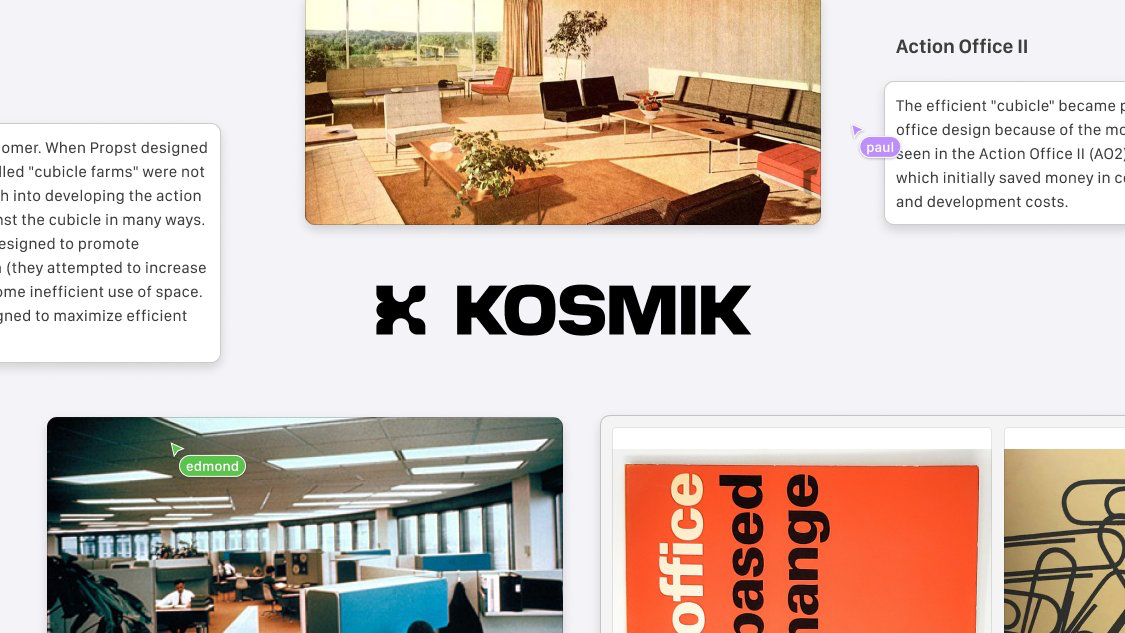
What is Kosmik?
Key features
AI moodboard maker
Intelligent tools to help generate and organise visual inspiration and design concepts
Built-in browser
Integrated web browser to search, collect, and add images directly to moodboards without leaving the app
Infinite canvas
Unlimited workspace for organising and arranging visual elements without constraints
Real-time collaboration
Multi-user editing capabilities allowing team members to work simultaneously on shared boards
Smart organization
AI-assisted organization and categorization of collected visual assets
Design tools
Basic creation and annotation tools to enhance and refine moodboard concepts
Pros & cons
Advantages
- Unified workspace eliminates context switching between browsers and design tools
- Real-time collaboration enables efficient teamwork and feedback loops
- AI assistance accelerates the moodboarding and ideation process
- Freemium model allows creators to start without financial commitment
- Infinite canvas removes limitations on workspace size and complexity
Limitations
- Relatively newer platform with smaller user community compared to established alternatives
- Feature set may be limited in the free tier, potentially requiring upgrades for advanced functionality
- Dependent on internet connection as a web-based platform
Use cases
Design teams gathering visual inspiration for branding and identity projects
Marketing teams developing campaign mood and aesthetic direction
Product designers collecting UI/UX inspiration and design references
Creative agencies collaborating with clients on project vision and visual direction
Individual creatives organising mood and inspiration for personal projects
Ready to try Kosmik?
Pricing
Get started with Kosmik
Click through to Kosmik and start using it now.
- Free plan available
- No credit card