
Krisp
Enjoy better audio quality with AI-powered noise cancellation, personalized audio control, and insightful meeting summaries.
- Freemium
- Web, macOS, Windows, iOS, Android
- Data & AnalyticsAudio
- Free plan available
- No credit card
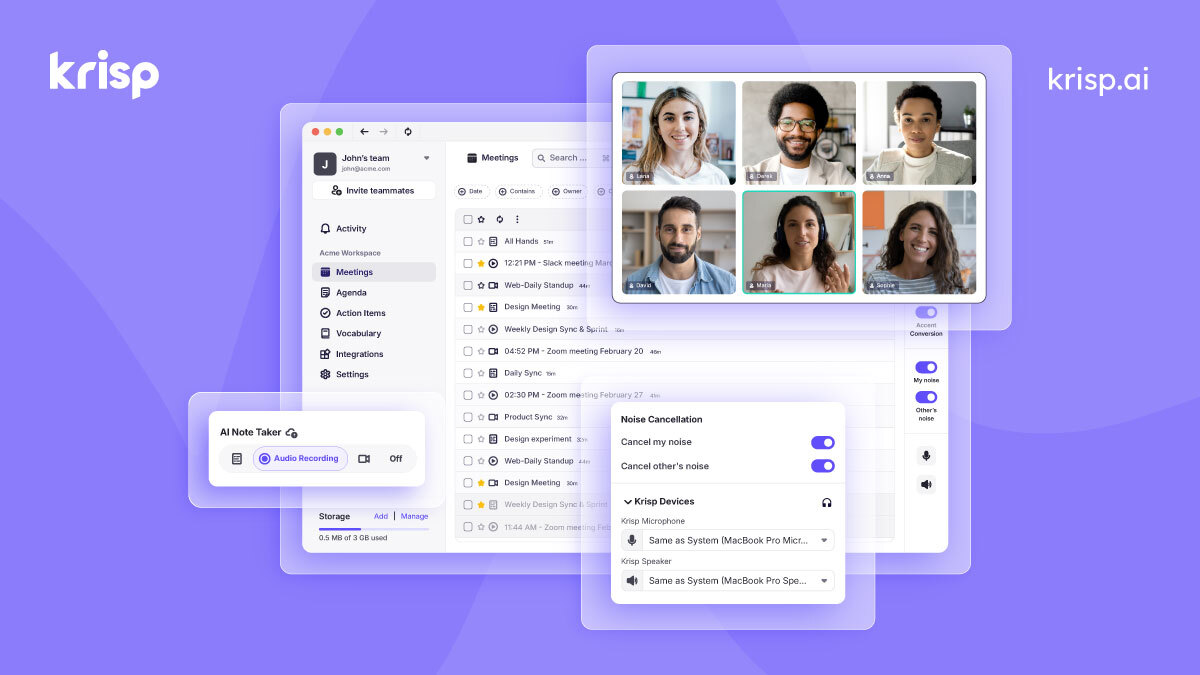
What is Krisp?
Key features
AI noise cancellation
removes background noise, keyboard typing, and traffic in real time
Echo removal
eliminates audio feedback and echo during calls
Voice enhancement
adjusts microphone sensitivity and creates custom audio profiles
Meeting transcription
converts spoken audio to text during calls and recordings
Meeting summaries
automatically generates summaries of recorded meetings and conversations
Cross-application support
works with Zoom, Teams, Slack, Discord, and other communication tools
Studio mode
applies professional-grade audio settings for content creation
Pros & cons
Advantages
- Works immediately across all applications without special integration required
- Free tier covers core noise cancellation for casual users
- Real-time processing with minimal latency
- Privacy-focused; processes audio locally on your device
- Simple to set up and activate
- Useful for both professional calls and content recording
Limitations
- Transcription and summary features limited or unavailable on free tier
- Requires a reasonably capable computer for optimal real-time performance
- Some third-party applications may have compatibility issues
- Free tier noise cancellation may be less aggressive than paid tier
Use cases
Remote work calls with distracting home environments
Podcast and video production with audio cleanup
Customer-facing calls where professionalism matters
Recording tutorials or training videos
Open office calls where privacy and focus are needed
Ready to try Krisp?
Pricing
Get started with Krisp
Click through to Krisp and start using it now.
- Free plan available
- No credit card