
Krisp AI Meeting Assistant
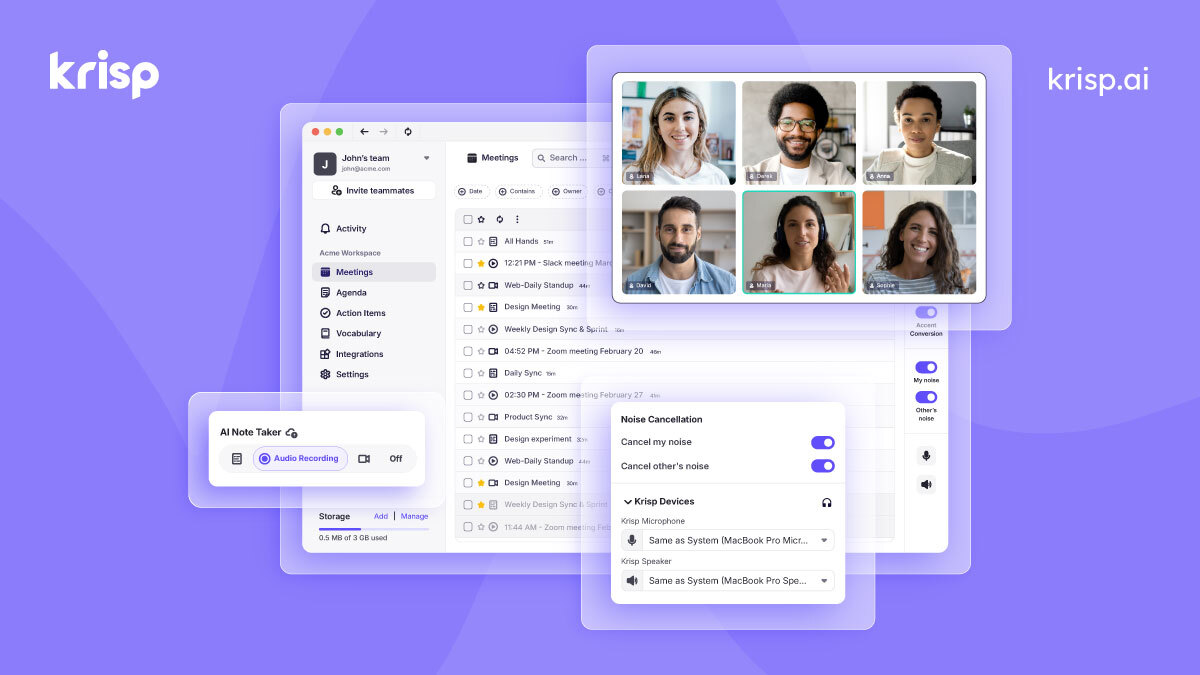
Automatically transcribe meetings, eliminate background noise, and generate meeting summaries and action items.
- Freemium
- Web, Chrome Extension, Windows, macOS, API
- Productivity
- Free plan available
- No credit card
What is Krisp AI Meeting Assistant?
Key features
Automatic transcription
converts speech to text during and after meetings
Background noise removal
filters out distracting sounds like keyboard clicks, traffic, or pets
Meeting summaries
generates concise written summaries of key discussion points
Action item extraction
identifies and lists tasks and next steps mentioned during the meeting
Multi-platform support
works with Zoom, Google Meet, Microsoft Teams, and other conferencing tools
Free tier available
basic functionality without requiring a paid subscription
Pros & cons
Advantages
- Saves time by automating note-taking and summary creation
- Audio quality improvements benefit everyone on the call, not just the user
- No need to install software on your computer; works as a browser-based tool or plugin
- Free plan lets you test the core features before committing to paid tiers
Limitations
- Transcription accuracy may vary depending on audio quality, accents, and technical jargon
- Automatically generated summaries and action items still need human review to ensure nothing important was missed
- Privacy considerations when recording and storing meeting data in the cloud
Use cases
Sales teams recording client calls to review objections and next steps later
Project managers capturing action items and ownership without taking live notes
Remote workers reducing background noise during video calls in shared spaces
Legal or compliance teams that need searchable records of client or internal meetings
Non-native English speakers who benefit from written transcripts to review content
Ready to try Krisp AI Meeting Assistant?
Pricing
Get started with Krisp AI Meeting Assistant
Click through to Krisp AI Meeting Assistant and start using it now.
- Free plan available
- No credit card