
Kustomer AI
change customer service with AI, CRM integration, and proactive support.
- Always free
- No credit card
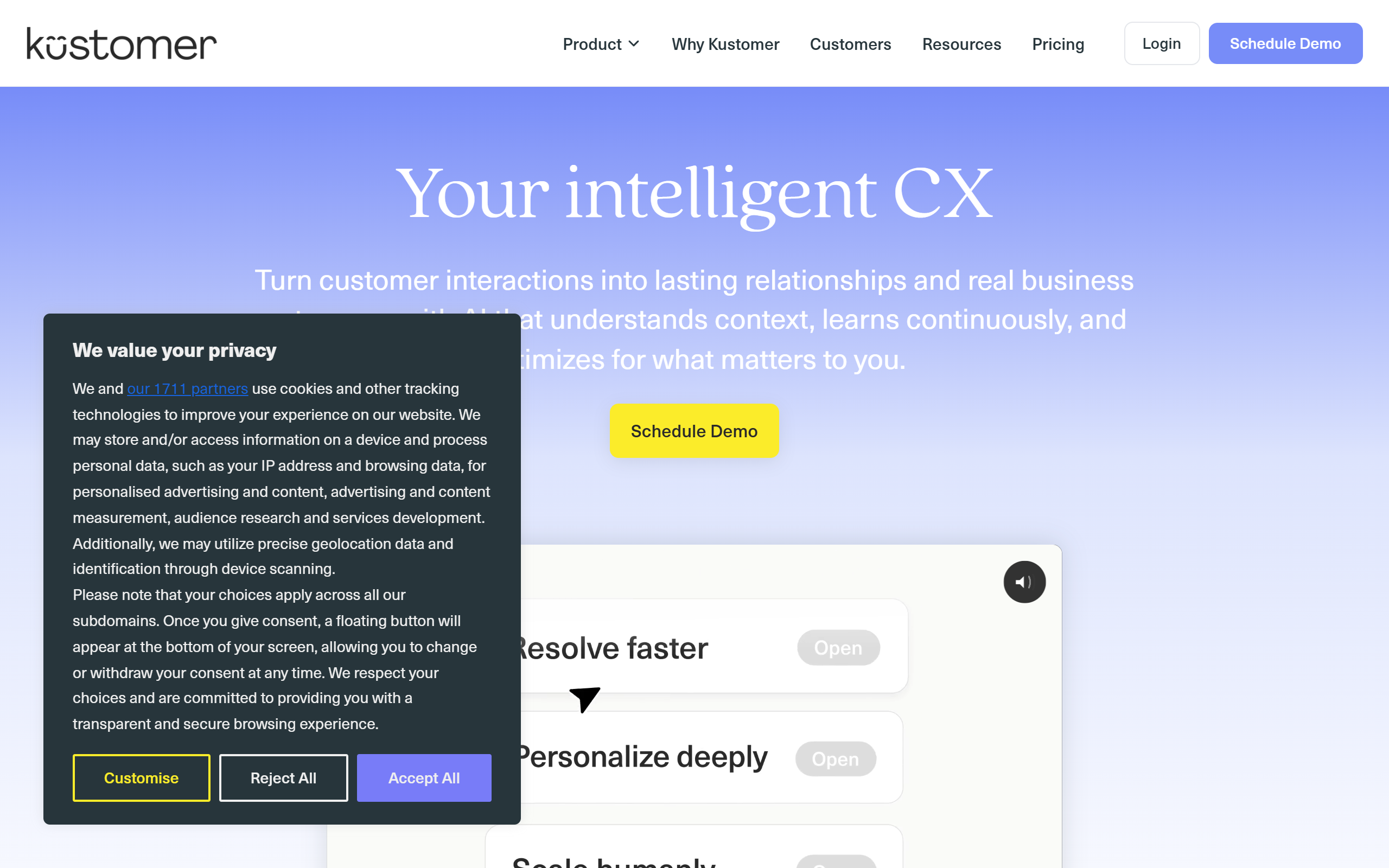
What is Kustomer AI?
Key features
Multi-channel communication
manage emails, chat, social media, and phone interactions from one dashboard
AI-powered suggestions
receive recommended responses and actions based on customer history and conversation context
CRM integration
connect with existing tools to pull customer data directly into conversations
Proactive support
AI flags potential issues and suggests outreach before customers contact you
Conversation history
full record of all customer interactions across channels and time
Automation workflows
set up rules to route tickets, trigger responses, or escalate issues automatically
Pros & cons
Advantages
- Free tier available, making it accessible to small businesses and startups
- Reduces average response and resolution time through AI suggestions
- Consolidates customer data from multiple sources into a single view
- Works with popular business systems and doesn't require replacing existing tools
Limitations
- Implementation and onboarding can require significant time for larger teams or complex integrations
- AI suggestions are only as useful as the data and training available; garbage in, garbage out applies
- Pricing details for paid tiers are not clearly published online, making budget planning difficult
Use cases
Small e-commerce teams handling customer enquiries across email and social media
Customer support departments looking to reduce first-response time
Companies managing high ticket volumes and needing to prioritise urgent issues
Service businesses wanting to follow up proactively with at-risk customers
Teams integrating customer service with existing sales and account management systems
Ready to try Kustomer AI?
Pricing
Free
Free
Basic CRM, multi-channel communication, limited AI features, suitable for small teams
Get started with Kustomer AI
Click through to Kustomer AI and start using it now.
- Always free
- No credit card