
Lapis
Create on-brand ads for Meta, Google, LinkedIn, and more using your brand assets
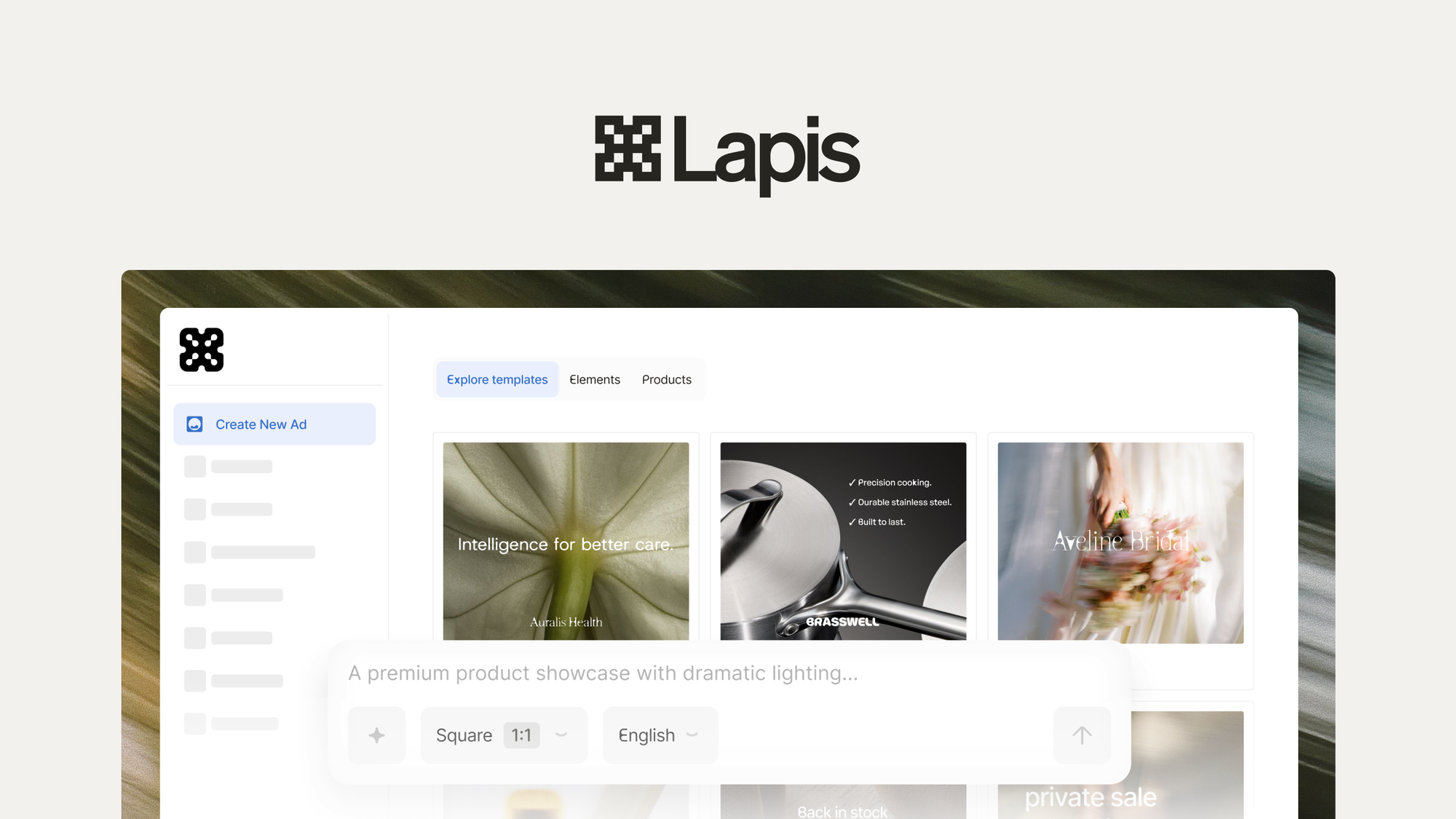
What is Lapis?
Key features
Brand asset upload
Store your logos, colours, fonts, and images to ensure consistency across all generated ads
Multi-platform export
Create ads formatted for Meta, Google Ads, LinkedIn, and other major advertising networks
Template-based creation
Use pre-built templates as a starting point rather than designing from blank canvases
Batch ad generation
Produce multiple ad variations quickly using your brand guidelines
Format handling
Automatically adjust ad dimensions and specifications for each platform's requirements
Pros & cons
Advantages
- Keeps branding consistent when running campaigns across several platforms simultaneously
- Saves time compared to manually resizing and adapting ads for each channel
- Doesn't require design experience or additional software to create professional-looking ads
- Reduces back-and-forth with designers if you're working with external creative teams
Limitations
- Limited to platforms Lapis supports; you'll need another solution for niche advertising channels
- Template-based approach means less creative flexibility than building ads from scratch with full design control
- Effectiveness depends on the quality of your source brand assets and how well templates match your vision
Use cases
Small business owners running ads on both Meta and Google simultaneously without a dedicated designer
Marketing teams needing to produce multiple ad variations quickly while maintaining brand consistency
Agencies managing campaigns across several platforms for different clients
E-commerce businesses creating product ads for multiple advertising networks at scale
Companies rebranding who need to quickly regenerate their entire ad library
Ready to try Lapis?
Pricing
Paid plans
Pricing available on AppSumo
Access to brand asset uploads, multi-platform ad generation, template library, and batch creation tools. Exact pricing and tier details available through the AppSumo product page.
Get started with Lapis
Click through to Lapis and start using it now.