
Layers
AI skills for deep product design
- Freemium
- Web
- DesignHR & Recruiting
- Free plan available
- No credit card
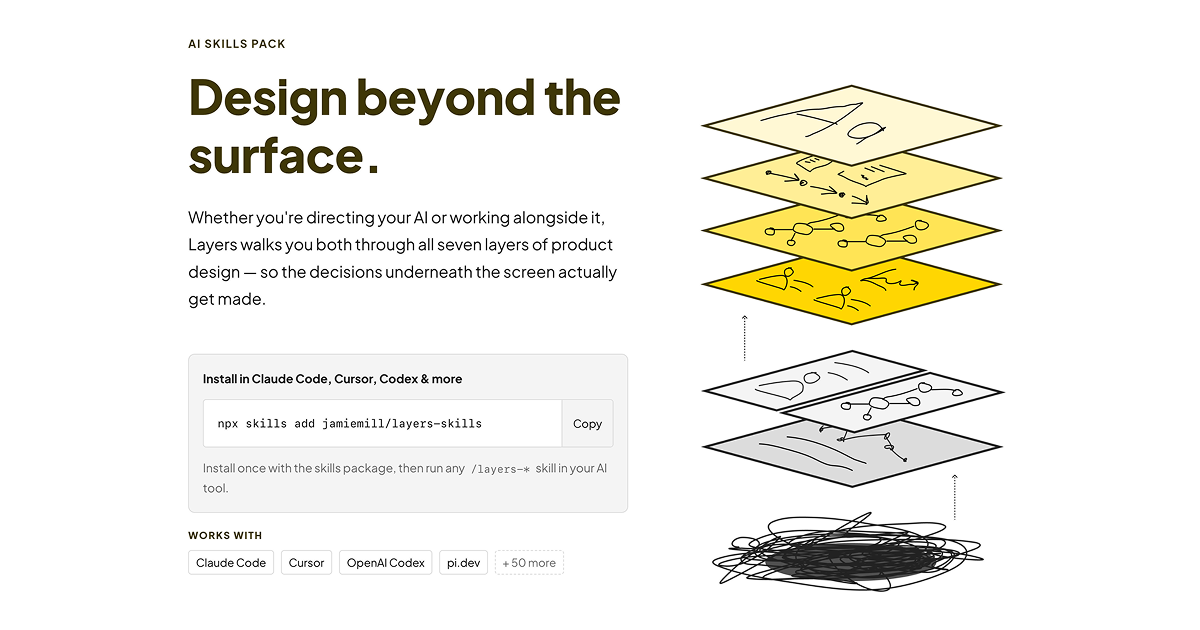
What is Layers?
Key features
Seven-layer framework
structured guidance covering different aspects of product design from foundation to execution
AI-generated prompts and questions
contextual suggestions to guide your thinking at each design layer
Interactive guidance
tool walks you through design problems rather than simply providing answers
Free access to core framework
explore the seven-layer model without requiring a subscription
Designer-focused interface
built with product designers' workflows in mind
Pros & cons
Advantages
- Provides a clear, structured approach to product design that helps organise thinking across multiple dimensions
- Free tier allows you to try the framework and see if it fits your design process
- AI guidance is specific to the design context rather than generic productivity advice
- Useful for both individual designers wanting to improve and teams developing consistent design approaches
Limitations
- Effectiveness depends on how well the seven-layer framework matches your particular design methodology or company processes
- Limited information available about what premium features include beyond the free tier
- As an AI guidance tool, outputs require critical judgment and experience to apply well to your specific project
Use cases
Product designers structuring their approach to a new design project or feature
Design teams establishing a shared vocabulary and process for design thinking
Individual designers looking to fill gaps in their design methodology
Design students learning a systematic framework for approaching product problems
Designers transitioning between companies or industries who want a consistent model to apply
Ready to try Layers?
Pricing
Premium
Pricing not publicly specified
Additional features available but specific details not confirmed
Get started with Layers
Click through to Layers and start using it now.
- Free plan available
- No credit card