Libretto
Edit long recordings faster (a simpler Descript alternative)
- Freemium
- Web
- AI Tools for Audio EditingVideo EditingOther
- Free plan available
- No credit card
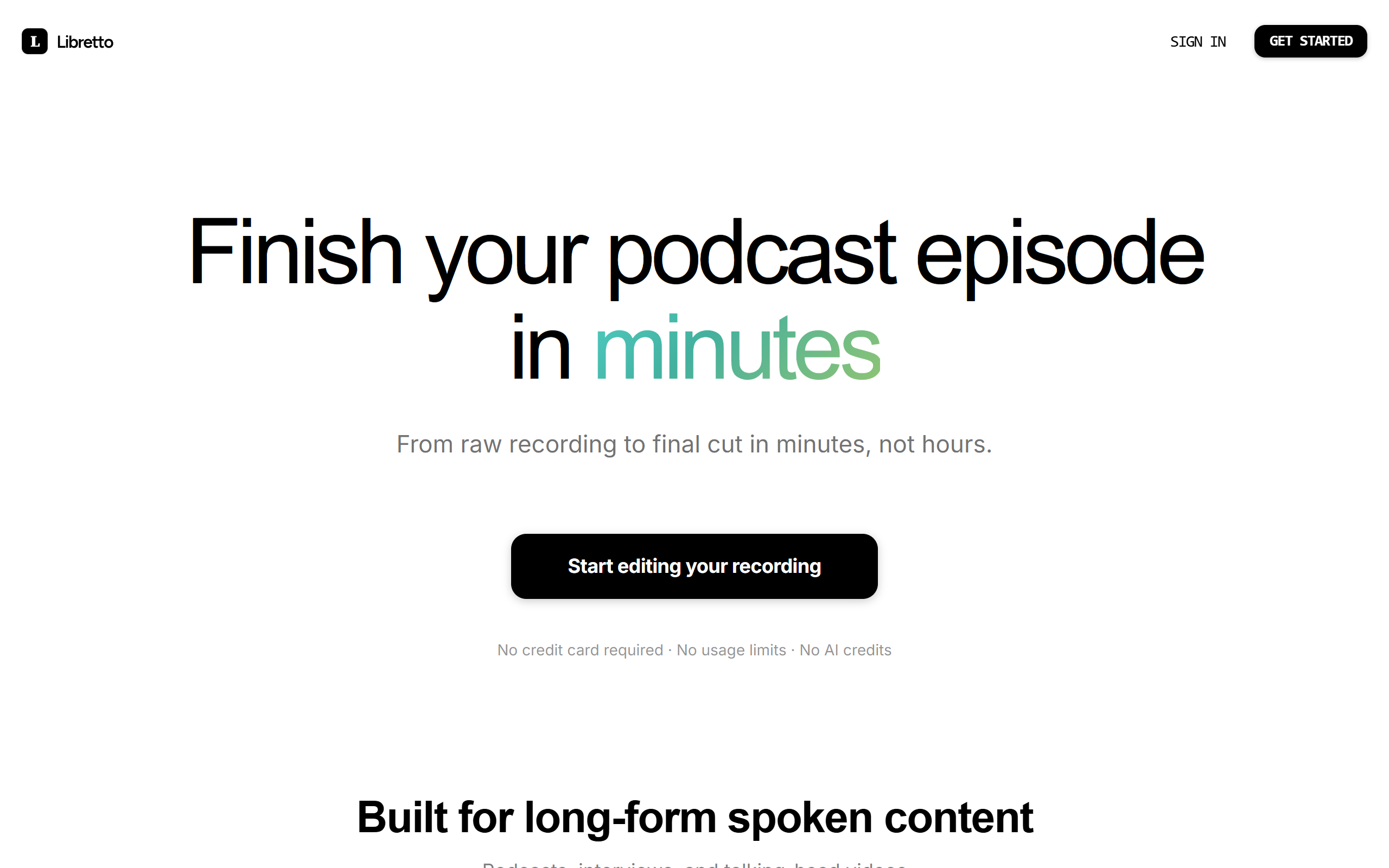
What is Libretto?
Key features
Transcript-based editing
edit audio by selecting and modifying text, with changes reflected in the recording
Automatic transcription
converts speech to text for easier navigation and editing
Multi-speaker support
identifies and separates different speakers in recordings
Audio export
download edited recordings in standard formats
Simple interface
designed for speed rather than advanced audio engineering features
Pros & cons
Advantages
- Faster than traditional waveform editing for spoken content
- Lower learning curve compared to full DAWs or Descript
- Freemium model lets you try before committing to paid features
- Good for removing filler words, dead air, and mistakes quickly
Limitations
- Limited advanced audio processing compared to professional tools
- Transcript accuracy depends on speech clarity and may require manual correction
- Less suitable for music editing or sound design work
Use cases
Editing podcast episodes to remove stumbles and dead air
Cutting interview recordings down to key quotes
Preparing audiobook or narration recordings for publication
Transcribing and editing recorded lectures or presentations
Creating shorter clips from longer recordings for social media
Ready to try Libretto?
Pricing
Get started with Libretto
Click through to Libretto and start using it now.
- Free plan available
- No credit card