
Lightkey
Type faster with AI predictions, spell-check, multi-word suggestions, and support for 85+ languages in any app.
- Freemium
- Windows, macOS, Web browser integration
- Customer Support
- Free plan available
- No credit card
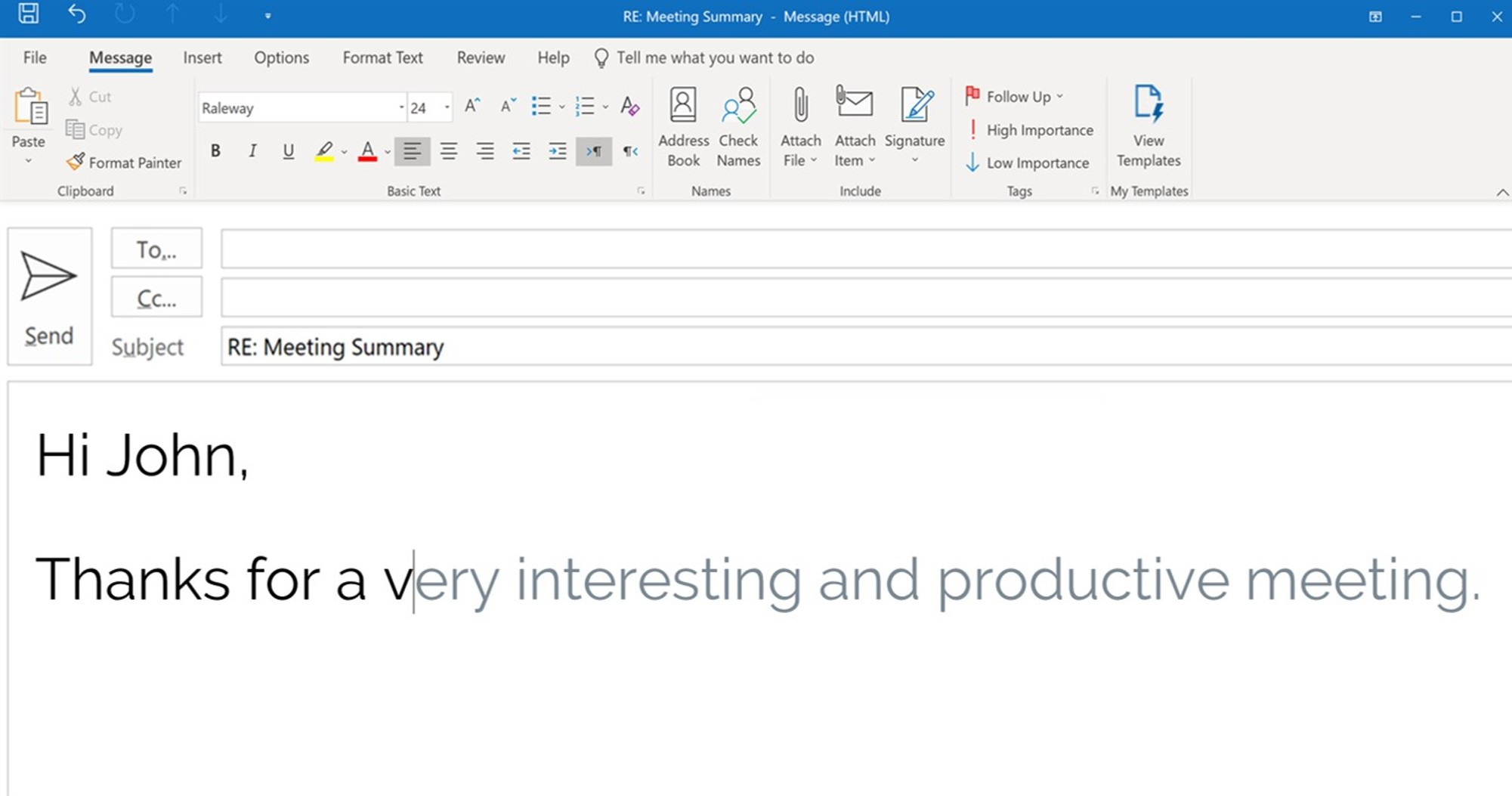
What is Lightkey?
Key features
AI word and phrase predictions
suggests next words or multi-word completions as you type
Multi-language support
works with 85+ languages for typing in different tongues
Spell-check and correction
identifies and highlights spelling errors in real time
Cross-application compatibility
functions in any desktop application without integration needed
Customisable predictions
learn from your typing patterns to improve suggestion relevance
Pros & cons
Advantages
- Works universally across applications without requiring special integration from software developers
- Supports many languages, useful for multilingual users
- Free tier available, so you can try it before paying
- Reduces time spent on typing repetitive phrases or correcting typos
Limitations
- Effectiveness of predictions depends on language and writing context; may offer irrelevant suggestions in niche domains
- Performance and accuracy may vary depending on which application you're using it in
Use cases
Professionals who type emails and documents frequently and want to speed up composition
Multilingual users who switch between different languages during their workday
Customer support teams responding to repetitive inquiries
Writers and content creators looking to reduce time spent on corrections
Non-native speakers seeking real-time spelling assistance
Ready to try Lightkey?
Pricing
Free
Free
Basic predictions, spell-check, and multi-language support with limitations on feature access
Premium
Subscription required
Unlimited predictions, advanced customisation, priority language support, and additional settings
Get started with Lightkey
Click through to Lightkey and start using it now.
- Free plan available
- No credit card