
Linkflare
Bookmarks you'll actually use
- Freemium
- Web, Chrome Extension, Browser extensions (other browsers not confirmed)
- Productivity
- Free plan available
- No credit card
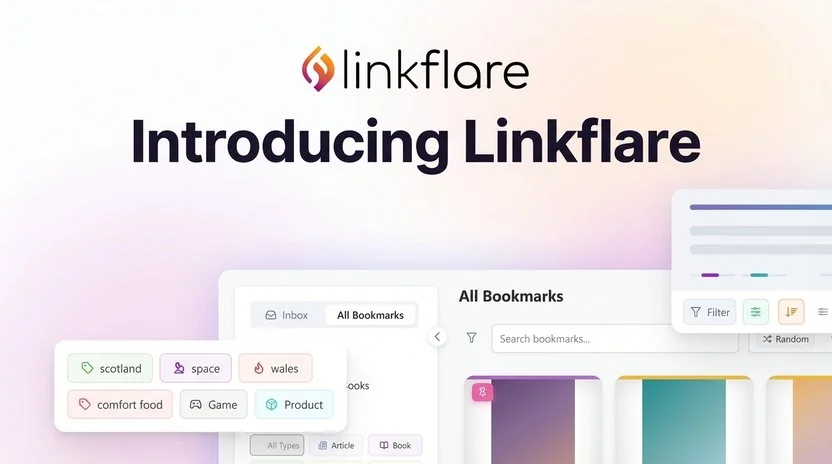
What is Linkflare?
Key features
Browser extension for quick saving
clip links directly from any webpage with a single click
Organised collections
group bookmarks by project, topic, or purpose rather than nested folders
Search functionality
find saved links quickly using keywords and filters
Tagging system
add multiple tags to each bookmark for flexible organisation
Web interface
access your bookmarks from any browser without installing extensions
Freemium model
basic bookmark saving and organisation available free; premium tier for additional features
Pros & cons
Advantages
- Simpler alternative to traditional folder-based bookmarking systems
- Works across devices via web interface and browser extensions
- Free tier offers core functionality without requiring a subscription
- Quick one-click saving from any webpage
Limitations
- Limited information available about advanced features or premium pricing tiers
- Depends on regular user engagement to be useful; passive bookmark accumulation defeats the purpose
Use cases
Saving research links for articles, reports, or academic projects
Collecting design inspiration or examples for creative work
Building a personal knowledge base of useful tools and resources
Organising references for specific clients or projects
Storing product links and reviews for shopping decisions
Ready to try Linkflare?
Pricing
Premium
Price not publicly listed
Advanced features beyond free tier (specific features not confirmed)
Get started with Linkflare
Click through to Linkflare and start using it now.
- Free plan available
- No credit card