
Linkly
- Freemium
- Web, Windows, macOS, API
- Free plan available
- No credit card
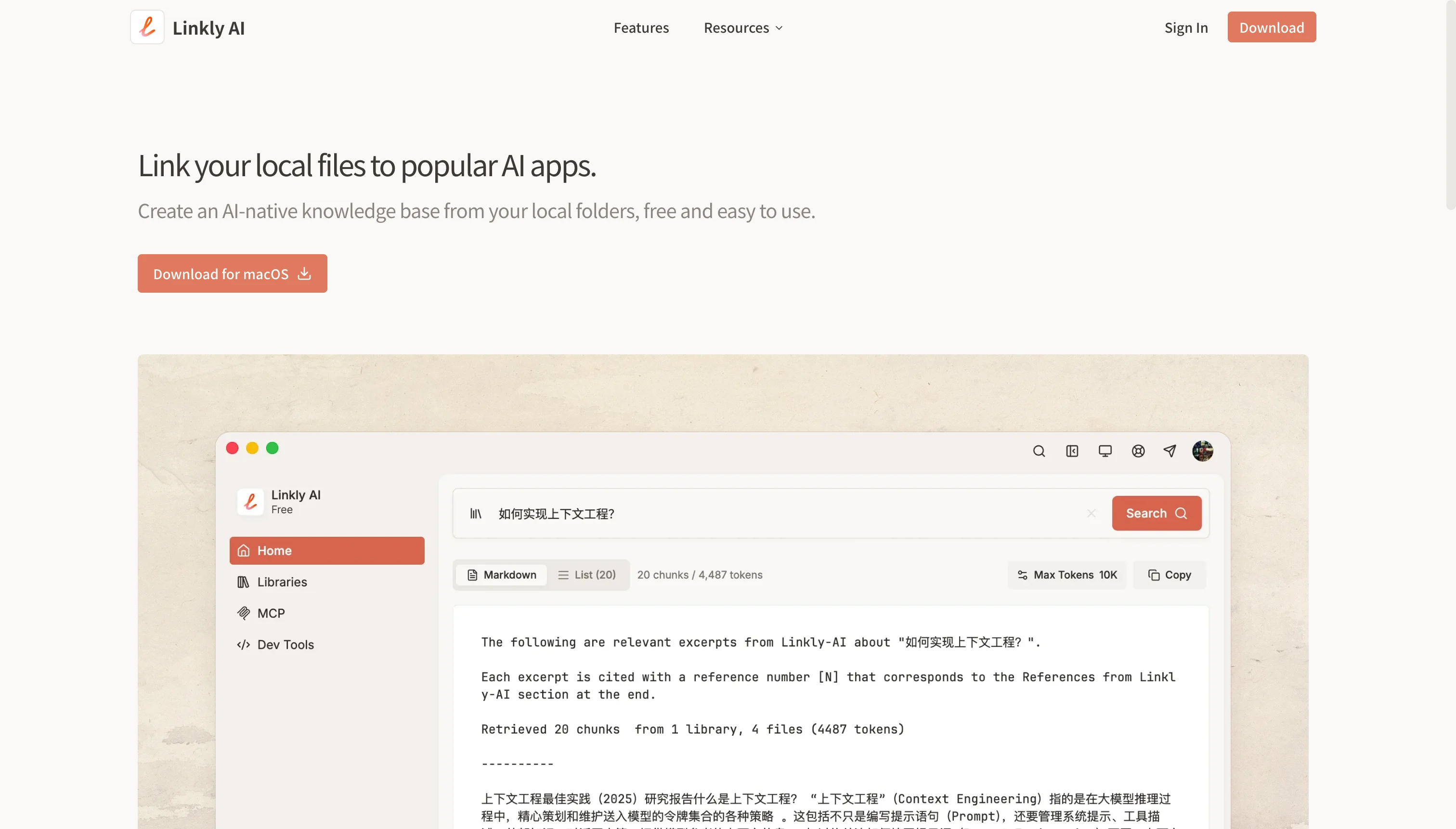
What is Linkly?
Key features
Keyword and sentence-based search
find documents by describing what you need rather than remembering exact filenames or folder locations
Multi-format support
works with PDF, DOCX, HTML, Markdown, images with OCR, and additional formats
AI tool integration
connect search results directly to AI applications so they can read and understand your documents
Local computer indexing
searches across your device's file system to locate relevant materials
Freemium access
try the core functionality free before upgrading to paid features
Pros & cons
Advantages
- Saves time finding documents without manual folder browsing
- Natural language search is more intuitive than typing exact filenames
- Direct integration with popular AI tools reduces switching between applications
- Broad file format support covers most common document types
Limitations
- Search quality depends on document content and metadata; poorly named or scanned files may be harder to locate
- Integrations limited to compatible AI platforms; not all tools may be supported
- Performance may vary depending on total document volume and computer specifications
Use cases
Researchers and academics finding relevant papers or notes to feed into AI analysis
Professionals quickly locating client contracts or project documents to share with AI assistants
Content creators searching their archive of images or documents to reference in AI-assisted writing
Knowledge workers synthesising information from multiple documents by having AI read them together
Students retrieving past notes or reference materials to use with AI study tools
Ready to try Linkly?
Pricing
Paid tiers
Pricing not specified
Extended integrations, higher search limits, priority support, and additional features
Get started with Linkly
Click through to Linkly and start using it now.
- Free plan available
- No credit card