
LLM Browser
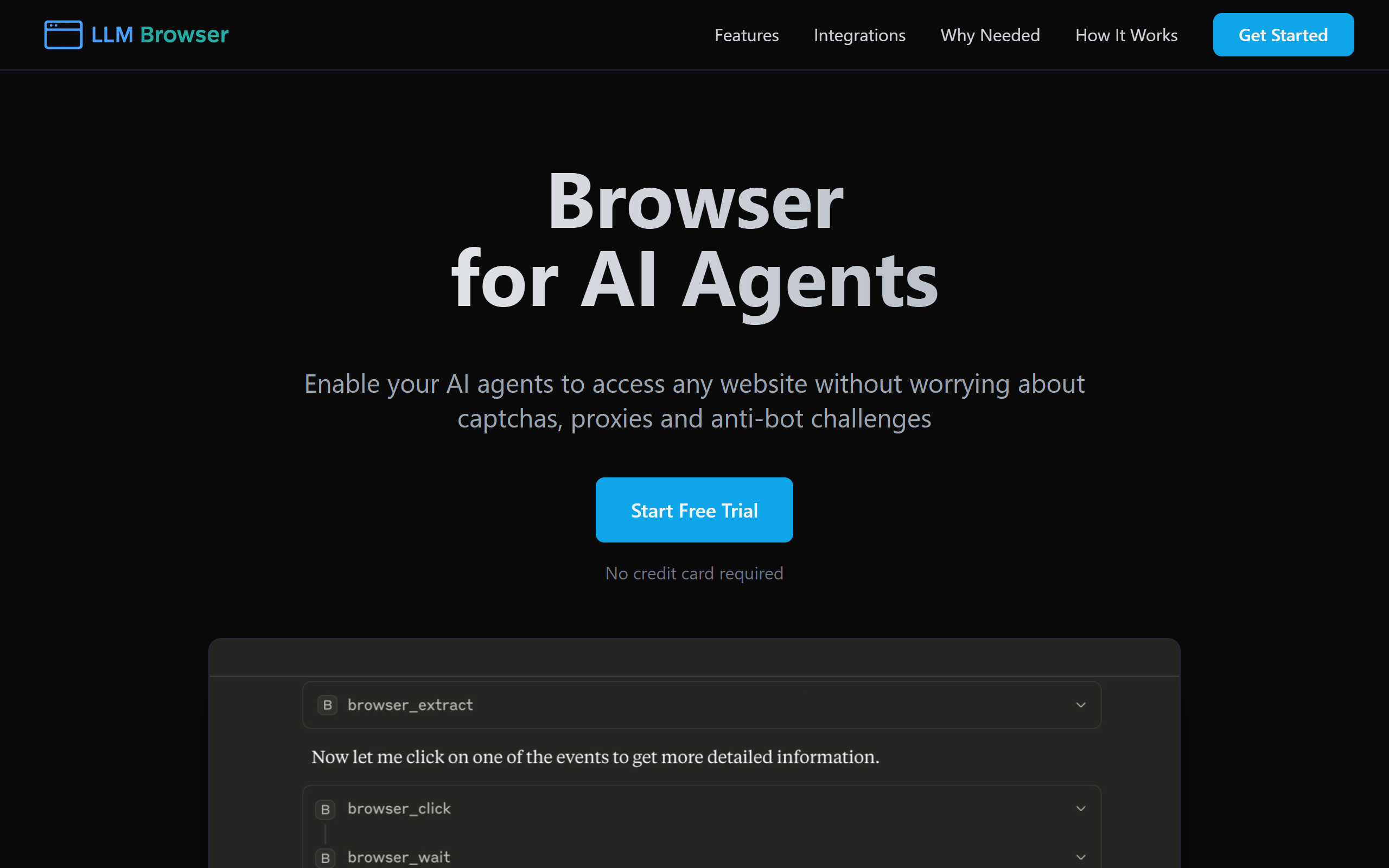
A tool to automate undetectable web browsing for AI agents.
- Freemium
- Web, API
- AI Browser ExtensionsAI Browser AutomationDeveloper Tools
- Free plan available
- No credit card
What is LLM Browser?
Key features
Undetectable browsing
Makes AI-driven requests appear as normal user activity to avoid blocks and captchas
Automated web interaction
Allows AI agents to click links, fill forms, and handle websites programmatically
Session management
Maintains cookies, authentication tokens, and browsing history across multiple page visits
JavaScript rendering
Handles dynamically loaded content and interactive web pages, not just static HTML
API integration
Provides endpoints for AI applications and agents to send browsing commands and receive results
Pros & cons
Advantages
- Enables AI agents to access websites that would otherwise block automated traffic
- Reduces development time by handling browser automation complexity
- Works with modern JavaScript-heavy websites, not limited to static content
- Freemium model lets you test the tool before committing to paid plans
Limitations
- Ethical and legal considerations exist around bypassing detection systems; users must ensure compliance with website terms of service
- May not work reliably with heavily protected websites or those with advanced bot detection
- Pricing and feature limits for higher-volume usage are not clearly documented in available information
Use cases
Web scraping for price monitoring, market research, or content aggregation where sites restrict automated access
Automating repetitive tasks across multiple websites, such as form submissions or account management
Building AI agents that need to research information across the web as part of their workflow
Testing and quality assurance of web applications from an automated user perspective
Ready to try LLM Browser?
Pricing
Paid plans
Varies
Higher request limits and additional features; specific pricing not clearly documented
Get started with LLM Browser
Click through to LLM Browser and start using it now.
- Free plan available
- No credit card