Log Cam
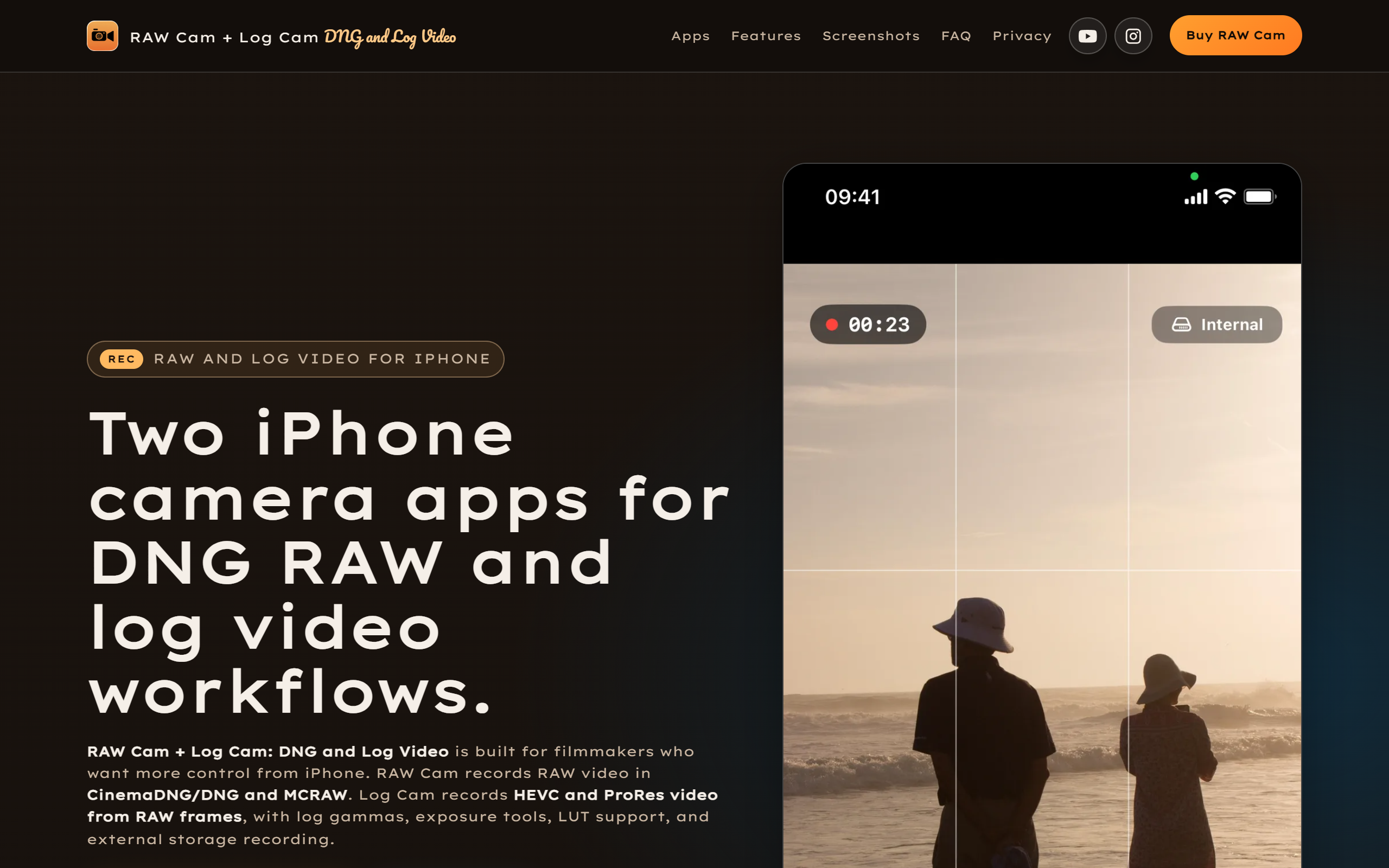
iPhone camera app for log and ProRes video recorded from RAW frames, with LUTs, false colour and exposure monitoring tools.
- Free plan available
- No credit card
What is Log Cam?
Key features
Log gamma support
Records in Apple Log, Apple Log 2, Fuji F-Log, F-Log2 C, ARRI LogC3, S-Log3 and V-Log, plus Rec709, HLG and PQ colour spaces.
ProRes and HEVC recording
Captures ProRes on iPhone 13 and later, plus HEVC 4:2:0 and 10-bit HEVC 4:4:4 at bitrates up to 300 Mbps.
Exposure monitoring tools
Provides false colour, zebras, Rec709 gamma assist and a RAW linear histogram for judging exposure on set.
LUT support
Offers LUT preview for monitoring or baked-in LUT recording into the final file.
Open Gate and 4K capture
Records the full sensor area in Open Gate mode or standard 4K, with real-time RAW-frame processing on device.
Manual camera controls
Gives manual ISO, shutter, focus and white balance, plus vignette correction and noise reduction.
Post-production handoff
Includes Gyroflow GCSV support for stabilisation, external storage recording and 180-degree rotation for depth-of-field adapters.
Pros & cons
Advantages
- It records log and ProRes video directly on iPhone, giving more grading latitude than the stock camera app.
- It is a one-time purchase with a lifetime licence and no subscription, with the full unlock priced at 13.49 US dollars.
- It supports a wide spread of log gammas and colour spaces, so footage can be matched to cameras from several manufacturers.
- On-set monitoring tools such as false colour, zebras and a RAW linear histogram help expose shots correctly before recording.
- LUT preview and baked-in LUT recording let creators see and capture a graded look while filming.
Limitations
- It runs on iPhone only and requires iOS 17.0 or later, with no iPad or Android version.
- ProRes recording is limited to iPhone 13 and later, so older handsets miss that format.
- The App Store listing had too few ratings to show an overall score at the time of writing, so there is little public feedback yet.
- The advanced log, ProRes and LUT workflow assumes filmmaking knowledge and is less suited to casual users.
Use cases
Independent filmmakers shooting log footage on an iPhone for later colour grading in editing software.
Content creators who want ProRes or high-bitrate HEVC clips that intercut with dedicated cinema cameras.
Mobile videographers using false colour, zebras and a histogram to control exposure on location.
Colourists and crews who want LUT preview on set and a clean handoff into a post-production pipeline.
Shooters using depth-of-field adapters or external storage who need 180-degree rotation and direct recording to an external drive.
Ready to try Log Cam?
Pricing
Free download
Free
Install the app from the App Store at no cost; a 5-day free trial is mentioned on the marketing site before the full app is unlocked.
Unlock Full App
13.49 one-time
One-time in-app purchase that unlocks the full app with a lifetime licence and no subscription. Optional donation tiers from 5 to 100 US dollars are also available.
Get started with Log Cam
Click through to Log Cam and start using it now.
- Free plan available
- No credit card