
Logic Pro X
Compose, produce tracks, create soundscapes, and access a vast library of virtual instruments and effects.
- Freemium
- macOS
- Audio
- Free plan available
- No credit card
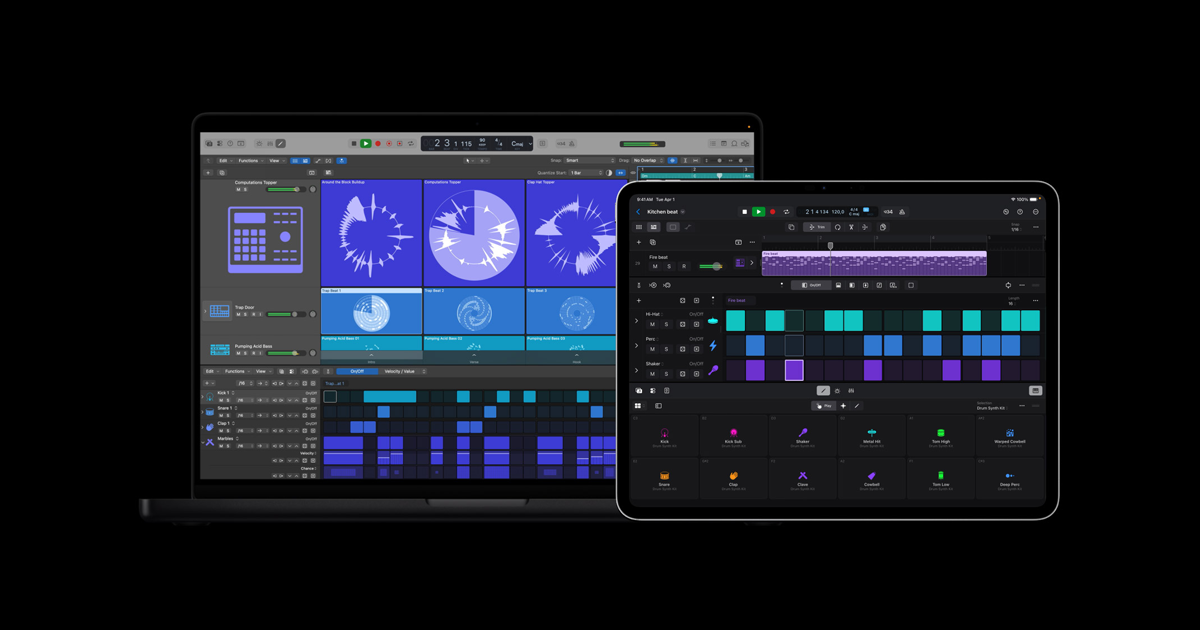
What is Logic Pro X?
Key features
Audio recording and MIDI editing
multi-track recording with real-time effects and MIDI sequencing for instruments
Virtual instruments library
includes synthesisers, samplers, and drum machines for creating sounds
Effects and processors
reverb, compression, EQ, and other audio effects for mixing and mastering
Loop library
access to thousands of pre-recorded audio loops and samples to build arrangements
Collaboration tools
work with other musicians via file sharing and integration with GarageBand projects
Mixing console
fader-based mixing interface with automation and built-in metering tools
Pros & cons
Advantages
- Substantial included library of sounds, loops, and effects reduces need for third-party purchases
- Good integration with other Apple products and services if you use a Mac ecosystem
- Single purchase price with no subscription required after initial cost
- Suitable for a range of skill levels, from basic recording to professional mixing
Limitations
- Mac only; no Windows version or web-based alternative available
- Steep initial learning curve for those new to digital audio workstations
- Regular updates require patience as the software is feature-heavy and can be resource-intensive
Use cases
Recording and mixing original songs or podcasts at home
Creating electronic music, beats, and soundscapes using virtual instruments
Arranging and producing music with loops and samples
Film scoring and sound design for video projects
Audio mastering and final mixing for release-ready tracks
Ready to try Logic Pro X?
Pricing
Full Version
One-time purchase via Mac App Store
Permanent licence for Logic Pro X with all features and regular updates included
Get started with Logic Pro X
Click through to Logic Pro X and start using it now.
- Free plan available
- No credit card