
Loom AI
Enhance communication with video messaging, editing, and AI integration.
- Freemium
- Web, macOS, Windows, iOS, Android, Chrome Extension
- VideoTask & Project ManagementVideo Editing
- Free plan available
- No credit card
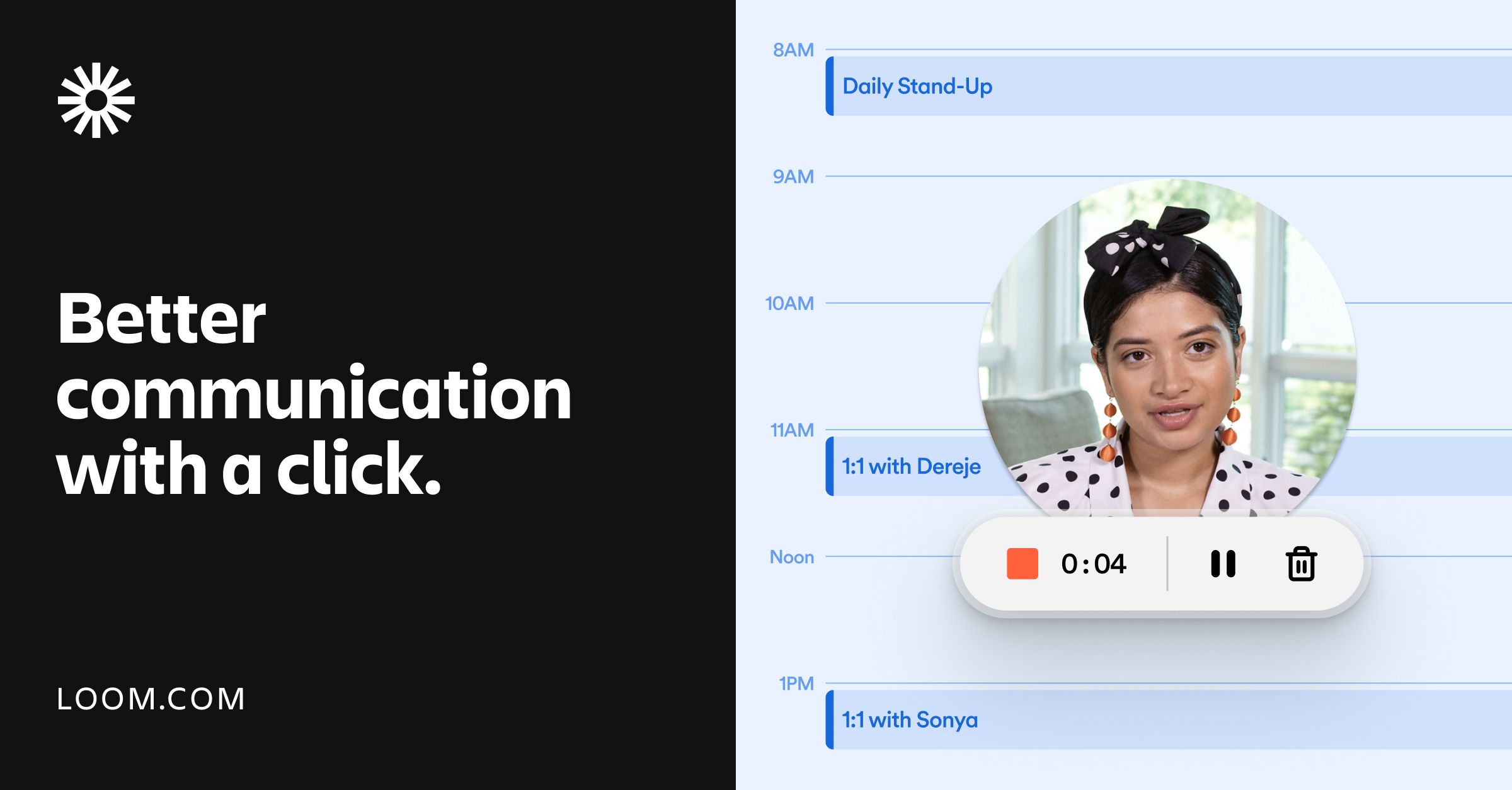
What is Loom AI?
Key features
Screen and camera recording
Capture your screen, webcam, or both in a single video
Video editing
Trim clips, add text overlays, and adjust recordings after capture
AI-powered summaries
Automatically generate summaries of video content
Transcription
Convert video speech to text transcripts
Video sharing
Share videos via links with customisable access controls
AI responses
Get AI-assisted draft replies to video messages
Pros & cons
Advantages
- Faster than scheduling calls for simple explanations or status updates
- Editing tools let you fix mistakes without re-recording entire videos
- AI features like transcription save time on manual documentation
- Freemium plan is genuinely usable for light personal or small team use
- Works across browsers and devices with consistent experience
Limitations
- Heavily dependent on AI features in paid plans; free version is more limited
- Video-based communication works best for visual topics; not ideal for quick text exchanges
- Storage and video length limits on free tier restrict usage for active teams
Use cases
Recording software walkthroughs or bug reports instead of writing lengthy descriptions
Sending asynchronous feedback on designs or presentations
Creating training materials or onboarding videos for new team members
Sharing quick status updates with remote teams across time zones
Recording sales or product demos without scheduling live calls
Ready to try Loom AI?
Pricing
Standard
Pricing varies by region
Longer videos, increased storage, AI summaries and transcription, custom branding
Pro
Pricing varies by region
Advanced AI features, priority support, team management, workflow integrations
Enterprise
Custom pricing
Dedicated support, custom integrations, advanced security and admin controls
Get started with Loom AI
Click through to Loom AI and start using it now.
- Free plan available
- No credit card