
Luminar Neo AI
change photo editing with AI-driven, user-friendly tools.
- Free
- macOS, Windows, Plugin for Adobe Lightroom and Photoshop
- Task & Project ManagementDesignAI Photo Editors
- Always free
- No credit card
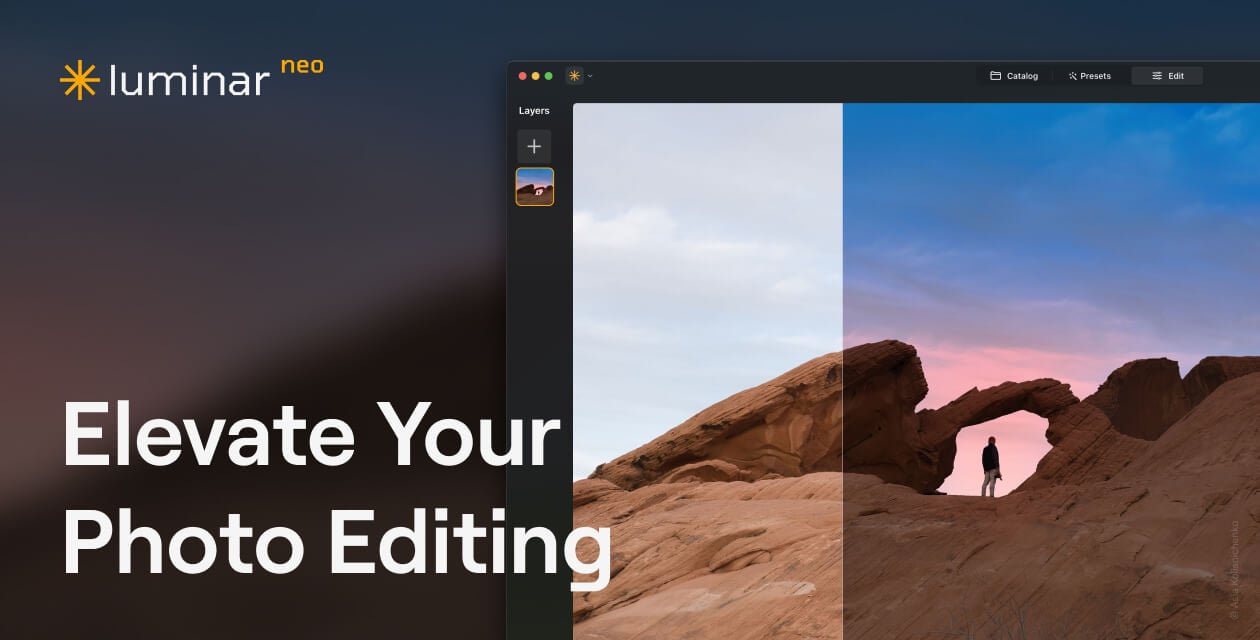
What is Luminar Neo AI?
Key features
AI-powered enhancement
automatic analysis and improvement of photos based on content and lighting conditions
Sky replacement and enhancement
intelligently modify or replace skies in landscape and outdoor photographs
Portrait tools
features for skin tone adjustment, background blur, and facial feature enhancement
One-click presets
pre-built filters and styles that apply multiple adjustments at once
Manual editing controls
traditional sliders and adjustment options available alongside AI tools
Batch processing
apply the same edits across multiple photos simultaneously
Pros & cons
Advantages
- Free to use with no subscription required for basic functionality
- Intuitive interface designed for users without photo editing experience
- AI features produce results quickly compared to manual editing
- Works as both a standalone application and as a plugin for other software
Limitations
- AI adjustments may not always match specific creative intentions, requiring manual refinement
- Limited customisation options within some AI features compared to professional editing software
Use cases
Quickly editing holiday and travel photographs for social media sharing
Enhancing portrait photos for professional headshots or online profiles
Batch processing large volumes of similar photos from events or shoots
Improving smartphone photos without spending time learning advanced editing techniques
Creating consistent look across multiple images using presets
Ready to try Luminar Neo AI?
Pricing
Get started with Luminar Neo AI
Click through to Luminar Neo AI and start using it now.
- Always free
- No credit card