Magic Patterns
AI-based UI builder with Figma export and React code generation.
- Free plan available
- No credit card
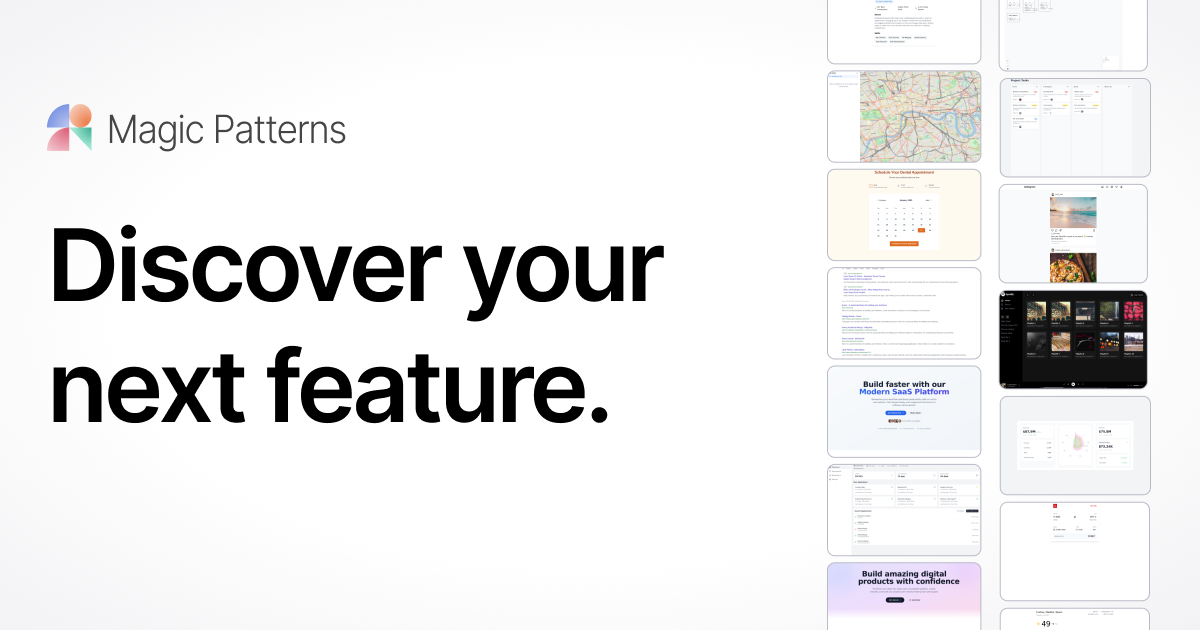
What is Magic Patterns?
Key features
Natural language UI generation
Describe designs in plain English and instantly generate UI components and layouts
Figma export
Export generated designs directly to Figma for further refinement and collaboration
React code generation
Convert designs into production-ready React code automatically
Design system integration
Apply your brand's design tokens and component library to maintain consistency
Collaborative prototyping
Share and iterate on prototypes with team members in real-time
Design-to-code workflow
Eliminate manual coding and reduce handoff friction between designers and developers
Pros & cons
Advantages
- Dramatically speeds up UI prototyping from concept to implementation
- Generates production-ready code, reducing developer workload and time-to-market
- Maintains design consistency by integrating with existing design systems
- Bridges designer-developer gap with Figma and React exports
- Freemium model allows teams to try before committing financially
Limitations
- May require iteration to achieve highly specific or custom design requirements beyond typical patterns
- Effectiveness depends on clear, detailed prompts, vague descriptions may generate less precise results
- Generated code quality and optimization may require developer review before production use
Use cases
Rapid prototyping for startups and MVPs needing quick design validation
Design agency workflows to accelerate client deliverables and increase billable output
Product teams iterating on UI concepts during discovery and ideation phases
Internal tool and dashboard development where design polish is secondary to functionality
Design system documentation and component library expansion
Ready to try Magic Patterns?
Pricing
Get started with Magic Patterns
Click through to Magic Patterns and start using it now.
- Free plan available
- No credit card