
Magic Patterns Agent 2.0
The best AI design agent to go from idea to production
- Freemium
- Web
- DesignDeveloper ToolsCode
- Free plan available
- No credit card
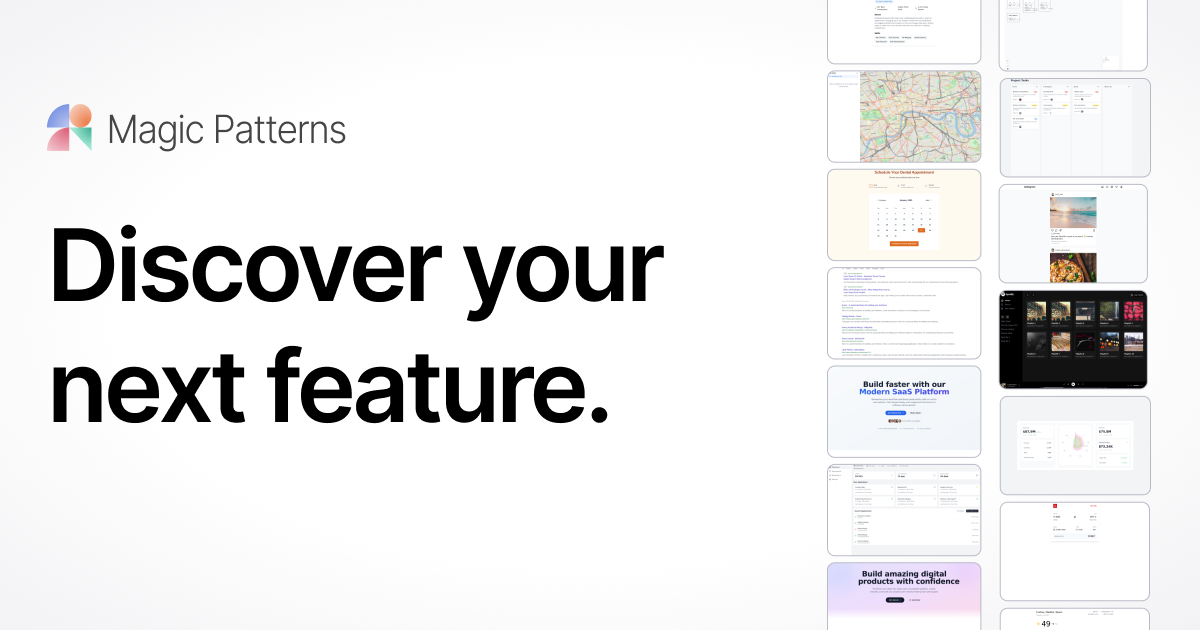
What is Magic Patterns Agent 2.0?
Key features
Text-to-UI generation
describe a design in natural language and receive a visual prototype
Design system integration
apply your existing colour schemes, typography, and component libraries to generated designs
Code export
download production-ready HTML, CSS, React, or other code formats
Collaboration tools
share prototypes with team members for feedback and iteration
Iterative refinement
modify prompts or adjust generated designs directly in the editor
Component reuse
save frequently used patterns for faster project creation
Pros & cons
Advantages
- Significantly faster than designing and coding from scratch, especially for internal tools or MVPs
- Maintains design consistency by applying your system rules to every generated component
- Works well for teams mixing designers and non-designers who need to contribute ideas
- Actual code output means less handoff friction to developers
Limitations
- AI-generated designs work better for standard interfaces; highly custom or unusual designs often need manual refinement
- Quality depends on how well you describe what you want; vague prompts produce vague results
- May struggle with complex multi-page applications or complex interaction patterns
Use cases
Building quick prototypes to test ideas with stakeholders before full development
Creating internal admin dashboards or CRUD interfaces that don't require custom design
Speeding up repetitive UI work like form layouts or data tables
Generating starting points that designers then refine rather than building from blank canvas
Teams wanting to evaluate design concepts without involving a designer upfront
Ready to try Magic Patterns Agent 2.0?
Pricing
Get started with Magic Patterns Agent 2.0
Click through to Magic Patterns Agent 2.0 and start using it now.
- Free plan available
- No credit card