
Magnific AI
Enhance and transform images with customizable upscaling.
- Always free
- No credit card
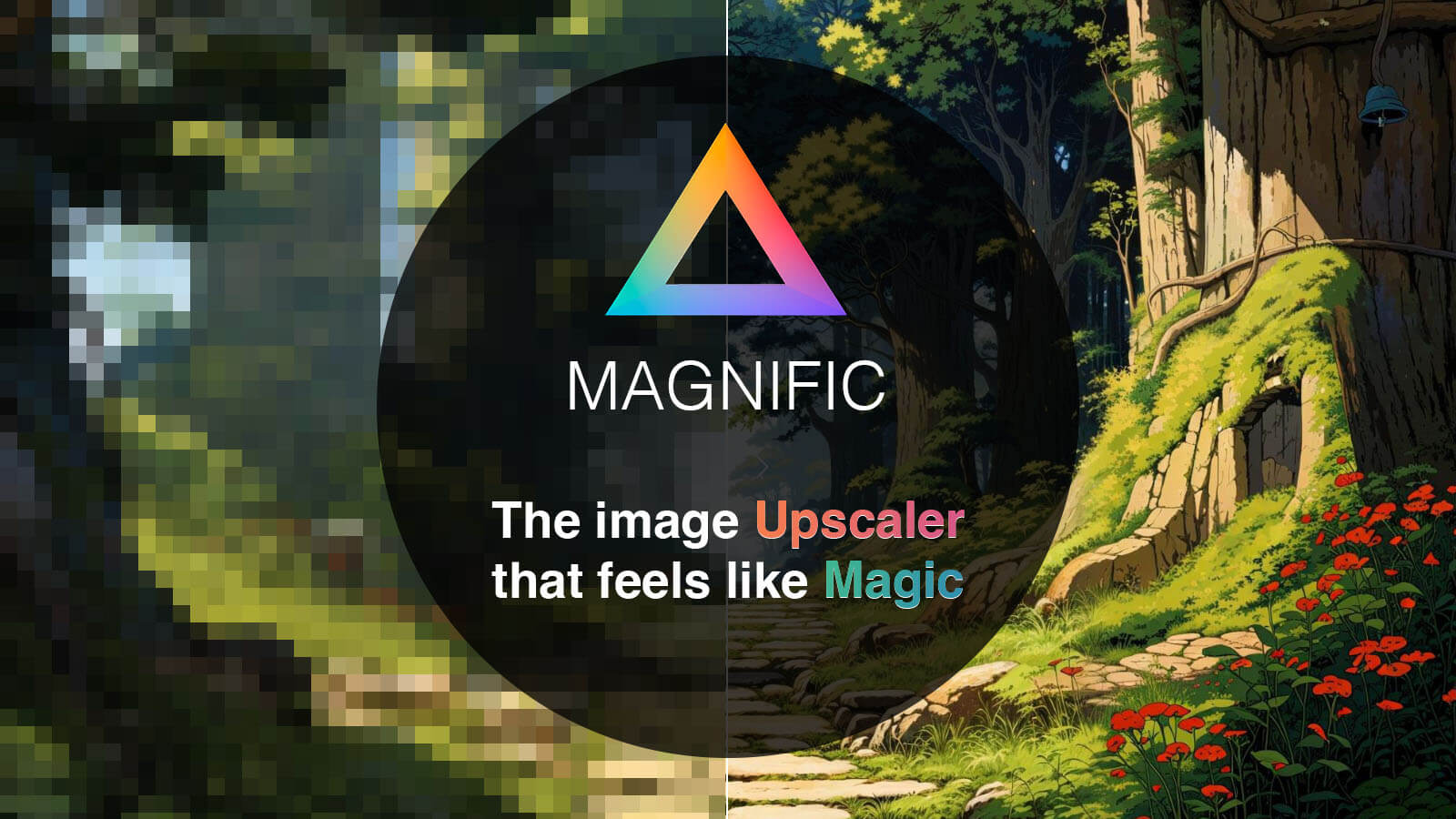
What is Magnific AI?
Key features
AI-powered image upscaling
enlarges images whilst maintaining detail and reducing pixelation
Customisable transformation settings
adjust how aggressively the tool enhances or modifies the image
Batch processing
upscale multiple images at once rather than one at a time
Multiple output formats
save results in common image formats suitable for different uses
Free access
no subscription or payment required to use the tool
Pros & cons
Advantages
- Produces notably better results than simple interpolation methods for enlarging images
- Free to use without paywalls or limited trial periods
- Customisation options let you balance between enhancement and fidelity to the original
Limitations
- Processing time can be lengthy depending on image size and system load
- Results vary significantly based on the original image quality and content type
- No offline version available; requires internet connection to use
Use cases
Enlarging old photographs or scans for printing at larger sizes
Upscaling product images for e-commerce listings
Preparing social media graphics at higher resolutions
Enhancing low-resolution screenshots for documentation or presentations
Restoring detail in compressed or degraded images
Ready to try Magnific AI?
Pricing
Free
Free
Full access to image upscaling with customisable settings; no payment or account restrictions
Get started with Magnific AI
Click through to Magnific AI and start using it now.
- Always free
- No credit card