
Make AI
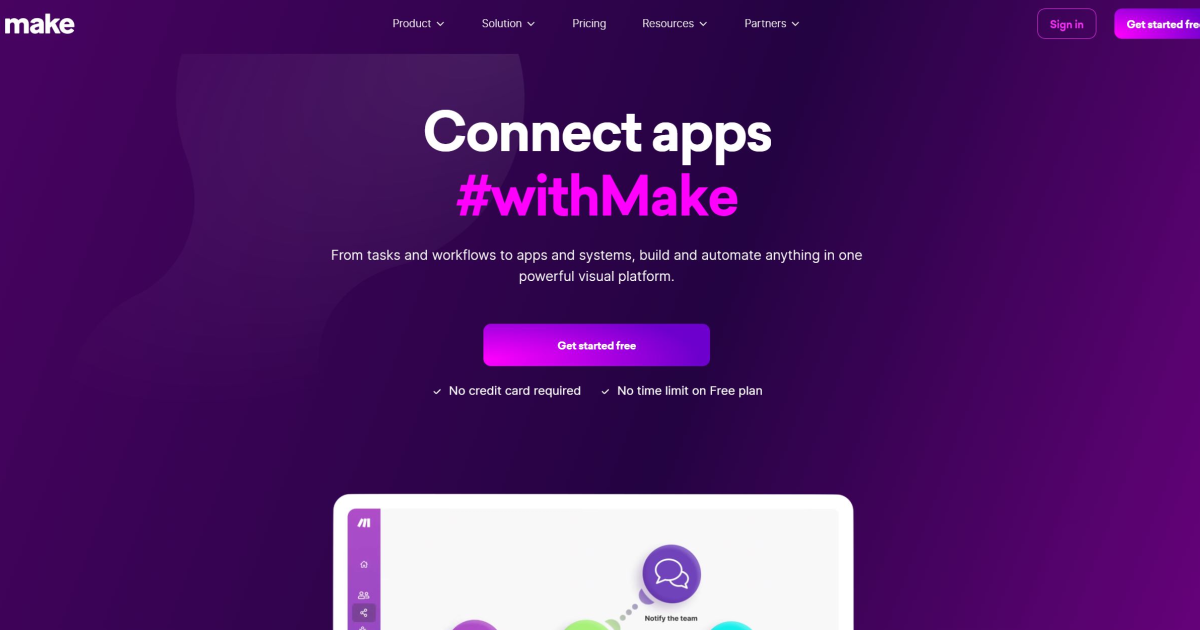
simplify workflows with intuitive visual automation across numerous apps and processes.
- Free plan available
- No credit card
What is Make AI?
Key features
Visual workflow builder
drag-and-drop interface to design automation sequences without code
App integrations
connects with hundreds of third-party applications including Zapier alternatives and major business software
Scenario templates
pre-built workflow templates for common business processes you can customise
Conditional logic
add if/then rules to handle different outcomes within your automations
Data transformation
tools to filter, map, and modify data as it passes through workflows
Execution history and debugging
view past runs and troubleshoot failed automations
Pros & cons
Advantages
- Lower cost than alternatives for teams with moderate automation needs through its freemium model
- Intuitive visual interface makes it accessible to non-technical users
- Extensive library of integrations covers most common business applications
- Good documentation and community resources available for learning
Limitations
- Learning curve for complex workflows with many conditional branches or data transformations
- Performance can slow down with very high-volume automations on the free plan
- Limited control compared to custom code solutions for highly specific requirements
Use cases
Automatically save email attachments to cloud storage and log metadata in a spreadsheet
Sync new form submissions across multiple tools, like adding contacts to your CRM and email list simultaneously
Create daily or weekly reports by pulling data from various sources and compiling into a single document
Monitor social media mentions and create tasks or notifications for your team
Automate invoice processing by extracting data and routing to appropriate departments
Ready to try Make AI?
Pricing
Get started with Make AI
Click through to Make AI and start using it now.
- Free plan available
- No credit card