
MakeForms
Discover MakeForms pricing, reviews, and alternatives. Updated for April 2026.
- Free plan available
- No credit card
What is MakeForms?
Key features
AI-assisted form generation
create forms by describing what data you need, with AI suggesting appropriate fields and structure
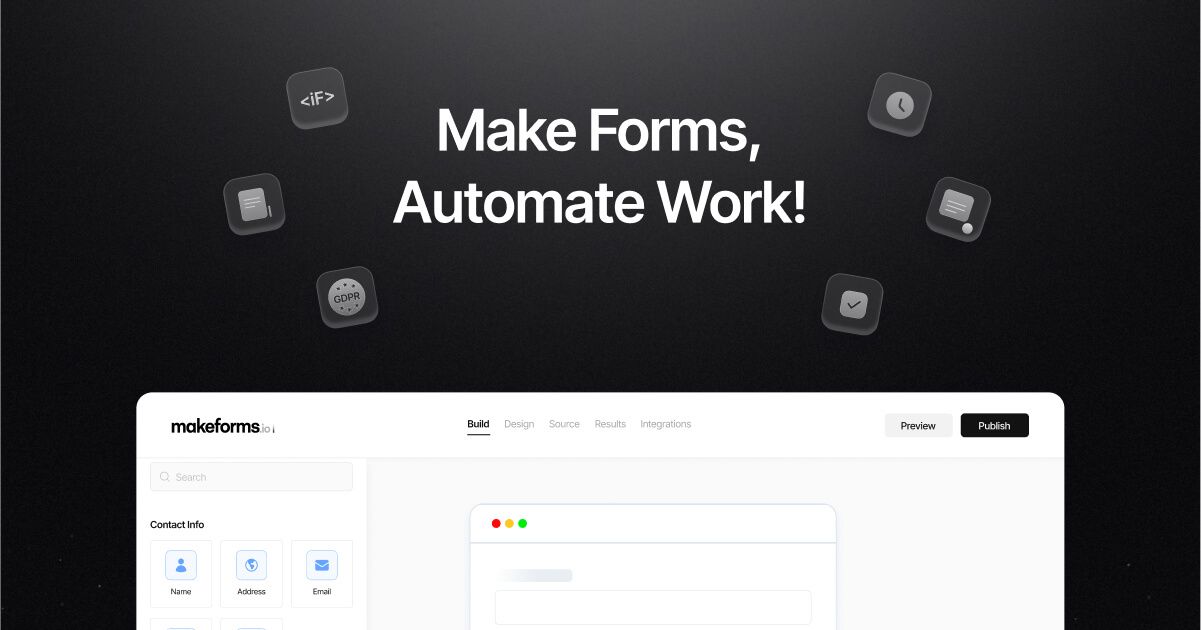
Drag-and-drop form builder
customise forms visually without requiring technical knowledge
Pre-built templates
start from existing form templates for common use cases like surveys, contact forms, and feedback collection
Integrations
connect forms to email, CRM systems, spreadsheets, and other tools to automate data handling
Form analytics
track submission rates, completion times, and response patterns to optimise form performance
Mobile-responsive design
forms automatically adapt to different screen sizes
Pros & cons
Advantages
- Quick setup with AI assistance means you can create functional forms in minutes rather than hours
- No coding required, making it accessible to non-technical users
- Free tier lets you test the tool without financial commitment
- Integrations with popular business tools reduce manual data entry
Limitations
- Free tier likely has limitations on submissions, forms, or integrations that may restrict use for larger projects
- AI suggestions may require refinement for niche or highly specific data collection needs
Use cases
Customer feedback and satisfaction surveys for small to medium businesses
Lead generation and contact collection for sales teams
Event registration and attendee management
Employee onboarding and HR information gathering
Market research and questionnaire distribution
Ready to try MakeForms?
Pricing
Free
Free
Basic form creation, limited submissions per month, standard templates, email notifications
Paid Plans
Pricing varies by tier
Higher submission limits, advanced integrations, priority support, custom branding, form analytics
Get started with MakeForms
Click through to MakeForms and start using it now.
- Free plan available
- No credit card