
Memberstack
- Freemium
- Web
- Free plan available
- No credit card
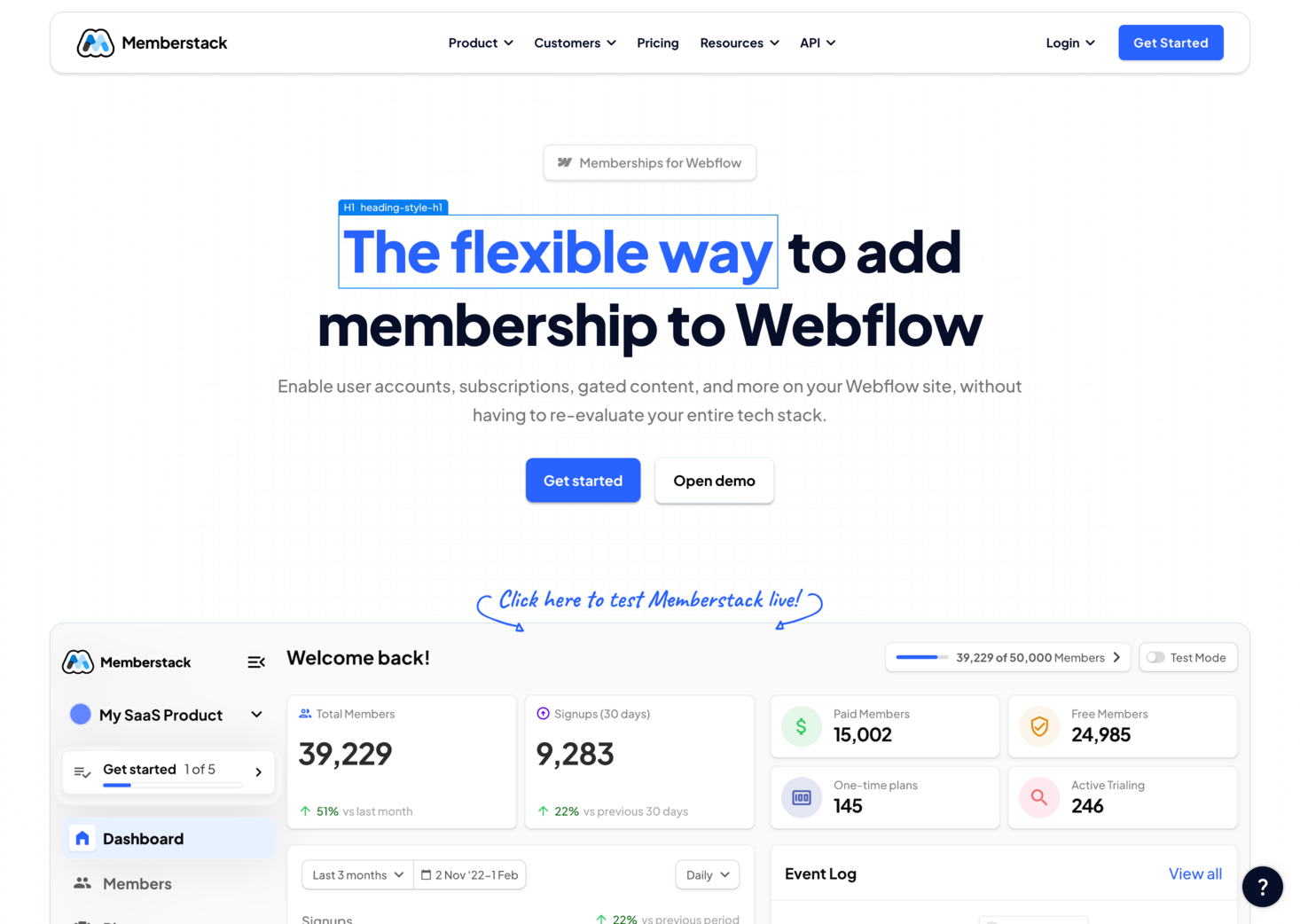
What is Memberstack?
Key features
User authentication
Handle sign-ups, logins, and password resets directly within Webflow without custom code
Content gating
Restrict pages, sections, or components to members only, with visibility rules set in the designer
Stripe integration
Accept payments and manage subscriptions; automatically sync membership status with payment state
Social logins
Let users register and log in via Google, GitHub, or other providers to reduce friction
Member management dashboard
View, edit, or remove members; manually adjust subscription status if needed
Custom fields
Collect additional user data during sign-up beyond standard name and email
Pros & cons
Advantages
- Works natively in Webflow's designer; no need to build a separate auth system or leave your site builder
- Stripe integration handles recurring billing automatically, reducing manual payment tracking
- Suitable for small projects and scaling sites; freemium tier lets you test without upfront cost
- Social login options reduce sign-up friction and improve conversion rates
Limitations
- Limited to Webflow sites; not suitable if you use other site builders or custom frameworks
- Free tier has restrictions on member count and features; costs increase as membership grows
- Advanced customisation may require understanding of Webflow's native features and Memberstack's API
Use cases
Online courses: Gate video lessons and resources behind membership tiers
Subscription newsletters: Allow readers to access premium content after payment
Community sites: Create member-only sections for forums, downloads, or exclusive resources
SaaS landing pages: Test product interest by gating demos or beta access behind sign-ups
Creator platforms: Charge supporters for exclusive posts, resources, or community access
Ready to try Memberstack?
Pricing
Get started with Memberstack
Click through to Memberstack and start using it now.
- Free plan available
- No credit card