
Merlin
ChatGPT Plus extension on all websites.
- Freemium
- Chrome Extension, Web
- Other
- Free plan available
- No credit card
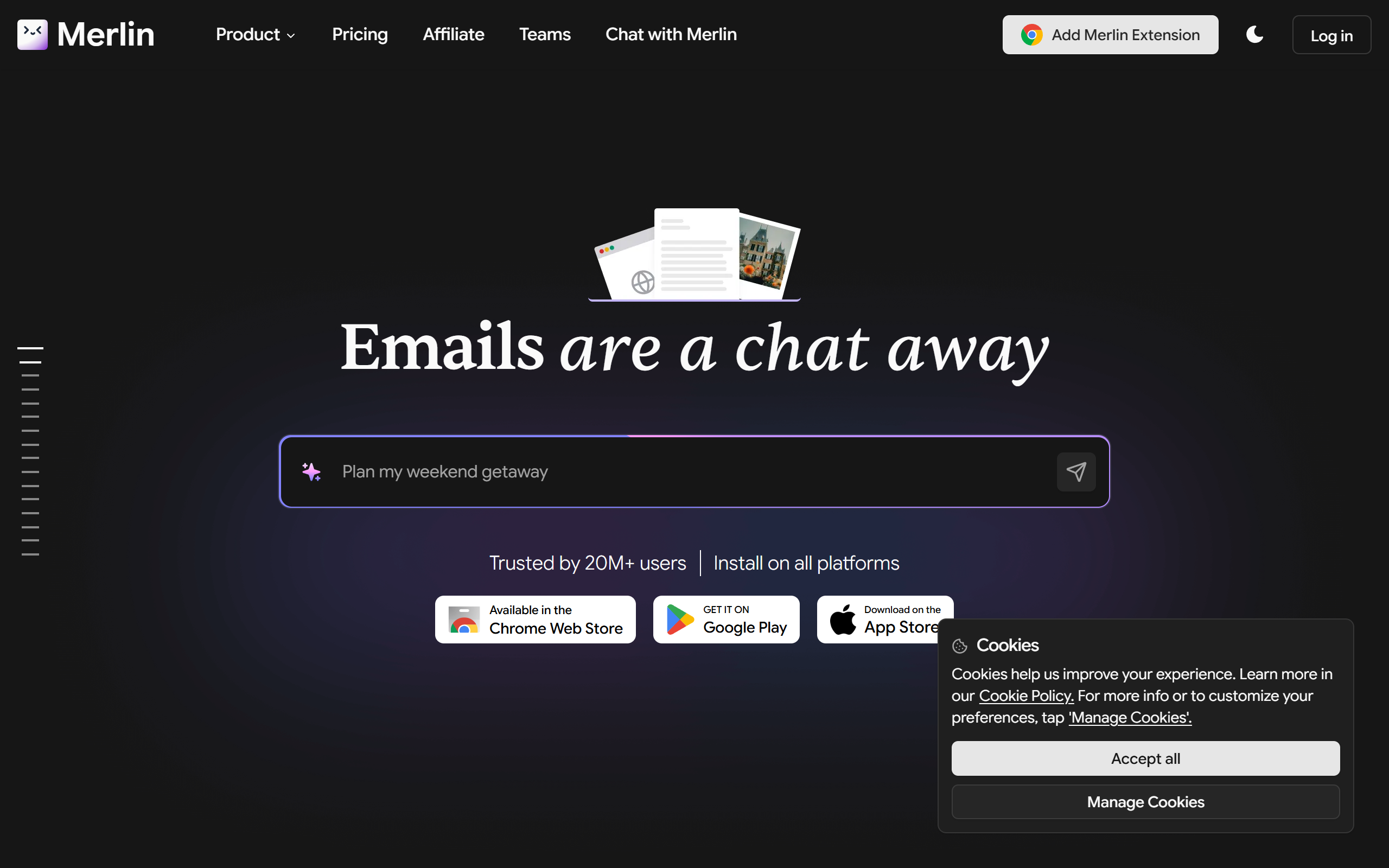
What is Merlin?
Key features
Browser integration
Access ChatGPT directly from any website without switching tabs or applications
Text selection analysis
Highlight text on any webpage and ask ChatGPT to summarise, explain, or analyse it
Prompt templates
Use pre-built prompts for common tasks like summarising content or generating ideas
Chat history
Save and access previous conversations within the extension
Copy and paste functionality
Easily export ChatGPT responses back into web forms or documents
Pros & cons
Advantages
- Reduces context switching by embedding ChatGPT into your workflow
- Freemium model lets you try the extension before committing to paid features
- Works across most websites without compatibility issues
- Useful for research and writing tasks where you need quick AI assistance
Limitations
- Requires a ChatGPT Plus subscription to access the full feature set
- May use significant browser resources if left running constantly
- Limited to ChatGPT's capabilities; doesn't integrate other AI models
Use cases
Researching a topic online and asking ChatGPT to summarise or explain content you find
Writing emails or documents with AI suggestions without leaving the webpage
Analysing articles or reports by selecting text and requesting ChatGPT to break down key points
Brainstorming ideas whilst browsing reference materials
Fact-checking or getting clarification on information you encounter whilst reading online
Ready to try Merlin?
Pricing
Premium
Requires ChatGPT Plus subscription
Full access to ChatGPT Plus features, higher usage limits, and priority processing
Get started with Merlin
Click through to Merlin and start using it now.
- Free plan available
- No credit card