Mic Drop 3.0
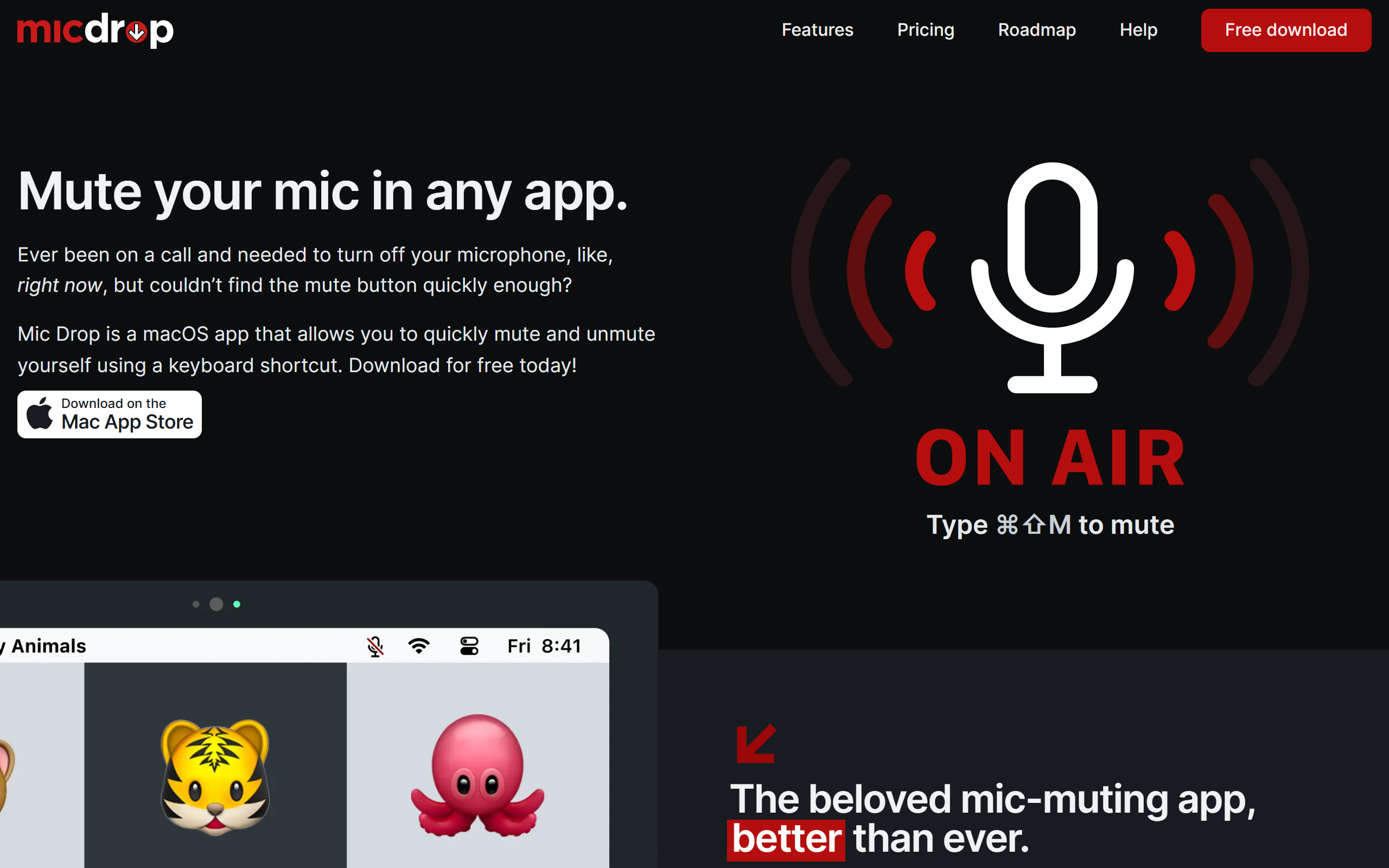
A macOS menu bar app that mutes and unmutes your microphone in any application with a single keyboard shortcut.
- Freemium
- macOS
- Other
- Free plan available
- No credit card
What is Mic Drop 3.0?
Key features
System-wide muting
Mutes your microphone at the system level so it works across every app, including Zoom, Slack, Teams and Discord
Global keyboard shortcut
Toggle your mic with a default hotkey of Command-Shift-M, with the option to set custom shortcuts
Push-to-talk and hold-to-mute
Hold a key to speak or to stay muted, giving control during calls and recordings
Menu bar status indicator
Shows clearly whether your microphone is live or muted to remove any uncertainty
Mic Check
Lets you test your microphone input before joining a call
Device switching
Quickly switch between audio input devices with per-device controls
Automation support
AppleScript control and a Stream Deck plugin for integrating mute actions into wider workflows
Pros & cons
Advantages
- The one-time purchase model means you pay once and keep the app forever with no recurring subscription.
- The Super Pro upgrade is inexpensive at five US dollars, which is accessible for individual users.
- Muting works at the system level, so it covers any application rather than relying on per-app mute buttons.
- A free tier offers basic menu bar muting at no cost, and Pro features come with a 30 day free trial.
- The app emphasises privacy with no data collection or spying.
- Automation options such as AppleScript and a Stream Deck plugin suit power users and streamers.
Limitations
- The app is macOS only, so there is no version for Windows, Linux or mobile devices.
- Advanced features such as custom shortcuts, notifications and automation are locked behind the paid Super Pro tier.
- The free tier is limited to basic muting from the menu bar.
Use cases
Remote workers who want a reliable way to mute their mic during video calls regardless of which conferencing app they use.
Streamers and podcasters who need quick push-to-talk or hold-to-mute control during live recordings.
Stream Deck owners who want to map a physical button to mute and unmute their microphone.
Privacy-conscious users who want a clear visual indicator confirming their microphone is muted.
Users who switch between several audio input devices and want fast per-device control.
Anyone wanting a one-off paid alternative to subscription-based mic utilities.
Ready to try Mic Drop 3.0?
Pricing
Super Pro
5 one-time
One-time purchase that adds audio and visual notifications, custom keyboard shortcuts, push-to-talk and hold-to-mute, Mic Check, fast device switching, extra menu bar icons, AppleScript support and the Stream Deck plugin. Includes a 30 day free trial.
Get started with Mic Drop 3.0
Click through to Mic Drop 3.0 and start using it now.
- Free plan available
- No credit card