
Microsoft Designer
Stunning designs in a flash.
- Freemium
- Web, Windows, macOS, iOS, Android
- Social Media GraphicsDesignUI/UX Design
- Free plan available
- No credit card
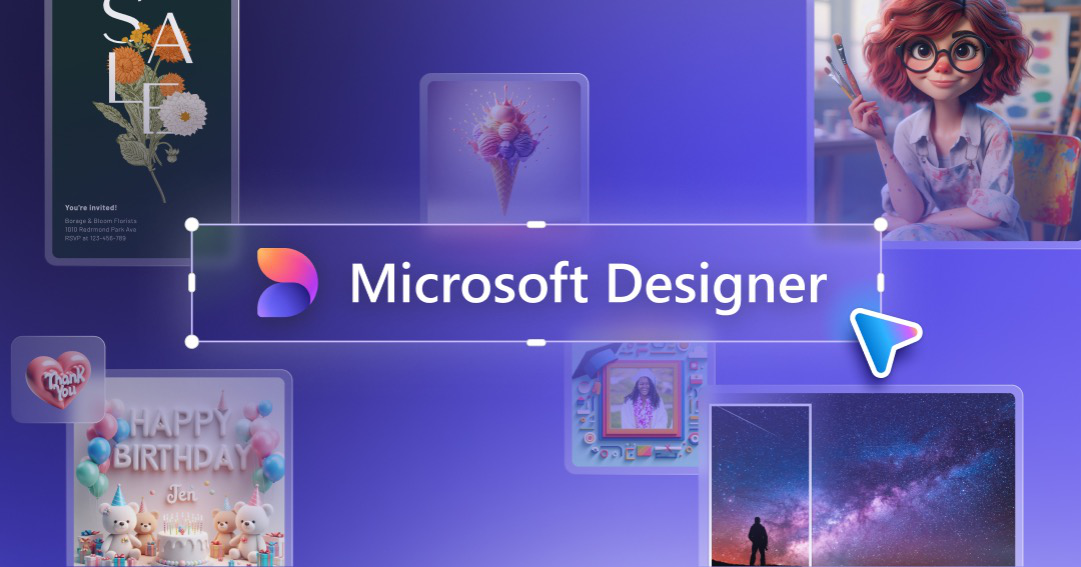
What is Microsoft Designer?
Key features
AI-powered design generation
Create designs by describing your ideas in natural language, letting AI suggest layouts and visual elements
Extensive template library
Access pre-designed templates for social media, invitations, postcards, flyers, and other marketing materials
Image integration
Incorporate your own photos or search from built-in stock image collections to personalise designs
Design customization
Edit colors, fonts, layouts, text, and elements to match your brand or personal preferences
Multi-format export
Download and share designs in various formats suitable for different platforms and use cases
Microsoft ecosystem integration
smooth integration with Microsoft 365 and other Microsoft services for workflow efficiency
Pros & cons
Advantages
- No design experience required - intuitive interface makes professional design accessible to everyone
- Fast design creation - AI assistance and templates dramatically reduce time spent on design work
- Free tier available - freemium model allows users to create and export designs without paying
- Quality output - AI-assisted suggestions help ensure designs look polished and professional
- Variety of use cases - suitable for social media, marketing, personal projects, and business needs
Limitations
- Limited advanced features compared to professional design software like Adobe Creative Suite
- Customization options may be restricted in the free tier or require premium subscriptions
- Dependency on AI quality - generated designs may sometimes require significant manual adjustments
Use cases
Social media managers creating engaging posts, stories, and promotional graphics for multiple platforms
Small business owners designing marketing materials, flyers, and promotional postcards on a budget
Content creators producing eye-catching thumbnails, banners, and visual content quickly
Event planners creating invitations and announcements for parties, weddings, and corporate events
Educators designing classroom materials, announcements, and educational posters
Ready to try Microsoft Designer?
Pricing
Free
Free
Basic design creation with templates, AI design suggestions, limited exports, access to standard design tools
Premium
Subscription required (exact pricing varies)
Expanded premium templates, unlimited exports, advanced AI features, priority support, additional design elements and customization options
Get started with Microsoft Designer
Click through to Microsoft Designer and start using it now.
- Free plan available
- No credit card