
Microsoft Translator AI
Break language barriers: translate text, speech, real-time conversations.
- Freemium
- Web, Windows, macOS, iOS, Android, API, Microsoft Teams plugin, Microsoft Edge integration
- WritingVoice & SpeechWorkflow Automation
- Free plan available
- No credit card
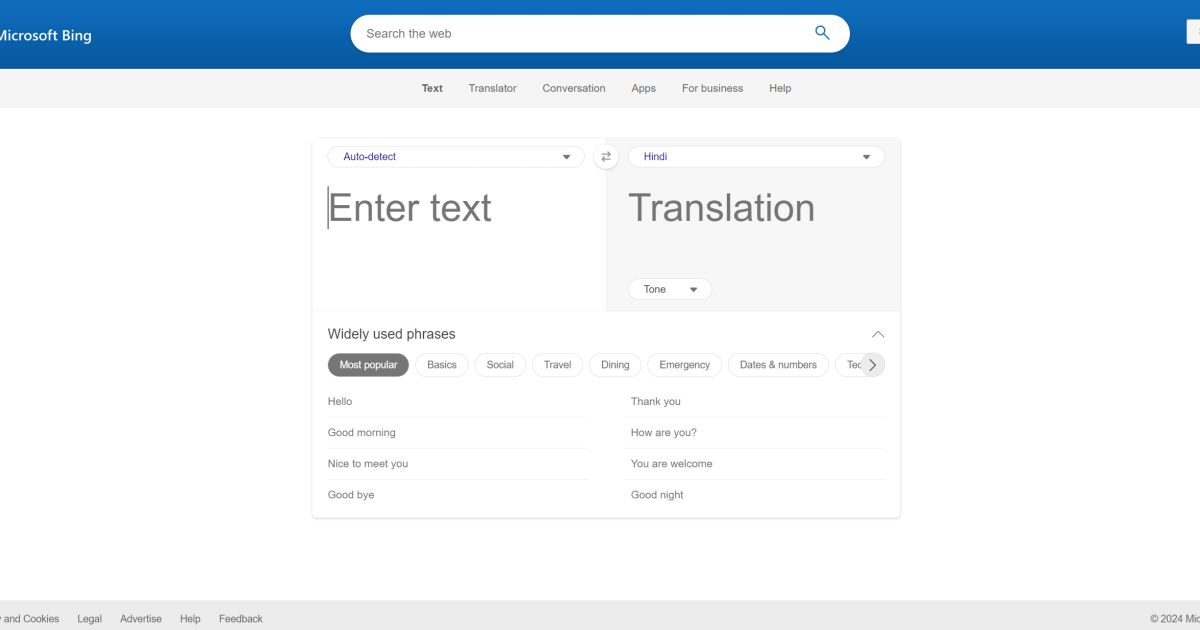
What is Microsoft Translator AI?
Key features
Text translation
paste or type content to translate between languages
Speech translation
convert spoken input to text in a different language
Real-time conversation translation
simultaneous two-way translation during calls or meetings
Document translation
upload and translate entire files while preserving formatting
Integration with Microsoft Teams
translate messages and meetings without leaving the app
REST API
integrate translation capabilities into custom applications or workflows
Pros & cons
Advantages
- Free tier is genuinely useful with reasonable monthly character limits
- Integrates directly into Microsoft Teams, Office, and Edge for minimal friction
- Handles 100+ languages including less common options
- Real-time conversation mode works across different devices and networks
- API access available for developers building translation into their own products
Limitations
- Free tier has monthly limits; heavy users or organisations need paid tiers
- Translation quality varies by language pair; less common languages may be less accurate
- Character limits on free tier reset monthly, which can interrupt workflows
Use cases
Support teams responding to customer queries in multiple languages
Remote teams conducting multilingual meetings or collaborative work sessions
Organisations translating marketing materials or product documentation
Individuals travelling or working in countries where they don't speak the local language
Developers building translation features into applications or websites
Ready to try Microsoft Translator AI?
Pricing
Free
Free
2 million characters per month for text translation; limited speech and conversation features
Pay-as-you-go
Varies by feature
Text translation, document translation, and speech translation charged per character or request; no monthly commitment
Committed tier
Contact Microsoft
Volume discounts for organisations; guaranteed capacity and priority support
Get started with Microsoft Translator AI
Click through to Microsoft Translator AI and start using it now.
- Free plan available
- No credit card