MimicPC AI
Unlock AI tools instantly, browser-based, no installs needed.
- Always free
- No credit card
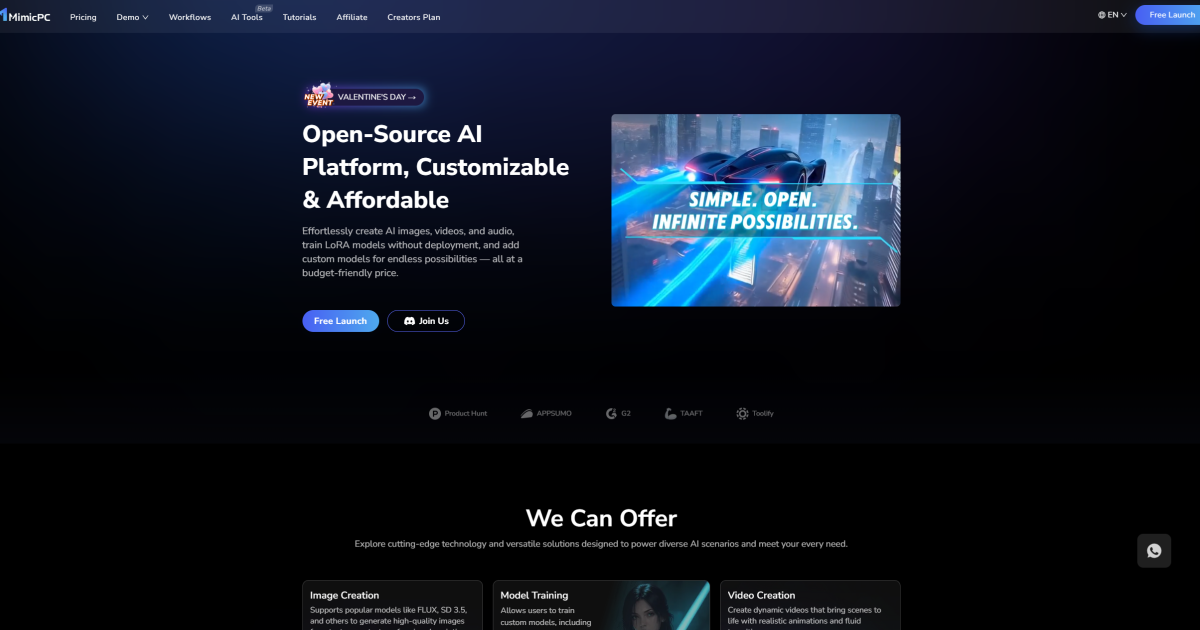
What is MimicPC AI?
Key features
Browser-based access
Run AI tools directly from your web browser with no software installation required
Instant availability
Start using AI tools immediately without setup or configuration steps
Cross-platform compatibility
Access the same tools from Windows, macOS, or Linux devices
Multiple AI tools
Access to a selection of different AI applications from a single platform
Free to use
No cost to access the available AI tools and features
Pros & cons
Advantages
- No installation or setup required; start working immediately
- Works on any device with a web browser
- Completely free to use
- Convenient for testing multiple AI tools without cluttering your system
Limitations
- Limited to tools available on the platform; you may need other services for specific tasks
- Performance depends on your internet connection and browser capabilities
- Browser-based tools may have limitations compared to dedicated desktop applications
Use cases
Testing different AI tools before committing to paid subscriptions
Quick text generation, summarisation, or analysis tasks
Learning about AI capabilities without technical barriers
Cross-device workflow where you switch between computers
Temporary AI tasks where you don't want to install software
Ready to try MimicPC AI?
Pricing
Get started with MimicPC AI
Click through to MimicPC AI and start using it now.
- Always free
- No credit card