
MindMap AI
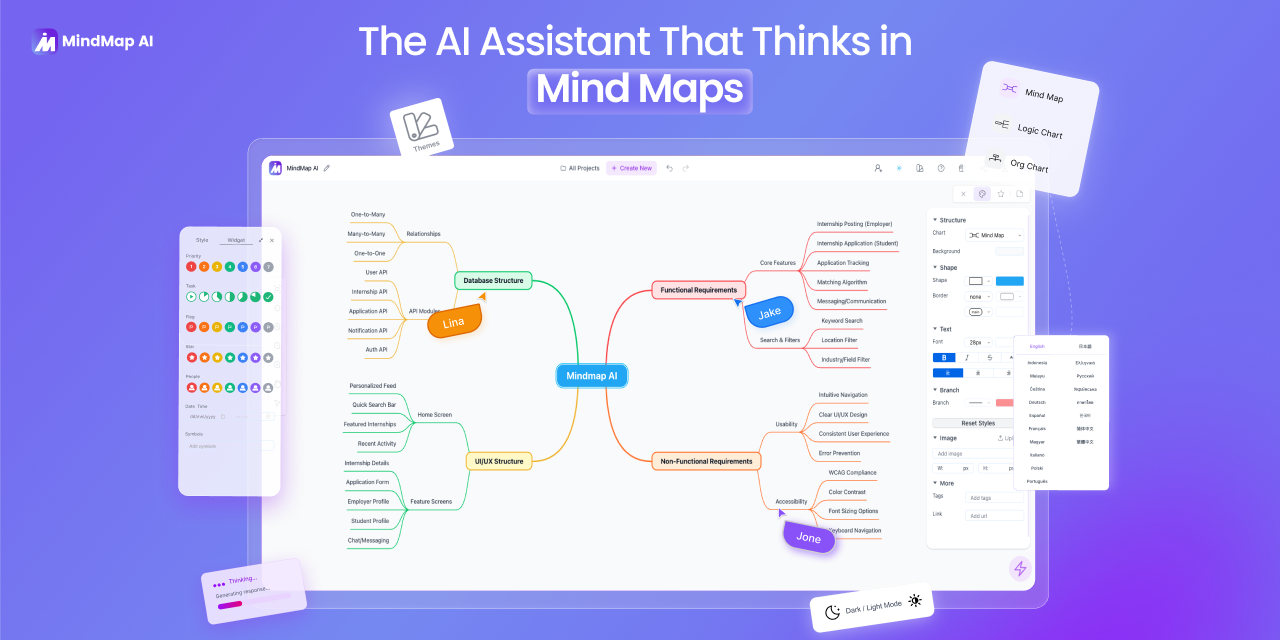
MindMap AI is an AI-powered tool that turns text, PDFs, audio, video, and more into editable mind maps. Ideal for students, professionals, and teams to brainstorm, plan, and organize ideas visually an
- Freemium
- Web
- VideoWritingAI Tools for Brainstorming
- Free plan available
- No credit card
What is MindMap AI?
Key features
Multi-format input
convert text, PDFs, audio, and video into mind maps
AI-powered extraction
automatically identifies key concepts and relationships from source material
Editable maps
modify, reorganise, and refine the generated mind maps after creation
Browser-based
no installation required; access from any device with a web browser
Collaborative features
work with team members on shared mind maps
Export options
save and share your mind maps in various formats
Pros & cons
Advantages
- Saves significant time by automating the initial structure of mind maps from raw content
- Works with multiple input formats, making it flexible for different workflows
- No learning curve for anyone familiar with mind mapping; generated maps are immediately useful
- Free tier available so you can test the tool without commitment
Limitations
- AI-generated structures may require editing if the tool misidentifies key concepts or relationships
- Reliance on browser means performance may vary depending on file size and internet connection
- Limited information available about specific limitations of the free tier versus paid options
Use cases
Students converting lecture recordings into study-ready mind maps
Project managers organising requirements from client documents or briefs
Content creators planning article or video outlines from research materials
Teams brainstorming and capturing ideas from meeting audio or video
Researchers mapping out connections between concepts in academic papers
Ready to try MindMap AI?
Pricing
Premium
Pricing not specified
Higher conversion limits; audio and video support; advanced export options; collaborative features
Get started with MindMap AI
Click through to MindMap AI and start using it now.
- Free plan available
- No credit card