
Mindstamp
- Freemium
- Web
- Free plan available
- No credit card
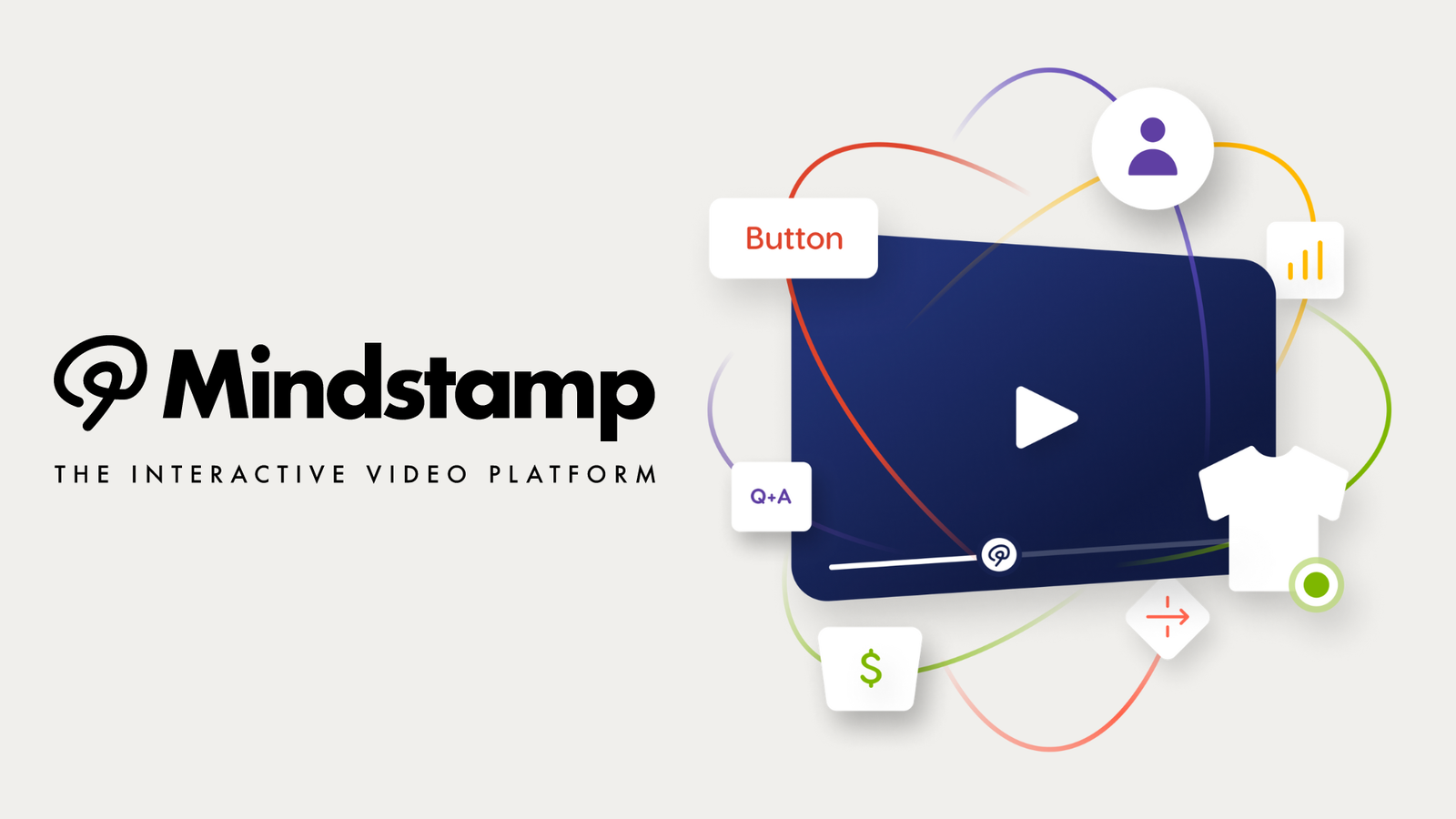
What is Mindstamp?
Key features
Interactive buttons
add clickable elements that link to URLs, trigger actions, or branch the video to different content
Quiz and poll functionality
embed questions with multiple choice answers to assess understanding or gather feedback
Hotspots
create clickable areas on specific parts of the video that reveal additional information or links
Drawing tools
let viewers annotate or highlight areas of the video for collaborative feedback
Analytics tracking
see which interactive elements viewers click on and measure engagement rates
No editing required
layer interactivity onto finished videos without re-exporting or using video editing software
Pros & cons
Advantages
- Quick to set up; you can make a video interactive in minutes without technical skills
- Works with any existing video format or source, so you don't need to re-shoot or re-edit
- Provides engagement data showing which interactive elements perform well
- Free tier is genuinely usable for small-scale projects or testing
Limitations
- Viewers may need to be directed to Mindstamp's player or a embedded version; it's not a smooth native video platform experience
- Limited ability to modify the video content itself; you're adding layers rather than editing the underlying footage
Use cases
Employee training videos with embedded quizzes and knowledge checks
Product demo videos with clickable hotspots explaining features
Marketing videos with buttons linking to sales pages or sign-up forms
Educational content with interactive questions to reinforce learning
Customer onboarding videos with branching paths based on viewer choices
Ready to try Mindstamp?
Pricing
Get started with Mindstamp
Click through to Mindstamp and start using it now.
- Free plan available
- No credit card