Miro
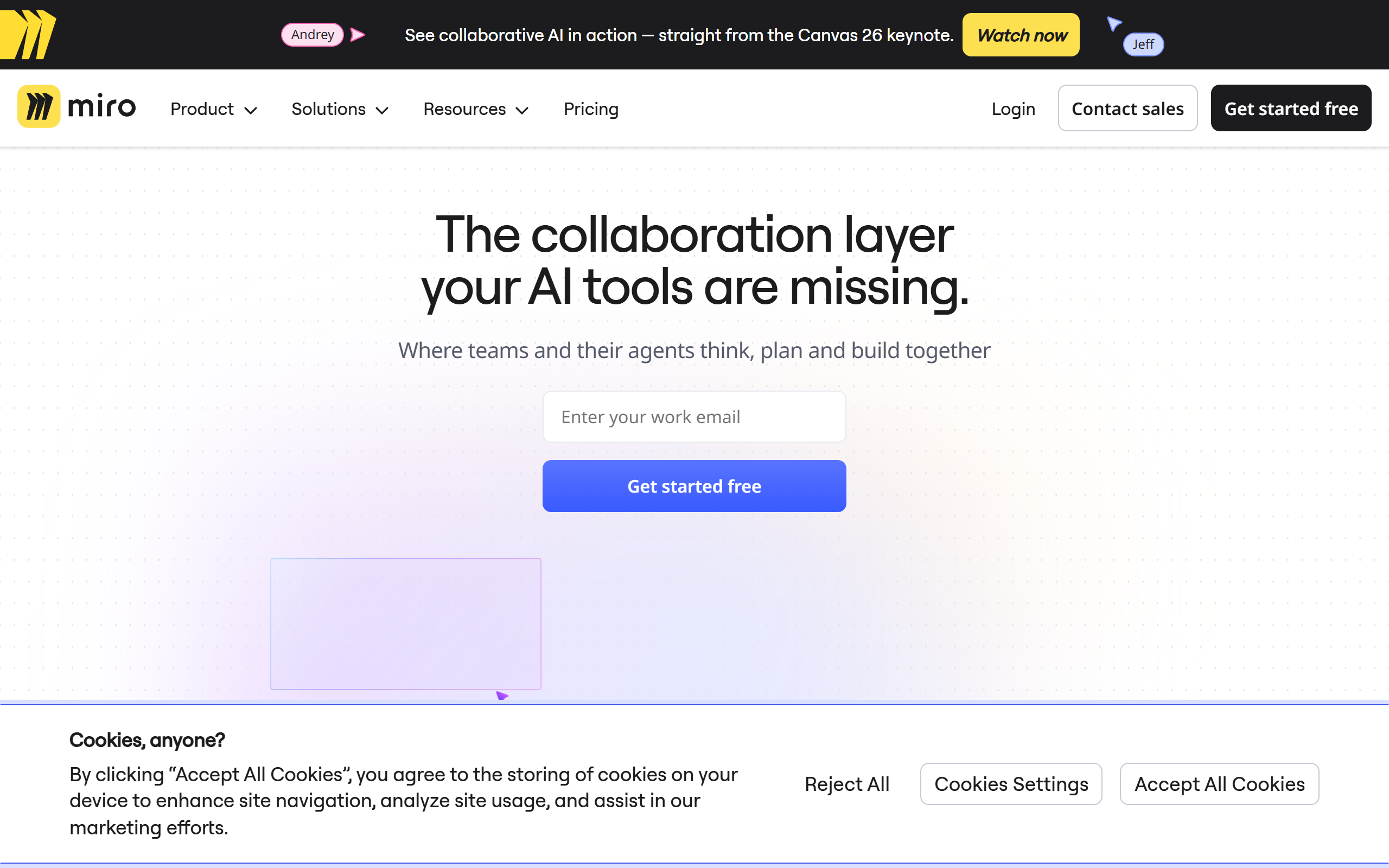
Visual collaboration workspace where teams and AI agents plan, diagram and build product work together on an infinite canvas.
- Freemium
- Web, iOS, Android, Windows, macOS, API
- Customer SupportDesignProductivity
- Free plan available
- No credit card
What is Miro?
Key features
Intelligent Canvas
An infinite, multiplayer workspace where teams collaborate in real time on the same boards.
Miro AI
Built-in AI that generates content, summarises boards and helps automate workflows using monthly AI credits.
Multi-format boards
Combine docs, tables, slides and diagrams in a single canvas rather than switching between apps.
Diagramming
Thousands of shapes and icons for technical diagrams, flowcharts, org charts and process maps.
Templates library
Over 6,000 ready-made templates for workshops, planning, retrospectives and journey mapping.
Integrations
More than 250 app integrations including Jira, Azure DevOps, Asana and Slack.
TalkTrack and facilitation tools
Record walkthroughs of boards and run sessions with timers, voting and video calls.
Pros & cons
Advantages
- The free plan lets individuals and small teams try the core canvas without paying.
- It combines many board types and document formats in one place, reducing the need for separate tools.
- A large template library and over 250 integrations help teams get started quickly and fit it into existing workflows.
- Real-time multiplayer collaboration suits distributed and remote product teams.
- Enterprise options include SSO, SCIM, regional data hosting and 24/7 support with SLAs.
Limitations
- The free plan is limited to three editable boards, which small teams can outgrow quickly.
- AI features are metered by monthly credits, so heavy AI use may require a higher tier.
- The Enterprise plan requires a minimum of 30 members, putting it out of reach for very small organisations.
- The breadth of features and board types can feel overwhelming for new users.
Use cases
Product teams running ideation, sprint planning and roadmap sessions on a shared canvas.
UX and research teams synthesising user research and mapping customer journeys.
Engineering teams building technical diagrams, flowcharts and process maps that link to Jira or Azure DevOps.
Agile teams running Kanban boards, retrospectives and stand-ups with built-in facilitation tools.
Distributed and remote teams holding workshops and brainstorms with real-time collaboration.
Designers prototyping and wireframing ideas before moving into production tools.
Ready to try Miro?
Pricing
Free
Free
One workspace with 3 editable boards, 6,000+ templates, 160+ apps and integrations, 10 Miro AI credits per month per team, 5 TalkTracks.
Starter
8 USD per member per month billed annually (10 USD monthly)
Unlimited boards, unlimited visitors, 25 Miro AI credits per member per month, Brand Center and custom templates, Spaces and Blueprints, unlimited TalkTracks, facilitation tools.
Business
20 USD per member per month billed annually (25 USD monthly)
Multiple workspaces with unlimited boards, unlimited guests, 3,900+ diagramming shapes and icons, advanced data tables, Jira/Azure DevOps/Asana integrations, 50 Miro AI credits per member per month, AI Workflows.
Enterprise
Contact for pricing (minimum 30 members)
Flexible licence program, SCIM automation, centralised user management and analytics, enterprise-grade security with SSO and domain control, regional data hosting (EU, US, AU), custom AI credits, premium 24/7 support with SLAs.
Get started with Miro
Click through to Miro and start using it now.
- Free plan available
- No credit card