
Mix Check Studio
Mix Check Studio is a web app designed for musicians and audio enthusiasts to refine their mixing and mastering skills using advanced AI technology. The platform allows users to upload WAV or MP3 audi
- Free
- Web
- Data & AnalyticsDesignAudio
- Always free
- No credit card
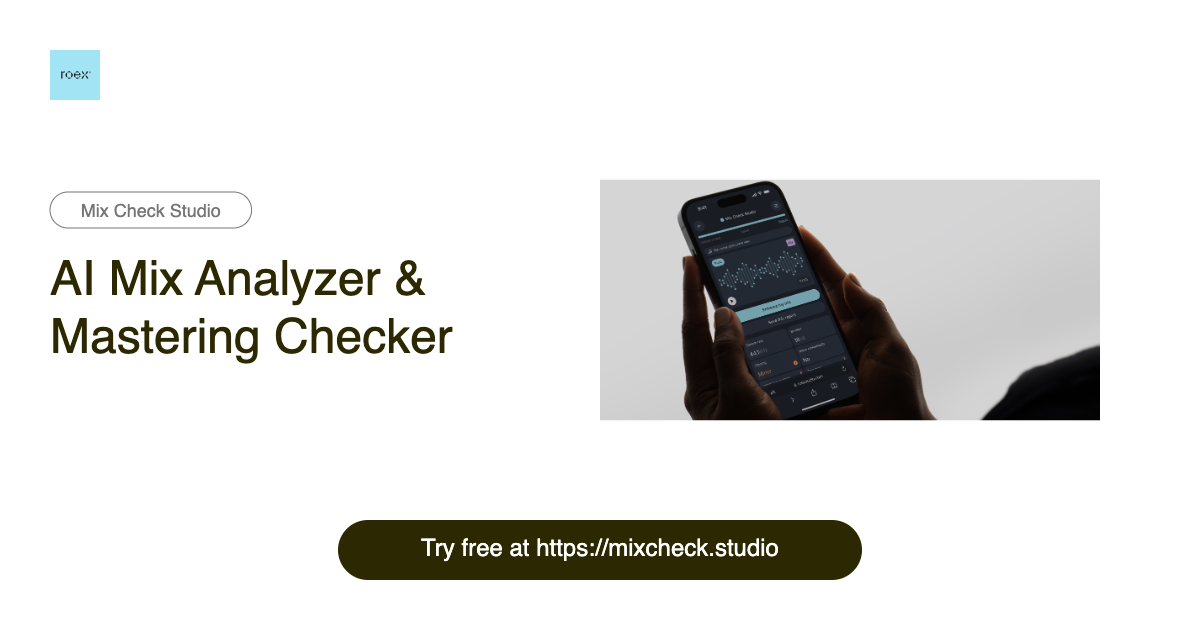
What is Mix Check Studio?
Key features
AI-powered mix analysis
Receives feedback on frequency balance, dynamics, clarity, and other mix elements
Audio file upload
Accepts both WAV and MP3 formats for analysis
Privacy-focused
Does not retain uploaded audio files after processing
Step-by-step workflow
Simple interface guides you through uploading and receiving feedback
Free access
No subscription or payment required to use the tool
Pros & cons
Advantages
- Completely free with no hidden costs or premium tiers
- Fast feedback on mixes without needing to hire a mixing engineer
- Audio files are not stored, protecting your unreleased work
- Works directly in a web browser with no software installation needed
Limitations
- AI feedback may lack the nuance and contextual understanding of an experienced human mixing engineer
- Reliant on internet connection for uploading and receiving analysis
- Limited information available about the specific AI model or mixing standards it uses
Use cases
Quick feedback on a rough mix before sending to a professional engineer
Learning mixing techniques by receiving suggestions on your own tracks
Checking mix balance across different playback systems before mastering
Getting a second opinion on amateur productions without spending money
Identifying obvious mix problems in demos or practice recordings
Ready to try Mix Check Studio?
Pricing
Get started with Mix Check Studio
Click through to Mix Check Studio and start using it now.
- Always free
- No credit card