
Mockuuups
- Freemium
- Web
- Free plan available
- No credit card
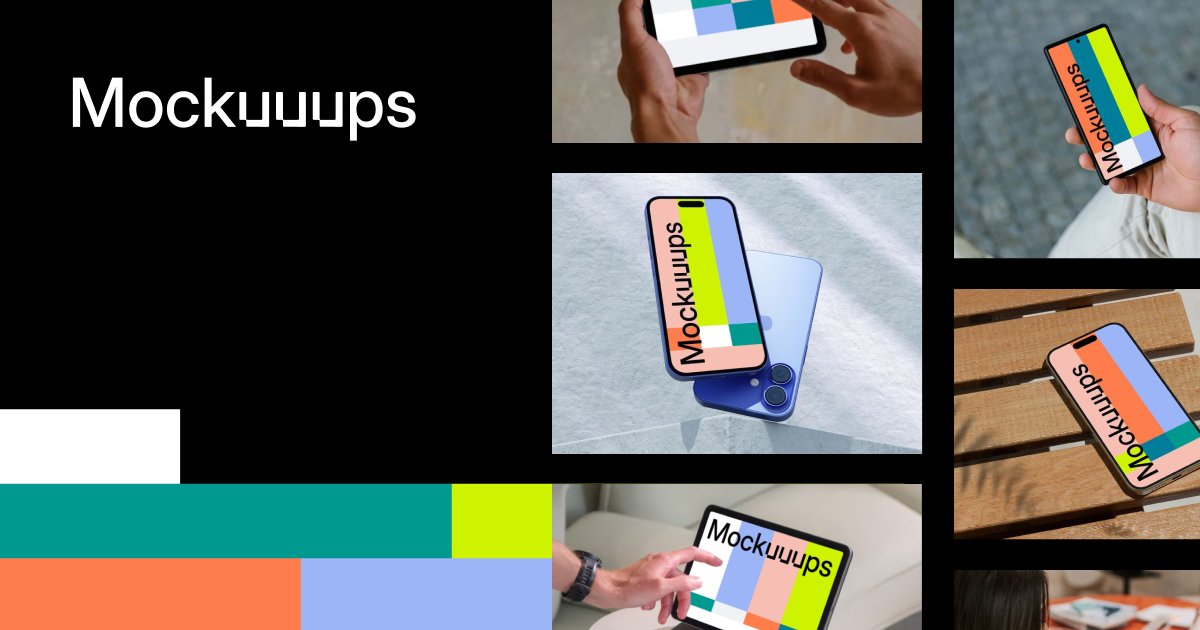
What is Mockuuups?
Key features
Device mockup library
pre-built frames for phones, tablets, laptops, and other devices in various colours and angles
Drag-and-drop editor
position screenshots and assets within mockup frames without complex tools
Print mockups
generate physical mockup designs suitable for printing and display
Free tier
create and download mockups at no cost with basic functionality
Multiple export formats
download finished mockups in common image formats for web and print use
Pros & cons
Advantages
- Free to use for most needs, with no signups required for basic mockup creation
- Very simple interface; most users can create a mockup in minutes without tutorials
- Good selection of device types and angles to match different marketing scenarios
- Useful for both digital and print applications
Limitations
- Limited customisation options compared to full design tools like Figma or Adobe XD
- Mockup library may not include every niche device or custom frame style
- Primarily a mockup tool, not suitable for building layouts or complex graphics from scratch
Use cases
App store listings: creating promotional screenshots showing the app on a realistic device
Website hero sections: displaying app or product screenshots in a polished context
Marketing presentations: adding device mockups to pitch decks and investor materials
Print marketing: generating images for brochures, posters, or trade show displays
Social media promotion: creating eye-catching product images for social campaigns
Ready to try Mockuuups?
Pricing
Free
Free
Full access to mockup creation, device library, and download functionality with no payment required
Get started with Mockuuups
Click through to Mockuuups and start using it now.
- Free plan available
- No credit card