
Montage
A tool to repurpose long videos into social clips.
- Free plan available
- No credit card
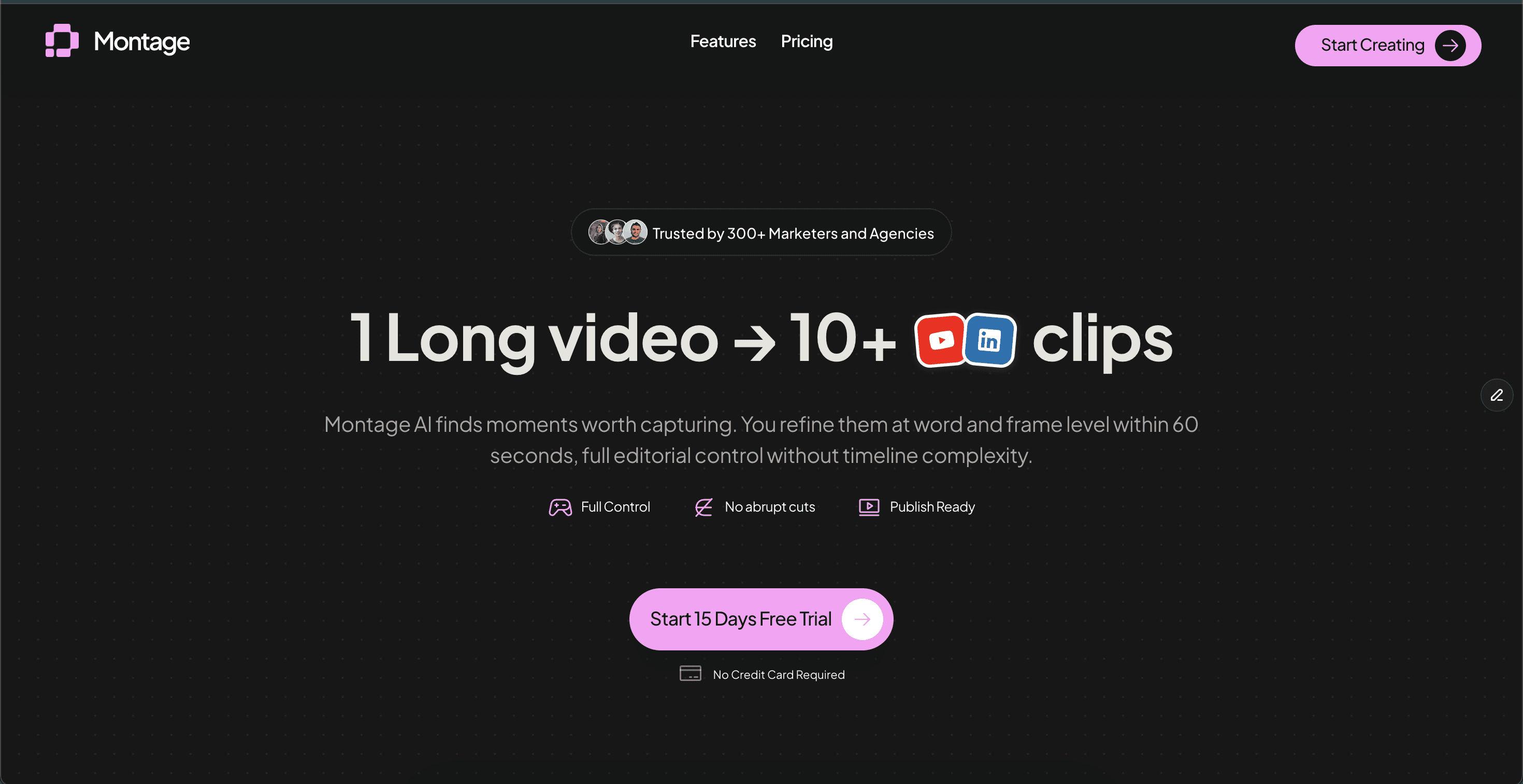
What is Montage?
Key features
Automatic clip extraction
identifies key moments and highlights in long videos
Multi-platform formatting
adapts clips to dimensions and specifications for TikTok, Instagram Reels, YouTube Shorts, and other social platforms
Batch processing
repurpose multiple videos at once rather than one at a time
Customisation options
adjust clip length, add captions, or manually select segments
Free tier
test the tool without payment or credit card requirement
Pros & cons
Advantages
- Saves significant time compared to manually editing and cutting videos
- Removes the need to learn complex video editing software for simple repurposing tasks
- Automatically formats clips for different social platforms, avoiding manual resizing
- Freemium model lets you evaluate whether it fits your workflow before paying
Limitations
- Automated detection may not always identify the most important moments in your specific content
- Limited control over which segments are selected compared to manual editing
- May require some manual refinement or re-editing depending on your quality standards
Use cases
Podcast hosts converting hour-long episodes into 30-second highlight clips
YouTube creators repurposing long-form videos into TikTok and Reel content
Conference or event organisers creating promotional clips from full recordings
Marketing teams extracting customer testimonials or product demonstrations from longer videos
Educators breaking down lecture videos into bite-sized learning segments
Ready to try Montage?
Pricing
Get started with Montage
Click through to Montage and start using it now.
- Free plan available
- No credit card