
Motion
AI task manager that builds your daily schedule Pricing: Paid. See pros, cons, alternatives, and comparisons.
- Free
- Web, macOS, Windows, iOS, Android, Chrome Extension
- VideoWritingProductivity
- Always free
- No credit card
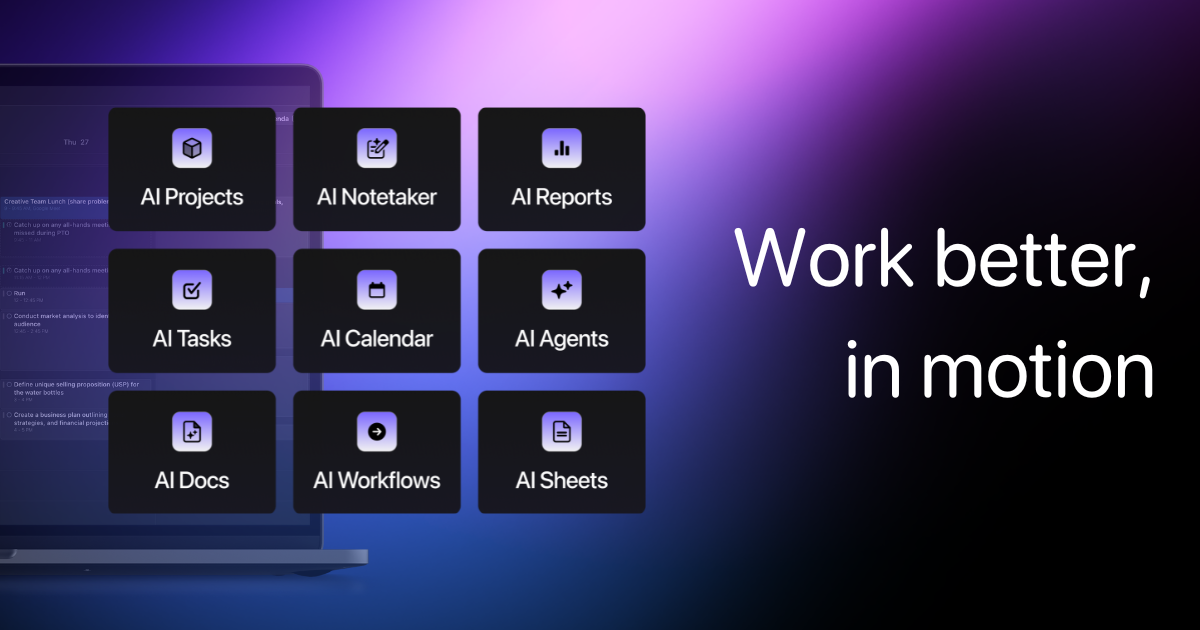
What is Motion?
Key features
Automatic scheduling
AI arranges tasks into your daily calendar based on priority, duration, and availability
Calendar integration
Syncs with Google Calendar and Outlook to avoid scheduling conflicts with meetings
Task prioritisation
Helps you identify and focus on high-priority work
Deadline management
Automatically reschedules tasks when deadlines shift or time runs out
Time blocking
Groups similar tasks together to reduce context switching
Progress tracking
Shows completed work and helps identify overcommitment patterns
Pros & cons
Advantages
- Removes the mental burden of deciding what to work on and when, especially helpful for people with many competing priorities
- Integrates directly with existing calendars, so you see everything in one place
- Helps identify when you're overcommitted before the day begins
Limitations
- Requires discipline to input all tasks and update them regularly; garbage in, garbage out
- The AI's scheduling suggestions may not account for context-dependent work or creative thinking patterns that vary day to day
- Relies on accurate time estimates for tasks, which many people struggle to provide upfront
Use cases
Project managers juggling multiple client deliverables and deadlines
Freelancers working across several projects with different time zones and stakeholder requirements
Knowledge workers who spend time in meetings and need to protect deep work time
People who frequently miss deadlines or underestimate how much they can accomplish in a day
Teams wanting to improve visibility into individual workload and capacity
Ready to try Motion?
Pricing
Get started with Motion
Click through to Motion and start using it now.
- Always free
- No credit card