
Motion AI Planner
Motion is an AI-powered calendar and task manager that automatically schedules your work by intelligently fitting tasks, meetings, and deep work blocks into you
- Open Source
- Web, macOS, Windows, iOS, Android, Chrome Extension
- AI Task ManagersVideoWriting
- Open source
- Free forever
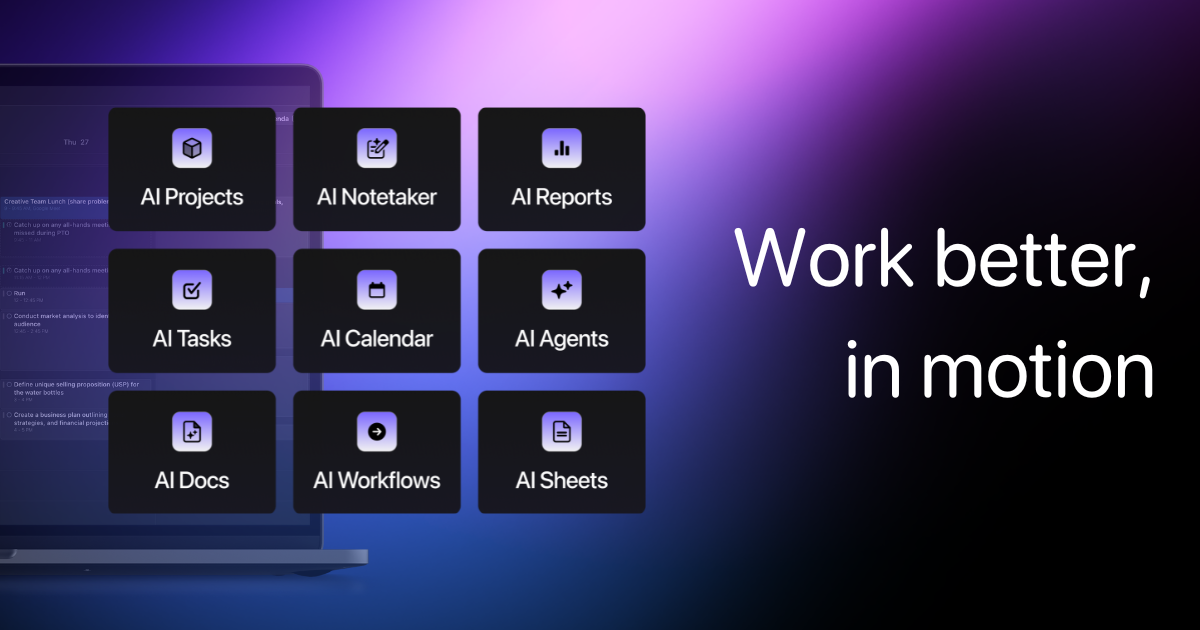
What is Motion AI Planner?
Key features
Automatic task scheduling
AI analyses your tasks and calendar to find suitable time slots for work
Deep work blocks
Reserves dedicated periods for focused, uninterrupted work
Meeting integration
Works with existing calendar events to build schedules around fixed commitments
Priority-based scheduling
Prioritises tasks based on urgency and importance
Real-time adjustments
Updates your schedule as new tasks and meetings are added
Pros & cons
Advantages
- Reduces manual calendar management and scheduling decisions
- Helps identify and protect time for concentrated work
- Adapts to changing priorities throughout the week
- Integrates with existing calendar platforms
- Provides visibility into how your time is allocated
Limitations
- Effectiveness depends on accurate task prioritisation and realistic time estimates from users
- May require adjustment period to trust AI scheduling recommendations
- Limited control over exactly when tasks are scheduled if you prefer manual placement
Use cases
Knowledge workers managing multiple projects who struggle to find time for deep work
Teams wanting to protect focus time whilst accommodating collaborative meetings
People with variable workloads who need help adapting their schedule daily
Remote workers balancing async work with synchronous team commitments
Individuals trying to establish and maintain consistent work routines
Ready to try Motion AI Planner?
Pricing
Get started with Motion AI Planner
Click through to Motion AI Planner and start using it now.
- Open source
- Free forever