Murf AI Studio
AI voice generator with 120+ lifelike voices for creating voiceovers, presentations, and videos with ease.
- Freemium
- Web
- AI Voice GeneratorsVideoWriting
- Free plan available
- No credit card
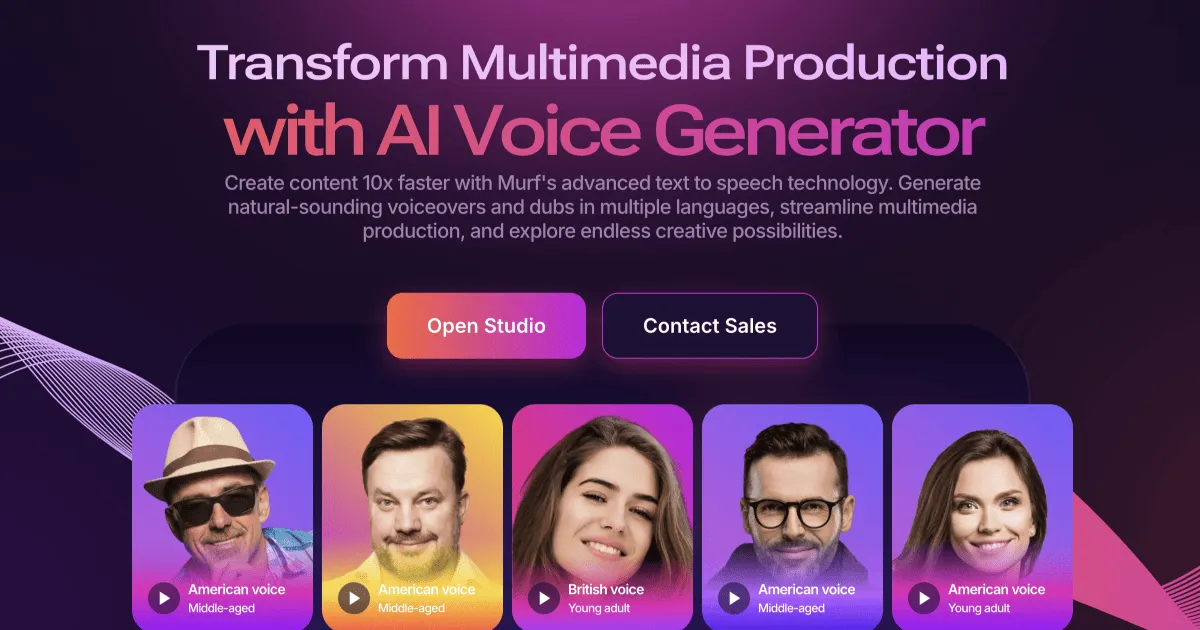
What is Murf AI Studio?
Key features
120+ AI voices in multiple languages and accents for diverse voiceover needs
Real-time voice preview and customisation of speed, pitch, and emphasis
Direct video editing within the platform to synchronise voiceovers with footage
Bulk generation for creating multiple voiceovers at once
Commercial licence available for business and promotional use
Export in multiple formats suitable for different platforms and applications
Pros & cons
Advantages
- Large selection of voices means finding a suitable option for almost any project
- No need to hire voice talent, which saves time and money
- Easy to adjust timing and tone without re-recording
- Free tier available to test the tool before committing to a paid plan
Limitations
- AI voices lack the emotional depth and natural variation of human voice actors, particularly for narrative or character-driven content
- Quality and naturalness vary depending on the language and voice selected
- Free tier includes watermarks on exports and limited storage
Use cases
Creating voiceovers for YouTube videos, explainer videos, and social media content
Generating audio for business presentations and training materials
Producing podcast episodes or audiobook chapters
Adding narration to product demos and instructional guides
Localising video content by creating voiceovers in different languages
Ready to try Murf AI Studio?
Pricing
Basic
Check website for current pricing
Higher minute allowance, watermark-free exports, access to most voices
Pro
Check website for current pricing
Full access to all voices and languages, commercial usage rights, priority support
Get started with Murf AI Studio
Click through to Murf AI Studio and start using it now.
- Free plan available
- No credit card