Murf Studio
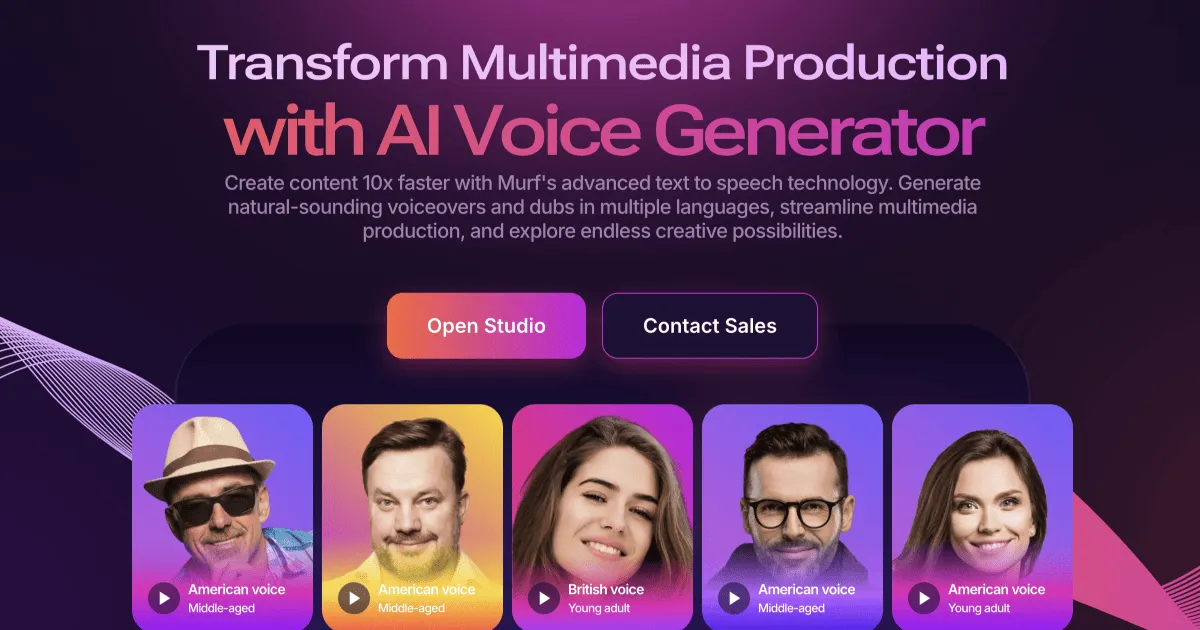
AI voice studio for creating realistic text-to-speech voiceovers for videos and presentations.
- Freemium
- Web
- VideoWritingAI Presentation Makers
- Free plan available
- No credit card
What is Murf Studio?
Key features
Multiple AI voices
library of male, female, and non-binary voices across different languages and accents
Script editing
adjust speech speed, pitch, pause length, and emphasis on individual words or phrases
Video integration
upload video files and sync voiceovers to match your content
Audio download
export finished voiceovers in common formats for use in other tools
Real-time preview
listen to voice samples before finalising your choice
Pros & cons
Advantages
- Quick way to produce voiceovers without hiring talent or recording in-house
- Free tier allows you to experiment without payment
- Reasonable voice quality suitable for many professional contexts
- Straightforward interface that doesn't require audio production experience
Limitations
- AI voices still lack some of the natural variation and emotion of human speakers in certain contexts
- Free tier includes limited monthly exports; frequent users will need a paid subscription
- Customisation options exist but are more limited than dedicated audio editing software
Use cases
Creating voiceovers for YouTube videos or other online video content
Producing audio narration for e-learning courses and training materials
Adding voiceovers to business presentations or pitch decks
Generating voiceovers in multiple languages for international content
Creating accessible audio descriptions for written content or infographics
Ready to try Murf Studio?
Pricing
Pro
Pricing varies; check website for current rates
Increased monthly credits; access to full voice library; no watermark; priority support
Enterprise
Custom pricing
Unlimited credits; dedicated account management; API access for custom integrations
Get started with Murf Studio
Click through to Murf Studio and start using it now.
- Free plan available
- No credit card