
MyMap AI
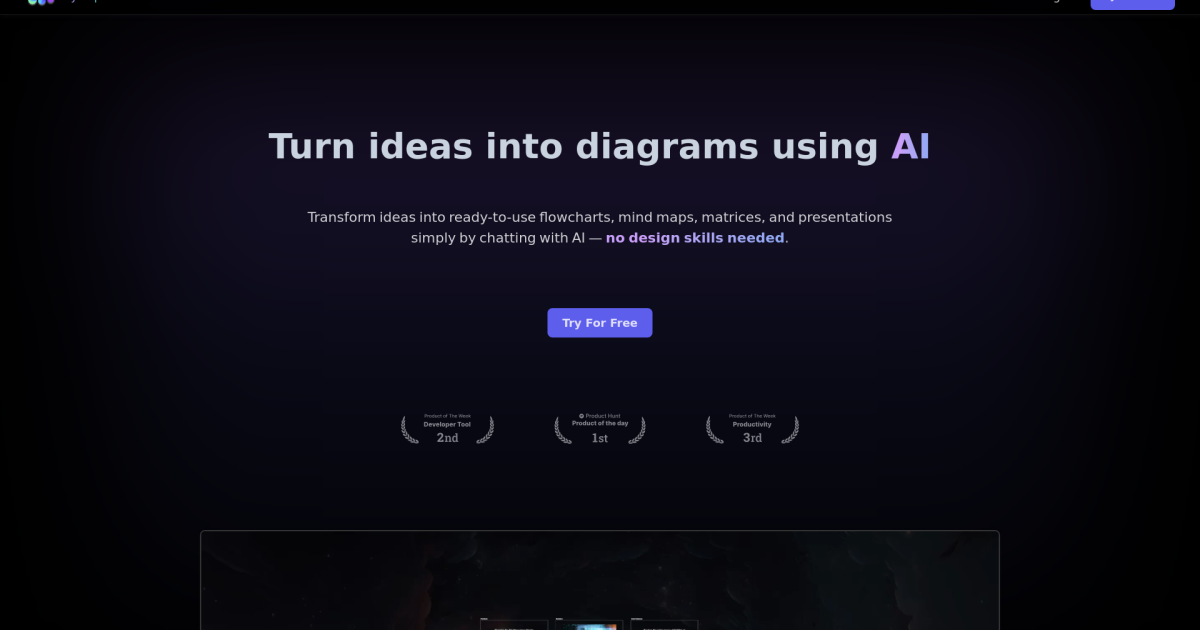
AI-driven tool for instant, intuitive diagram creation.
- Free plan available
- No credit card
What is MyMap AI?
Key features
AI-generated diagram layouts
describe your content and the tool suggests a diagram structure
Multiple diagram types
supports flowcharts, mind maps, organisational charts, and other common formats
Customisation options
modify colours, text, shapes, and connections after generation
Template library
pre-built starting points for common diagram types
Export capabilities
download diagrams in standard formats for use in presentations or documents
Real-time collaboration
work with others on diagrams simultaneously
Pros & cons
Advantages
- Faster than building diagrams manually, especially for complex structures
- Accessible to people without design experience
- Free tier lets you test the basic functionality before committing to paid plan
- Works directly in your browser without software installation
Limitations
- AI-generated layouts may need adjustment to match your exact preferences
- Free tier likely has limitations on diagram size, export options, or storage
- Dependent on how clearly you describe what you need for good results
Use cases
Creating flowcharts for business processes or software workflows
Building organisational charts for team structures
Mapping out project plans and dependencies
Visualising brainstorming sessions and ideas as mind maps
Documenting system architecture or network diagrams
Ready to try MyMap AI?
Pricing
Get started with MyMap AI
Click through to MyMap AI and start using it now.
- Free plan available
- No credit card