
mymind
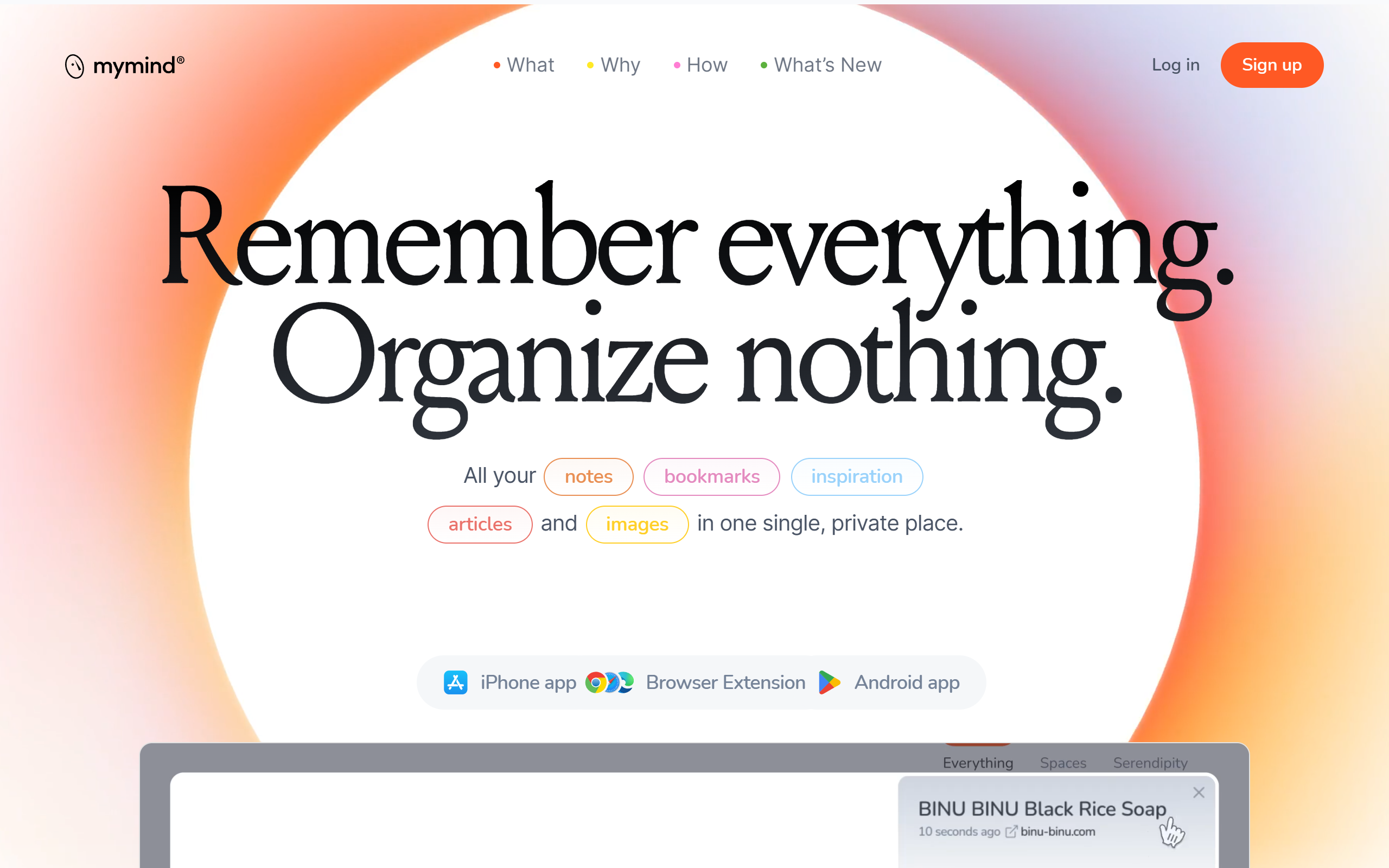
A private digital memory that saves and auto-organises bookmarks, notes, images and articles so you remember everything and organise nothing.
- Paid
- Web, iOS, Android, macOS, Chrome Extension, Edge Extension, Safari Extension
- WritingDesignImage Generation
What is mymind?
Key features
Automatic organisation
Saved items are categorised and tagged automatically, with no folders to create or maintain.
Intelligent bookmarks
URLs are recognised as articles, products, books or recipes and displayed visually with relevant context.
Associative search
Find saved items by colour, keyword, brand or date using visual cues rather than navigating folders.
AI image tagging and text recognition
Images are tagged automatically and text inside them is read so it becomes searchable.
Smart Spaces
Collections that auto-sort saved items based on rules you define.
Reading mode and article backup
Saved articles are stripped of ads and pop-ups and stored so they remain available later.
Serendipity
Forgotten saved items are resurfaced over time so you rediscover past ideas.
Pros & cons
Advantages
- Saving is quick and the tool does the categorising and tagging for you, removing the need to file things manually.
- Strong privacy stance with no ads, no tracking and no social or collaboration features.
- Works across browsers and devices through extensions and apps with cross-device sync.
- Handles many content types in one place, including bookmarks, notes, images, articles and PDFs.
- Visual, associative search makes it easier to find items by colour, brand or keyword.
Limitations
- There is no free plan and no free trial mentioned, so you must pay to use it.
- It is a single-user tool by design, with no collaboration or sharing for teams.
- The most advanced AI features are reserved for the higher-priced Mastermind tier.
- The top Newton plan is listed but not yet available.
Use cases
Researchers and writers collecting articles, quotes and references they want to recall later.
Designers and creatives saving visual inspiration such as images, colours and product shots.
Knowledge workers who want a personal memory store without the upkeep of folders or a notes system.
Privacy-conscious individuals who want to save content without ads, tracking or social pressure.
Shoppers keeping track of products, books and recipes they have found across the web.
People who want forgotten ideas and saved items resurfaced to them over time.
Ready to try mymind?
Pricing
The Bookmarker
4.99 per month
Basic plan with no card limit for saving bookmarks in a simple, visual way. No AI features.
Student of Life
7.99 per month or 79 per year
Unlimited cards, intelligent bookmarks, AI image tagging, image text recognition, smart spaces, serendipity and privacy protection.
Mastermind
12.99 per month or 129 per year
Everything in Student of Life plus advanced AI, reading mode, article backup, video support up to 500mb, Same Vibe, AI summaries, custom iOS icons and PDF analyzer.
Get started with mymind
Click through to mymind and start using it now.