
Napkin
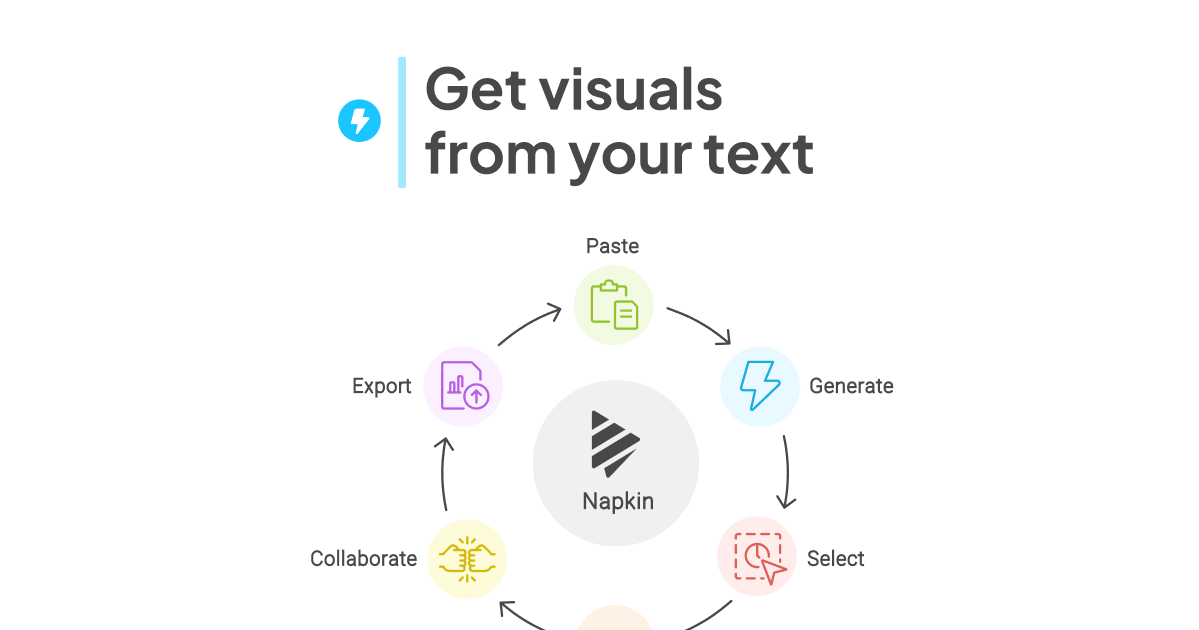
Napkin turns your text into visuals so sharing your ideas is quick and effective.
- Free plan available
- No credit card
What is Napkin?
Key features
Automatic text-to-visual conversion
Transforms written content into relevant diagrams, charts, and infographics without manual design work
Multiple visualization types
Generates various visual formats including flowcharts, timelines, process diagrams, concept maps, and data visualizations
AI-powered content understanding
Uses AI to interpret text meaning and create contextually appropriate visuals
Quick editing and customization
Allows users to modify generated visuals to match their specific needs and branding
Copy-paste functionality
Enables easy import of existing text from any source with instant visualization
Export capabilities
Supports downloading and sharing visuals in multiple formats for presentations, documents, and web use
Pros & cons
Advantages
- Saves significant time compared to manual design or learning design tools
- Requires no design skills or artistic ability to create professional-looking visuals
- Makes complex information more digestible and memorable for audiences
- Freemium model allows users to try the tool before committing financially
- simplify workflow for content creators, marketers, and business professionals
Limitations
- AI-generated visuals may not always perfectly match the intended message and require manual refinement
- Limited customization options compared to dedicated design tools like Figma or Adobe Creative Suite
- May produce generic visualizations for highly specialise or niche content domains
Use cases
Creating presentation slides and business reports with visual explanations of concepts and processes
Developing educational materials and learning content that requires clear visual representation of complex topics
Generating social media graphics and marketing content quickly without hiring designers
Documenting workflows, processes, and standard operating procedures with visual clarity
Explaining technical concepts and architectural diagrams for technical documentation and communication
Ready to try Napkin?
Pricing
Get started with Napkin
Click through to Napkin and start using it now.
- Free plan available
- No credit card