
Napkin
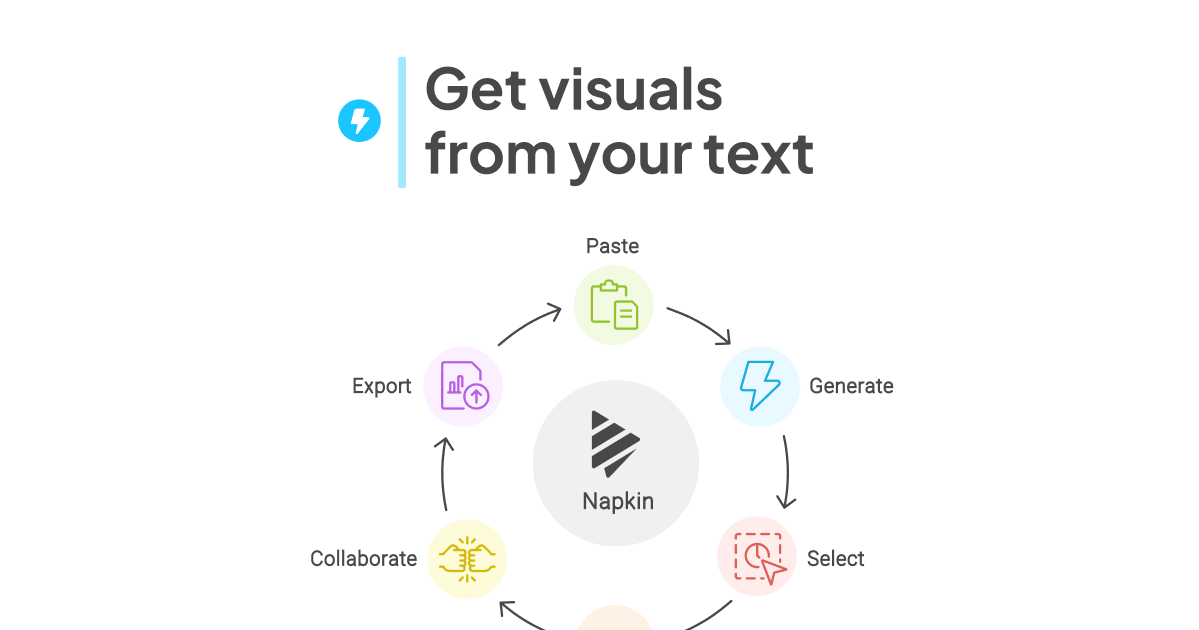
Napkin turns your text into visuals so sharing your ideas is quick and effective.
- Free plan available
- No credit card
What is Napkin?
Key features
Text-to-visual conversion
paste or type content and receive instant diagrams or charts
Multiple visual formats
generates flowcharts, timelines, process maps, organisational charts and other diagram types
Editable outputs
refine generated visuals by adjusting layout, colours and labels
Copy-paste functionality
easily insert visuals into presentations, documents and websites
Free tier access
create visuals without payment to evaluate the tool first
Pros & cons
Advantages
- Saves significant time compared to manual design or learning design tools
- No design experience needed; the tool handles visual structure automatically
- Freemium model lets you test functionality before committing to paid features
- Outputs are clean and professional enough for client-facing work
Limitations
- Limited control over visual style if you need highly customised branding or aesthetics
- May require text restructuring or rewording to generate best diagrams
- Free tier likely has restrictions on output complexity, exports or usage
Use cases
Creating flowcharts and process maps for documentation and training
Building visual roadmaps for product presentations or strategy meetings
Generating organisational charts and team structure diagrams quickly
Illustrating concepts in educational materials or training slides
Producing diagrams for proposals and client reports without design delays
Ready to try Napkin?
Pricing
Paid plans
Pricing not publicly specified
Likely includes higher usage limits, advanced export formats, custom branding or priority support
Get started with Napkin
Click through to Napkin and start using it now.
- Free plan available
- No credit card